
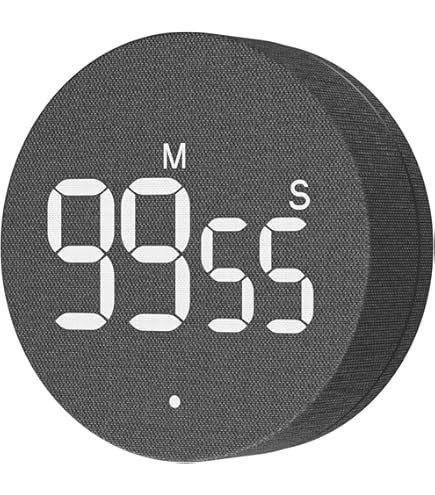
Are you tired of overcooked meals or constantly checking the clock while cooking? Smart kitchen timers can change the way you manage your time in the kitchen, making your cooking experience smoother and more enjoyable.
But are you using them to their full potential? You’ll discover simple yet powerful tips to get the most out of your smart timer. By the end, you’ll save time, reduce stress, and cook like a pro without breaking a sweat.
Ready to unlock these secrets? Let’s dive in!
Choosing The Right Smart Timer
Smart kitchen timers help you cook with ease. Picking the right one saves time and avoids mistakes.
Look for timers that fit your kitchen style and cooking habits. This makes your cooking more fun.
Features To Look For
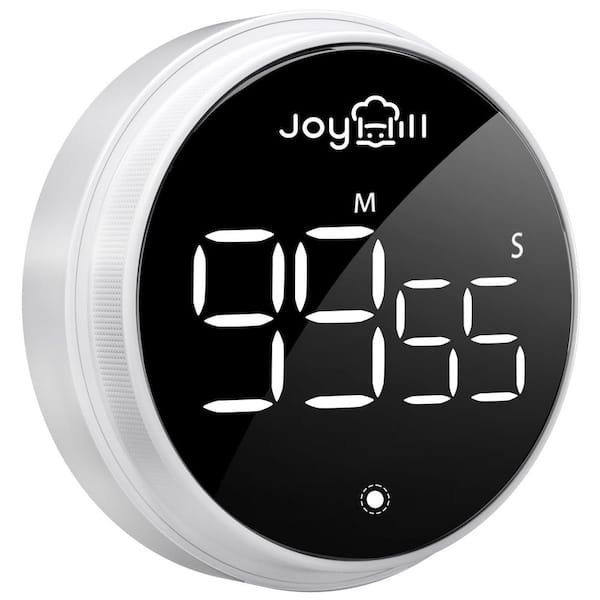
Choose a timer with clear display and easy controls. It should be loud enough to hear in a busy kitchen.
Extra features like multiple timers and countdown memory help track several dishes at once.
- Large, easy-to-read screen
- Simple buttons or touch controls
- Multiple timer settings
- Loud and clear alerts
- Battery life or rechargeable options
Compatibility With Kitchen Appliances
Check if the smart timer works with your devices. Some timers sync with ovens, microwaves, or smartphones.
This helps you control cooking times without extra steps. It also keeps all your cooking on track.
- Connects with smart ovens or microwaves
- Pairs with smartphone apps for alerts
- Works with voice assistants like Alexa or Google
- Syncs with other kitchen gadgets
Setting Up Your Smart Timer
Setting up your smart kitchen timer is easy and fast. It helps you cook with perfect timing every time.
Follow simple steps to connect it to your devices and start using it right away.
Connecting To Wi-fi
Most smart timers need Wi-Fi to work well. Connect your timer to your home Wi-Fi network.
Use the timer’s app or screen to find your Wi-Fi name. Enter your Wi-Fi password carefully to avoid errors.
- Open the timer app on your phone.
- Select your home Wi-Fi network.
- Type the Wi-Fi password.
- Wait for the timer to connect.
- Check the timer for a connection signal.
Integrating With Smart Home Systems
You can link your smart timer with other smart home devices. This makes cooking easier and more fun.
Use apps like Google Home or Amazon Alexa to add your timer. You can control it with your voice or other devices.
- Open your smart home app.
- Find the option to add new devices.
- Select your smart timer from the list.
- Follow on-screen instructions to connect.
- Test your timer with voice commands or app controls.
Maximizing Timer Functionality
Smart kitchen timers help you cook with better timing. Using their features well saves time and avoids mistakes.
Understanding how to use multiple timers and custom alerts can make your cooking more efficient and stress-free.
Utilizing Multiple Timers
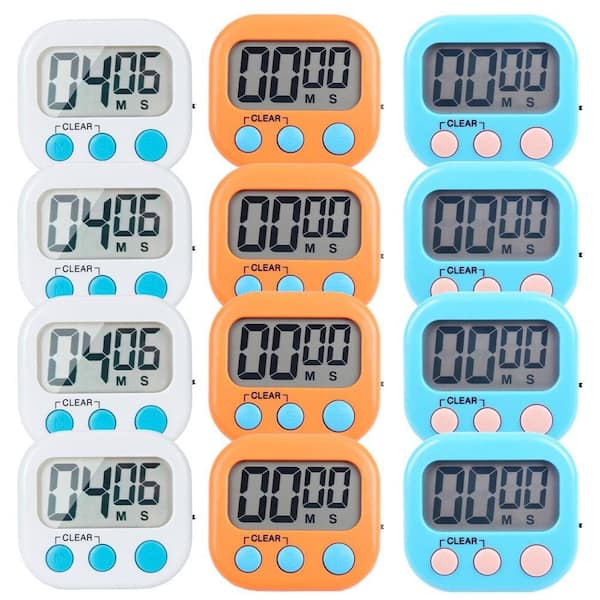
Smart kitchen timers often let you run many timers at once. This helps when cooking different foods with varying times.
Set separate timers for each dish to avoid overcooking or burning. This keeps your meals perfect and ready together.
- Track multiple cooking steps at the same time
- Manage baking, boiling, and simmering timers separately
- Use labels to know which timer is for which dish
- Pause or adjust timers independently as needed
Customizing Alerts And Notifications
Customize your timer sounds and notifications to suit your kitchen environment. This helps you notice alerts easily.
Choose alert tones that stand out from other kitchen noises. Adjust volume and vibration settings for better awareness.
- Pick different sounds for each timer to avoid confusion
- Set vibration alerts if you work in a noisy kitchen
- Use visual notifications if you are away from the timer
- Adjust alert length to fit your needs
Credit: www.homedepot.com
Enhancing Meal Preparation
Smart kitchen timers help you cook meals more efficiently. They keep track of cooking times for different dishes.
Using timers can reduce stress and prevent overcooking. They guide you step by step through your recipes.
Scheduling Meal Prep Steps
Smart timers let you set reminders for each task in your cooking plan. You can focus on one step at a time.
They help you manage prep tasks like chopping, boiling, and baking without forgetting anything.
- Set timers for each cooking stage
- Receive alerts to start and stop tasks
- Plan breaks between steps
- Adjust times based on your pace
Coordinating Multiple Dishes
Smart timers help you cook several dishes at once. They keep all cooking times organized and separate.
You can start dishes that take longer first. Then add others so everything finishes together.
- Set different timers for each dish
- Track cooking and resting times
- Sync timers to end at the same time
- Prevent overcooking by monitoring all dishes
Troubleshooting Common Issues
Smart kitchen timers help keep track of cooking times easily. Sometimes, they may face simple problems that stop them from working well.
This guide shows how to fix common issues with smart kitchen timers. Fixing these problems can save time and avoid frustration.
Resolving Connectivity Problems
Many smart kitchen timers connect through Wi-Fi or Bluetooth. If the timer does not connect, check the signal strength and settings.
Try restarting the timer and your phone or smart device. Also, make sure the timer is close enough to your router or device.
- Check if Wi-Fi or Bluetooth is turned on
- Restart the timer and the device you use to control it
- Move the timer closer to the router or phone
- Reset the timer’s network settings if needed
Addressing Battery And Power Concerns
Smart timers need power to work. If your timer stops or acts slow, low battery might be the cause. Replace or recharge batteries as needed.
Check the power connection if your timer uses a plug. Make sure the cable is not damaged and the outlet works well.
- Replace old batteries with fresh ones
- Charge rechargeable batteries fully before use
- Inspect power cords and plugs for damage
- Use the correct power adapter recommended by the manufacturer

Credit: www.amazon.com
Innovative Uses For Smart Timers
Smart kitchen timers are more than just tools for cooking. They help organize daily tasks and improve focus.
Using these timers in new ways can save time and reduce stress in many areas of life.
Beyond Cooking: Other Applications
Smart timers work well for activities beyond the kitchen. They help manage work, study, and exercise sessions.
Setting timers for breaks can increase productivity and prevent burnout.
- Use timers for focused work periods with short breaks
- Set reminders for kids’ homework or reading time
- Track exercise intervals or stretching routines
- Limit screen time for children and adults
Incorporating Voice Commands
Many smart timers support voice commands. This feature makes using timers hands-free and quick.
You can start, stop, or adjust timers without touching the device. This helps when your hands are busy or dirty.
- Start a timer by saying simple commands like “Start timer for 10 minutes”
- Pause or cancel timers using voice while cooking or cleaning
- Ask for remaining time without looking at the device
- Use voice timers to set multiple timers at once for different tasks
Maintaining Your Smart Timer
Keeping your smart kitchen timer in good shape helps it work well. Regular care extends its life and prevents problems.
Simple steps like updating software and cleaning can keep your timer accurate and reliable.
Regular Software Updates
Smart timers often need software updates to fix bugs and add features. Updating keeps your timer running smoothly.
Check for updates in the timer’s app or settings menu. Install updates as soon as they are available to avoid issues.
- Connect your timer to Wi-Fi before updating
- Do not turn off the timer during updates
- Restart the timer if it acts strangely after update
- Set notifications to get update alerts
Cleaning And Care Tips
Cleaning your smart timer keeps it free from dirt and spills. Use gentle methods to avoid damage.
Do not use water directly on the timer. Use a soft cloth to wipe the surface and buttons carefully.
- Unplug the timer before cleaning
- Use a dry or slightly damp cloth only
- Avoid harsh chemicals or abrasive materials
- Keep the timer away from heat and moisture
Credit: www.homedepot.com
Frequently Asked Questions
What Are The Benefits Of Using Smart Kitchen Timers?
Smart kitchen timers improve cooking accuracy and prevent overcooking. They offer convenience with remote control and customizable settings. These timers help manage multiple dishes simultaneously, saving time and reducing stress in the kitchen.
How Do Smart Kitchen Timers Work With Voice Assistants?
Smart kitchen timers connect via Wi-Fi or Bluetooth to voice assistants like Alexa or Google. You can set, pause, or reset timers using voice commands. This hands-free operation enhances multitasking and keeps your cooking process smooth.
Can Smart Kitchen Timers Handle Multiple Timers At Once?
Yes, most smart kitchen timers support multiple simultaneous timers. This feature helps track different dishes or cooking steps independently. It ensures precision and better meal coordination, especially during complex recipes.
Are Smart Kitchen Timers Compatible With Smartphones?
Smart kitchen timers often connect to smartphones through dedicated apps. These apps allow remote control, notifications, and timer customization. Smartphone compatibility increases flexibility and convenience while cooking.
Conclusion
Smart kitchen timers help you cook with ease and precision. They save time and reduce mistakes in the kitchen. Using them often leads to better meal results. Choose a timer that fits your cooking style. Keep it nearby for quick access while cooking.
Practice using it to get comfortable and confident. Small tools like these make cooking less stressful and more fun. Try these tips and enjoy smoother cooking every day.