

If you own a smart coffee machine, you know how amazing it feels to have fresh coffee at the touch of a button. But did you know that without proper care, your machine’s performance can drop, and it might even stop working sooner than expected?
You don’t want to face that frustration, right? You’ll discover simple, effective tips to keep your smart coffee machine running smoothly. By following these easy steps, you’ll enjoy perfect coffee every day and save money on repairs. Keep reading—your coffee deserves the best!
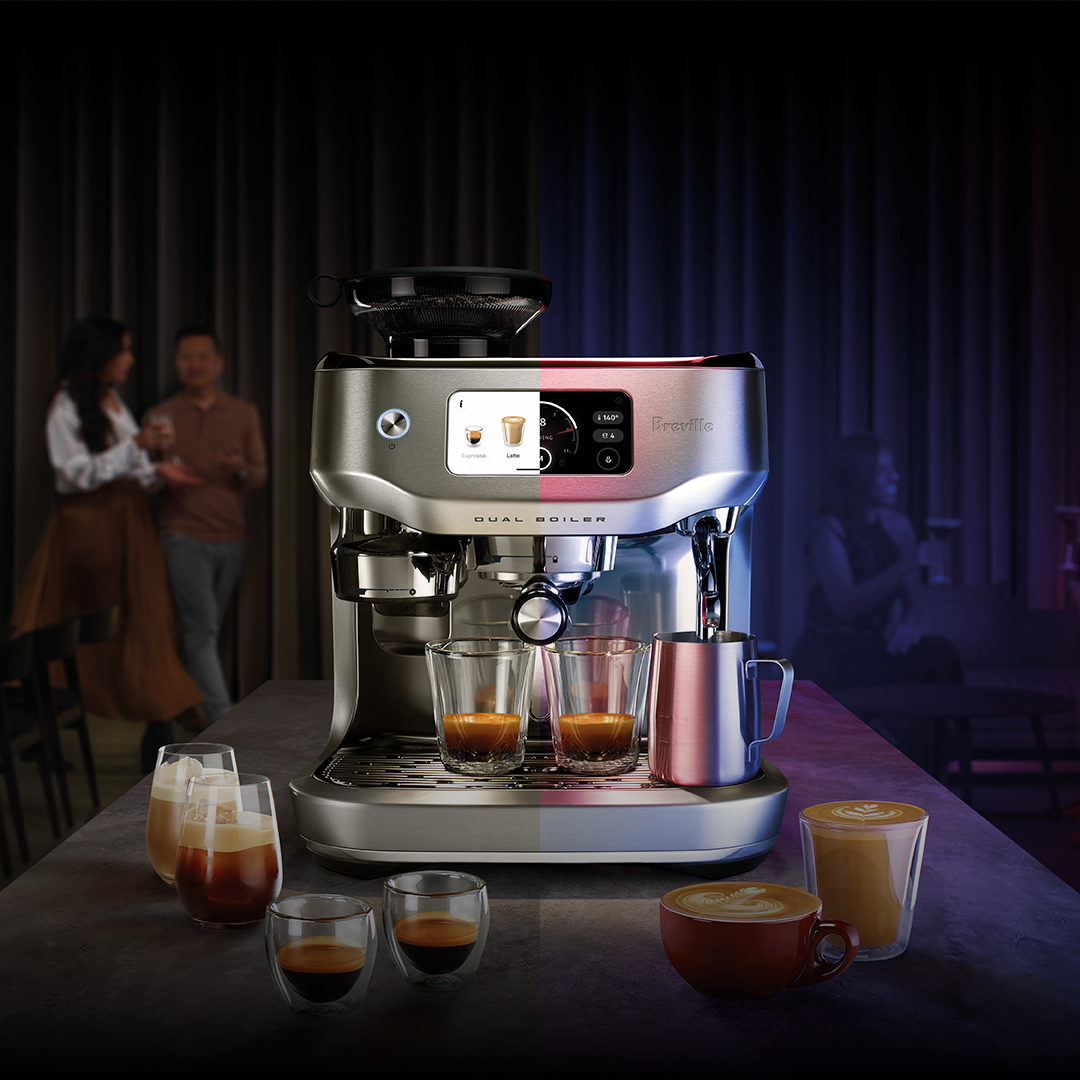
Credit: www.breville.com
Daily Cleaning Habits
Maintaining a smart coffee machine is crucial for tasty coffee. Daily cleaning keeps your machine in top shape.
Simple habits ensure your machine runs smoothly. Here are some tips for daily care.
Wiping The Exterior
The outside of your machine can collect dust and coffee splashes. Wipe it down daily.
Use a damp cloth. Avoid harsh chemicals to protect the finish.
Emptying The Drip Tray
The drip tray catches spills and excess water. Empty it every day to prevent overflow.
Check the tray for any buildup. Rinse it with warm water if needed.
- Remove the tray carefully
- Dump the contents into the sink
- Rinse with warm water
Cleaning The Brew Group
The brew group is the heart of your machine. Clean it daily for the best coffee taste.
Remove the brew group and rinse it under warm water. Dry it thoroughly before reassembling.
| Step | Action |
| 1 | Remove the brew group |
| 2 | Rinse under warm water |
| 3 | Dry completely |

Credit: caffenu.com
Weekly Maintenance Tasks
Smart coffee machines need regular care to work well. Doing weekly tasks keeps the machine clean and lasts longer.
Simple actions like cleaning and descaling help keep the coffee taste fresh. Follow these tips every week.
Descaling Process
Descaling removes mineral buildup inside the machine. This buildup can block water flow and affect coffee taste.
Use a descaling solution made for your machine. Run the descaling cycle as the instructions say. This clears the pipes and heating parts.
- Empty the water tank before starting
- Add descaling solution to the tank
- Run the machine’s descaling program
- Rinse the tank and run fresh water through
Water Tank Care
Clean the water tank every week to stop bacteria and mold. Use fresh water daily for better taste.
Rinse the tank with warm water. Wipe it dry before refilling. Avoid using soap unless the manual says it is safe.
- Remove the tank from the machine
- Rinse with warm water only
- Dry the tank with a clean cloth
- Refill with fresh water before use
Cleaning Coffee Grounds Container
The coffee grounds container collects used coffee. Clean it weekly to avoid smell and mold growth.
Empty the container and wash it with warm water. Dry it completely before placing it back in the machine.
- Remove the coffee grounds container
- Discard used coffee grounds
- Wash container with warm water
- Dry fully to prevent mold
- Put container back into the machine
Using Quality Ingredients
Smart coffee machines work best with high-quality ingredients. Using the right coffee and water keeps your machine clean and your coffee tasty.
Good ingredients also help your machine last longer. Avoid cheap or low-grade products to protect your coffee maker.
Choosing Fresh Coffee Beans
Fresh coffee beans give your coffee the best flavor. Old beans lose taste and can make your coffee bitter.
Buy beans from a trusted source. Look for beans roasted recently and store them in an airtight container.
- Check the roast date on the package
- Buy only the amount you can use in two weeks
- Keep beans away from air, light, and heat
Using Filtered Water
Filtered water improves the taste of your coffee. It also protects the machine from mineral buildup.
Tap water can have chlorine and minerals that harm your coffee machine and change the flavor. Use filtered or bottled water instead.
- Use a water filter pitcher or system
- Change the filter regularly
- Use fresh water each time you brew

Credit: www.techradar.com
Preventing Common Issues
Smart coffee machines need care to work well for a long time. Regular maintenance stops problems before they start.
Taking small steps can keep your coffee machine running smoothly every day.
Avoiding Blockages
Blockages happen when coffee grounds or minerals build up inside the machine. These blockages can stop water flow and affect taste.
Clean your machine parts regularly and use filtered water to reduce blockages.
- Rinse the brew group after each use
- Run a cleaning cycle weekly
- Use descaling solution monthly
- Empty and clean drip trays often
Checking For Leaks
Leaks can damage your machine and kitchen counters. Check hoses and seals to find leaks early.
Fix small leaks quickly to avoid bigger problems and costly repairs.
- Inspect water tank connections
- Look under the machine for wet spots
- Check seals and replace if worn
- Use the machine on a dry surface
Regular Software Updates
Smart coffee machines have software that controls their functions. Updates fix bugs and add new features.
Keep your machine’s software current to improve performance and security.
- Check for updates on the machine display
- Connect to Wi-Fi for automatic updates
- Follow update instructions carefully
- Restart the machine after updates
Storage And Handling Tips
Smart coffee machines need care to work well for a long time. Proper storage and handling keep the machine safe.
Storing and moving the machine the right way prevents damage and ensures good coffee every day.
Proper Placement
Place your smart coffee machine on a flat, stable surface. This stops it from tipping over or falling.
Avoid placing it near heat sources or in direct sunlight. This can damage the machine’s parts.
- Keep away from stoves and ovens
- Do not place in direct sunlight
- Use a dry area with good air flow
- Leave space around the machine for ventilation
Safe Transporting
When moving the coffee machine, turn it off and unplug it first. This prevents electric shock and damage.
Use the original packaging or a padded box. This protects the machine from bumps and drops.
- Empty all water and coffee containers
- Wrap the machine in bubble wrap or soft cloth
- Handle with both hands to keep balance
- Do not tilt the machine excessively
Troubleshooting Basics
Smart coffee machines are easy to use but can have small problems. Knowing basic troubleshooting helps you fix issues quickly.
Most problems come from simple causes. You can solve many issues without calling for help.
Resetting The Machine
Resetting the coffee machine can fix many errors. It clears temporary problems and restarts the system.
To reset, turn off the machine and unplug it. Wait at least 30 seconds before plugging it back in and turning it on.
- Turn off the machine using the power button
- Unplug the machine from the power outlet
- Wait 30 seconds to 1 minute
- Plug the machine back in
- Turn the machine on and check if it works
When To Call Support
Call customer support if the problem continues after resetting. Some issues need expert help or repair.
Contact support if you see error codes or if the machine does not start at all. Also call if water leaks or strange noises happen.
- The machine shows an error code that you cannot clear
- The machine will not turn on after reset
- Water leaks from the machine
- The machine makes unusual sounds
- Buttons or screen do not respond
Frequently Asked Questions
How Often Should I Clean My Smart Coffee Machine?
You should clean your smart coffee machine weekly. Regular cleaning prevents buildup and ensures optimal coffee taste. Follow the manufacturer’s instructions for best results.
What Is The Best Water Type For Smart Coffee Machines?
Use filtered or bottled water in smart coffee machines. It reduces mineral buildup and extends machine lifespan. Avoid hard or tap water with high mineral content.
How Do I Descale A Smart Coffee Machine?
Descale your machine every 1-3 months using a descaling solution. Follow the machine’s manual for the exact process. This removes mineral deposits and maintains performance.
Can I Use Any Coffee Beans In Smart Machines?
Yes, but choose medium roast beans for best flavor. Avoid oily or flavored beans as they can clog the grinder and affect machine function.
Conclusion
Regular cleaning keeps your smart coffee machine working well. Use fresh water and clean parts often. Avoid letting coffee grounds build up inside. This helps your machine last longer and brew better coffee. Small daily steps save big repair costs later.
Enjoy fresh coffee every day with simple care. Your smart machine deserves attention and gentle handling. Keep these tips in mind to enjoy tasty coffee easily. Maintenance is easy and worth the effort. Simple habits make a big difference over time.