
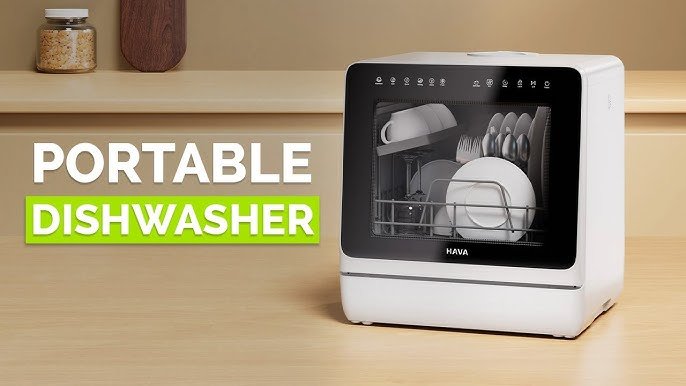
Imagine coming home after a long day and having your dishwasher start working with just a tap on your phone. Sounds convenient, right?
Setting up a smart dishwasher can make your life easier, save you time, and even reduce water and energy use. But if you’re not sure where to start, don’t worry. This guide will walk you through each step clearly and simply.
By the end, you’ll know exactly how to get your smart dishwasher up and running, so you can enjoy a cleaner kitchen with less effort. Ready to make your dishwashing smarter? Let’s dive in.
Choosing The Right Smart Dishwasher
Smart dishwashers make cleaning dishes easier and more efficient. Picking the right one can save time and energy.
Look for features that fit your needs and work well with your home setup. This guide helps you choose wisely.
Features To Consider
Smart dishwashers come with many features. Some make cleaning faster, while others offer convenience and control.
Check for easy controls, multiple wash cycles, and noise levels. Also, look for delay start and child lock options.
- Multiple wash programs for different dishes
- Quiet operation for less noise
- Remote control via smartphone app
- Delay start to run at preferred times
- Child lock for safety
Energy Efficiency
Choose a dishwasher that uses less water and electricity. It helps reduce your bills and protects the environment.
Look for Energy Star ratings and eco-friendly modes. These dishwashers save energy without losing cleaning power.
- Energy Star certified models use less power
- Eco modes lower water and energy use
- Automatic sensors adjust water and heat
- Efficient motors reduce electricity use
Compatibility With Smart Home Systems
Check if the dishwasher works with your smart home devices. This lets you control it easily with voice or apps.
Popular systems include Amazon Alexa, Google Assistant, and Apple HomeKit. Compatibility adds convenience to your kitchen.
- Amazon Alexa for voice control
- Google Assistant for app commands
- Apple HomeKit for Apple device users
- Wi-Fi connection for remote access

Credit: www.jcperreault.com
Preparing For Installation
Setting up a smart dishwasher needs some planning before you start. Good preparation helps the installation go smoothly.
Check your kitchen space and tools before fitting the dishwasher. This saves time and avoids mistakes.
Gathering Necessary Tools
Get all the tools you need before installation. This keeps the work steady and easy.
Common tools include a wrench, screwdriver, and pliers. Also, have a tape measure and a bucket ready.
- Adjustable wrench
- Phillips and flathead screwdrivers
- Pliers
- Tape measure
- Bucket or small container
- Level
- Flashlight
Measuring Space And Water Connections
Measure the space where the dishwasher will go. Check width, height, and depth to fit the appliance well.
Look at your water supply and drainage. Make sure the pipes match the dishwasher’s needs and are easy to reach.
- Measure width, height, and depth of the space
- Check water supply line size and location
- Locate the drainage pipe position
- Confirm electrical outlet placement
- Ensure enough clearance for door opening
Connecting Water Supply
Connecting the water supply is an important part of setting up a smart dishwasher. It ensures the dishwasher gets the right amount of water to clean dishes well.
Follow simple steps to connect water safely and avoid leaks or damage.
Shutting Off Water
Before you connect the dishwasher, turn off the water supply. This stops water from flowing and avoids spills.
Find the main water valve under the sink or near the water meter. Turn it clockwise until it stops.
- Locate the water shut-off valve
- Turn the valve clockwise fully
- Check if water flow stops
- Open the faucet to release any pressure
Attaching Hoses Securely
Attach the dishwasher water hose to the water supply carefully. A tight connection prevents leaks and water damage.
Use a wrench to tighten hose fittings, but do not overtighten. Check that rubber washers are in place inside the hose ends.
- Place rubber washers inside hose ends
- Connect hose to water valve and dishwasher inlet
- Tighten fittings with a wrench gently
- Turn water back on and check for leaks
Electrical Setup
Setting up a smart dishwasher requires careful electrical installation. This step ensures your appliance works safely and efficiently.
Knowing how to handle the power source and wiring protects your home and device from damage.
Locating Power Source
Find the nearest power outlet for your smart dishwasher. Most dishwashers need a dedicated electrical circuit.
Check your kitchen walls or under the sink for a suitable outlet. It should match the dishwasher’s plug type and voltage needs.
- Look for a grounded outlet with the right voltage
- Use a dedicated circuit to avoid overloads
- Ensure the outlet is close to the dishwasher location
Wiring Safety Tips
Follow safety rules when wiring your smart dishwasher. This protects you and your home from electrical hazards.
Turn off the power at the breaker before starting any wiring work. Use proper tools and check all connections.
- Use wire connectors made for dishwasher wiring
- Secure all wires inside the junction box
- Check that wires are not frayed or damaged
- Keep wiring away from water sources
- Consult a professional electrician if unsure
Configuring Smart Features
Smart dishwashers have many features that make washing easier. You can control them using your phone or voice commands.
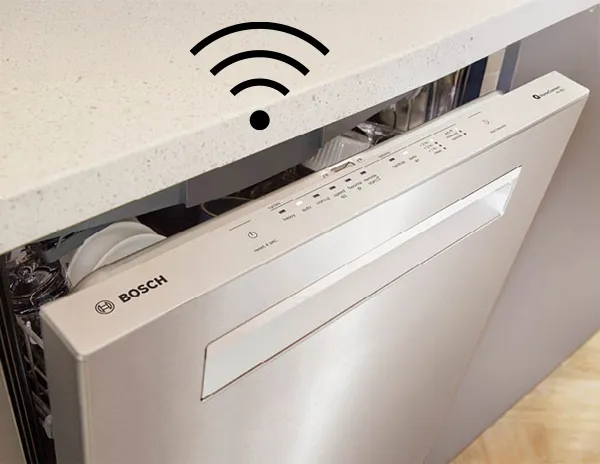
To use these features, you need to connect the dishwasher to your home Wi-Fi and set up the mobile app.
Connecting To Wi-fi
First, find the Wi-Fi settings on your dishwasher control panel. This is usually in the settings or network menu.
Select your home Wi-Fi network and enter the password. Make sure your Wi-Fi signal is strong near the dishwasher.
- Turn on the dishwasher and open settings.
- Choose Wi-Fi or Network option.
- Select your home Wi-Fi name.
- Enter the Wi-Fi password carefully.
- Wait for a confirmation message.
Setting Up The Mobile App
Download the dishwasher’s mobile app from the app store on your phone. The app lets you start or stop cycles remotely.
Create an account or log in if you already have one. Follow the app instructions to connect it to your dishwasher.
- Open the app and sign up or log in.
- Add a new device by selecting your dishwasher model.
- Follow on-screen steps to pair the device.
- Test the connection by starting a cycle from the app.
- Use app features like cycle alerts and maintenance tips.
Credit: www.bosch-home.com
Testing The Installation
After installing your smart dishwasher, it is important to test it. Testing ensures the machine works well and is safe to use.
Check the dishwasher for any problems before regular use. This helps avoid damage and saves time later.
Running A Trial Cycle
Start by running a trial wash without any dishes inside. This helps check the dishwasher’s functions and settings.
Choose a normal cycle and watch the dishwasher through the entire process. Listen for unusual sounds or error messages.
- Make sure water fills the machine correctly
- Check if the detergent dispenser opens on time
- Observe if the spray arms move freely
- Confirm the drying function works as expected
Checking For Leaks
Look under and around the dishwasher for any water leaks. Leaks can cause damage to your floors and cabinets.
Check the water supply hose and drain hose connections. Tighten any loose fittings gently to stop leaks.
- Inspect the door seal for cracks or gaps
- Watch for water pooling after the trial cycle
- Make sure the dishwasher sits level to avoid spills
- Fix leaks immediately to prevent long-term damage
Maintenance Tips
Smart dishwashers need care to work well for a long time. Keeping them clean and updated helps avoid problems.
Regular maintenance keeps your dishwasher efficient and saves money on repairs.
Regular Cleaning
Clean your dishwasher often to stop dirt and food from building up. This keeps the machine running smoothly.
Check and clean the filters, spray arms, and door seals regularly. Wipe the inside with a soft cloth.
- Remove and rinse filters under running water
- Clear holes in spray arms with a toothpick
- Wipe door seals to remove grime
- Run an empty cycle with dishwasher cleaner monthly
Software Updates
Smart dishwashers use software to work. Keep the software updated to fix bugs and add new features.
Check the dishwasher app or settings to see if updates are available. Install updates when you find them.
- Connect dishwasher to Wi-Fi for automatic updates
- Check app notifications for update alerts
- Follow instructions carefully to install updates
- Restart dishwasher after updates to apply changes

Credit: www.maytag.ca
Frequently Asked Questions
How Do I Connect My Smart Dishwasher To Wi-fi?
To connect, turn on your dishwasher’s Wi-Fi mode. Open the companion app on your phone. Follow the app’s instructions to select your network and enter the password. Ensure your router signal is strong near the dishwasher for a stable connection.
What Are The Basic Steps To Install A Smart Dishwasher?
Start by turning off the water and power supply. Connect the water inlet and drain hoses securely. Position the dishwasher and level it. Plug in the power cord. Finally, connect to the Wi-Fi through the app for smart controls.
Can I Control My Dishwasher Remotely Via Smartphone?
Yes, most smart dishwashers allow remote control through their app. You can start, stop, and monitor cycles from anywhere. Notifications and maintenance alerts are also available. This feature adds convenience and helps save energy by running cycles at optimal times.
What Maintenance Is Needed For Smart Dishwashers?
Regularly clean the filter and spray arms to prevent clogs. Check for firmware updates in the app to ensure smooth operation. Inspect hoses for leaks and clean the interior with dishwasher cleaner monthly. Proper maintenance extends the dishwasher’s lifespan and efficiency.
Conclusion
Setting up a smart dishwasher can save time and effort. Follow the steps carefully for smooth installation. Connect to Wi-Fi and use the app to control it. Regular maintenance keeps your dishwasher working well. Enjoy clean dishes without extra work every day.
Smart dishwashers make kitchen chores easier and faster. Start using your smart dishwasher with confidence today.