
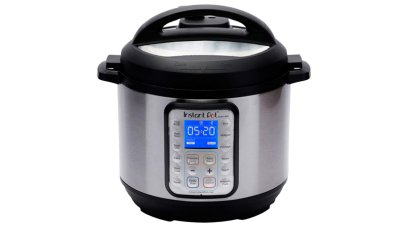
Imagine being able to check on your dinner without leaving your couch. With smart slow cookers and their apps, you can do just that.
You don’t have to guess if your meal is ready or worry about overcooking. This guide will show you how to monitor your smart slow cooker right from your phone. You’ll learn simple steps to stay in control and make cooking easier.
Ready to take the stress out of slow cooking? Keep reading to find out how.
Benefits Of Smart Slow Cookers
Smart slow cookers connect to your phone using an app. This lets you control cooking from anywhere.
These cookers make meal prep easier and save you time in the kitchen.
Remote Control And Monitoring
You can start, stop, or adjust cooking settings using an app on your phone. This means no need to stay near the cooker.
The app shows real-time cooking status, so you know when your food is ready or needs more time.
Custom Cooking Programs
Smart slow cookers allow you to save your favorite recipes in the app. You can easily select these saved programs anytime.
The app also offers preset cooking modes for different meals like soups, stews, or desserts.
Time And Temperature Alerts
The app sends notifications when your meal reaches the right temperature or cooking time ends. This helps you avoid overcooking.
Alerts keep you informed without needing to check the cooker often.
Energy Efficiency
Smart slow cookers use app monitoring to keep cooking energy low. The app adjusts settings to save power.
Using the app helps reduce wasted energy by cooking only as long as needed.
Easy Meal Planning
Apps for smart slow cookers often include meal planning tools. These tools help organize your cooking schedule.
You can plan meals ahead and control cooking times to fit your daily routine.
Key Features Of Smart Slow Cookers
Smart slow cookers offer more control over your cooking. They connect to apps on your phone for easy use.
These devices help you cook meals safely and on time. You can check and change settings from anywhere.
Wi-fi Connectivity
Smart slow cookers use Wi-Fi to link with your phone or tablet. This connection lets you control the cooker remotely.
You can start, stop, or adjust cooking times without being in the kitchen. The cooker sends alerts when your food is ready.
- Connects to home Wi-Fi network
- Allows remote control from apps
- Sends cooking status notifications
- Ensures safe cooking with alerts
App Compatibility
Smart slow cookers work with apps on iOS and Android devices. These apps give you access to cooking controls and recipes.
The apps often include timers, temperature controls, and preset cooking modes. You can save your favorite settings for future use.
- Available on iPhone and Android
- Offers preset cooking programs
- Includes timers and alerts
- Lets you save custom recipes
Customizable Cooking Settings
These slow cookers allow you to change temperature and time settings. You can cook food exactly how you like it.
Some models offer multiple heat levels and cooking modes. This flexibility helps prepare different types of meals.
- Adjust cooking temperature easily
- Set cooking time remotely
- Use preset or manual modes
- Cook various meals perfectly
Popular Apps For Monitoring Slow Cookers
Smart slow cookers connect to apps that help you control cooking remotely. These apps let you set time, temperature, and get alerts.
Many brands offer apps with useful features to make slow cooking easier and more flexible.
App Overview
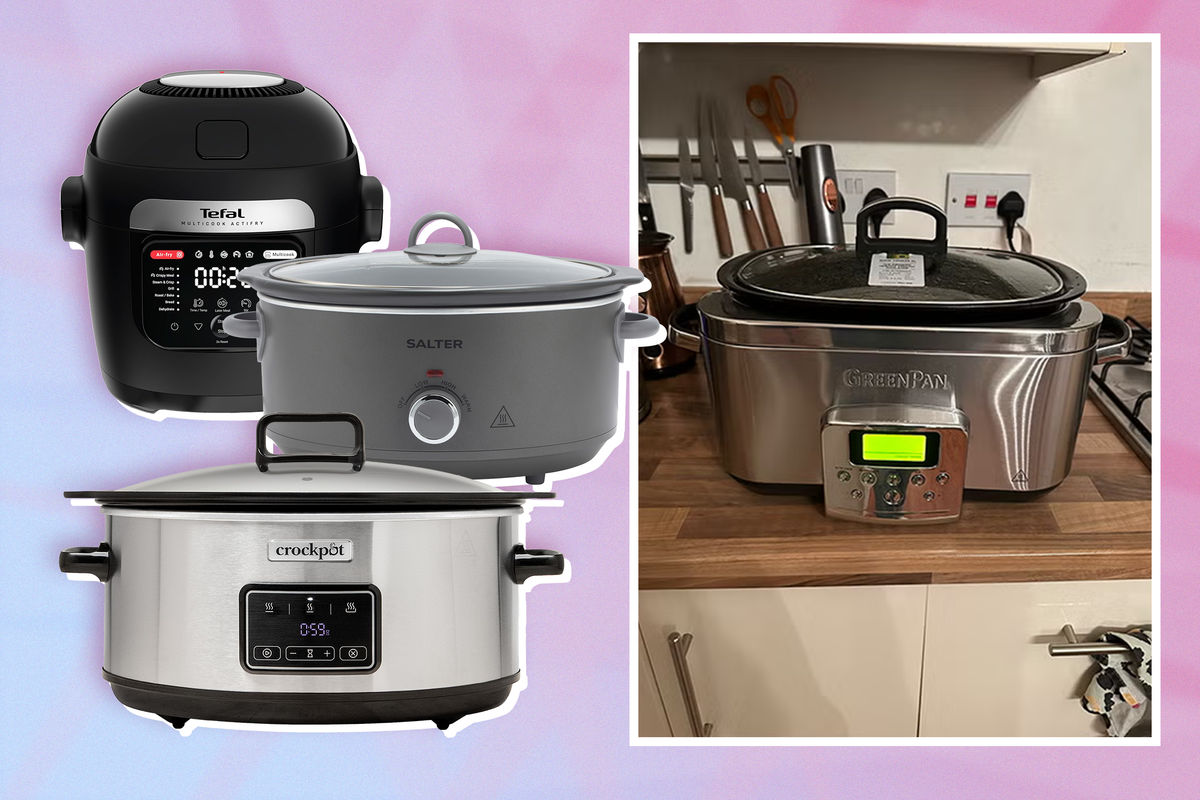
Popular apps for slow cookers include specific brand apps and some third-party options. They offer different controls and settings.
- Brand apps like Crock-Pot and Instant Pot offer direct control of their smart cookers.
- Third-party apps can monitor multiple devices but may have limited control features.
- Most apps show cooking progress and allow schedule changes remotely.
Compatibility With Devices
Apps work with smartphones and tablets on iOS and Android systems. Some also support voice assistants.
- Crock-Pot app works on iOS and Android phones and tablets.
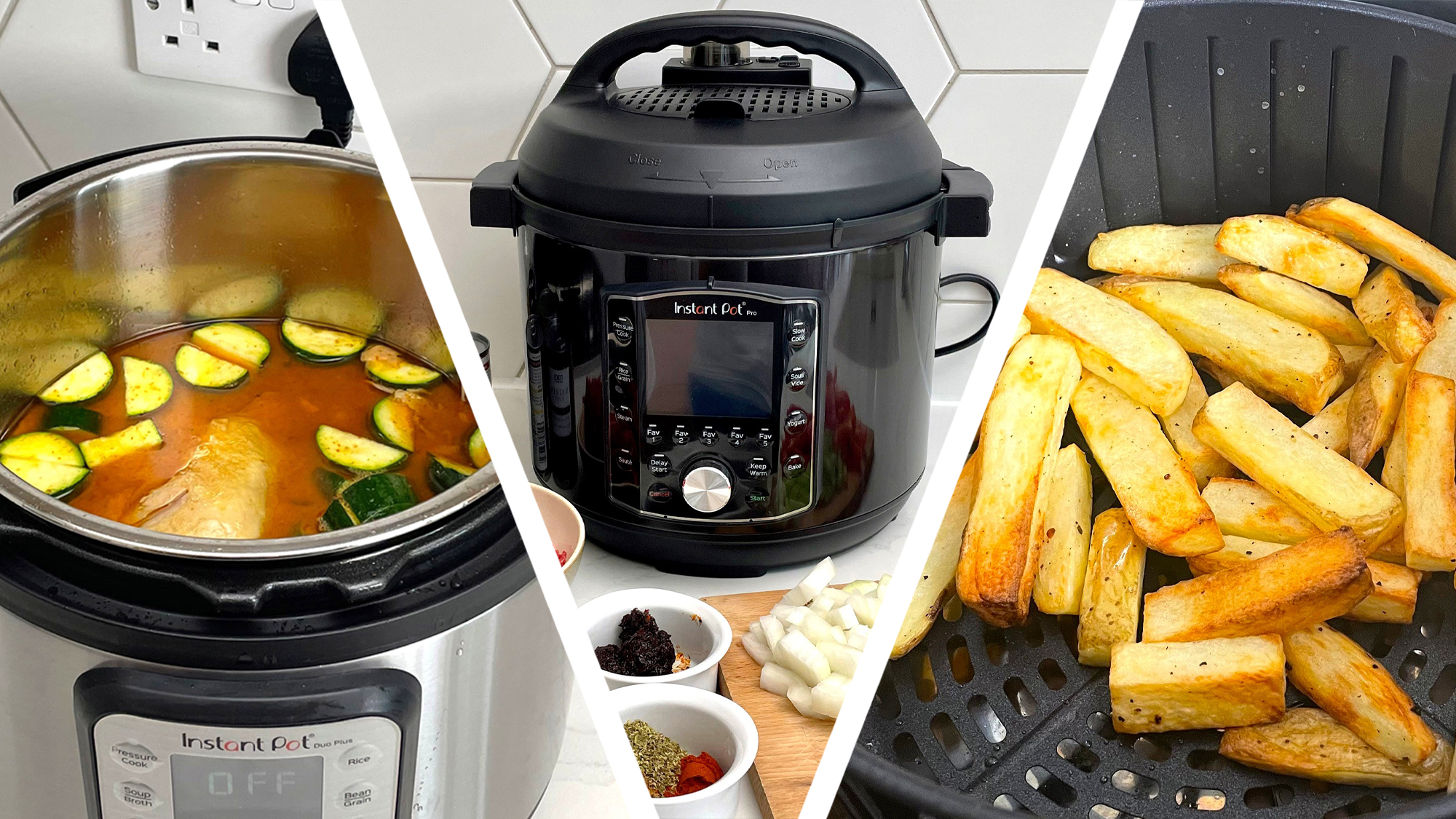
- Instant Pot app supports iOS and Android devices.
- Many apps connect through Wi-Fi or Bluetooth to the slow cooker.
- Some apps also link to smart home devices like Amazon Alexa or Google Assistant.
User Reviews And Ratings
Users often praise apps for easy control and convenience. Some mention bugs or connection issues.
Ratings vary but most popular apps have scores around 4 out of 5 stars.
- Positive feedback highlights remote cooking and notifications.
- Negative reviews mention occasional app crashes or slow response.
- Regular updates improve app stability and add features.
Credit: www.independent.co.uk
Setting Up Your Smart Slow Cooker App
Smart slow cookers let you control cooking from your phone. Setting up the app is easy and quick.
This guide helps you download, connect, and configure your smart slow cooker app.
Downloading And Installing The App
Find the app that matches your slow cooker brand. Use the Apple App Store or Google Play Store.
Download and install the app on your phone or tablet before connecting to your device.
- Search for the app by name in your app store
- Check the app’s reviews and ratings
- Tap “Install” or “Get” to download the app
- Open the app after installation completes
Connecting To Your Device
Turn on your slow cooker and enable its Bluetooth or Wi-Fi feature. This makes it ready to connect.
Open the app and follow the instructions to find your slow cooker on the list of available devices.
- Make sure your phone’s Bluetooth or Wi-Fi is on
- Select your slow cooker from the device list in the app
- Confirm the connection by following app prompts
- Wait for the app to confirm the device is connected
Initial Configuration
Set your cooking preferences like temperature and time inside the app. This helps your slow cooker work right.
Complete any profile setup or permissions the app asks for to use all features.
- Choose your preferred cooking modes
- Set timers or alerts for cooking progress
- Allow app notifications for updates
- Save your settings to the device
Using The App For Remote Monitoring
Smart slow cookers connect to your phone through an app. This lets you watch your cooking from anywhere. You do not need to stay in the kitchen to check on your meal.
The app gives you control over your slow cooker. You can see what is happening and make changes if needed. This helps you cook better meals with less stress.
Real-time Status Updates
The app shows you the current status of your slow cooker. You can see the temperature and how much time is left. This helps you know if your food is cooking properly.
Real-time updates keep you informed without opening the lid. You can check your meal anytime from your phone. This saves energy and keeps heat inside the cooker.
Adjusting Cooking Settings Remotely
The app lets you change cooking settings from far away. You can raise or lower the heat. You can also add more cooking time if needed.
This feature helps if your plans change. You can fix cooking without going to the kitchen. It gives you more freedom and control over your meal.
- Change temperature levels
- Set or extend cooking time
- Switch between cooking modes
Receiving Alerts And Notifications
The app sends alerts when cooking is done or if something goes wrong. You get notifications on your phone. This helps you act fast and avoid overcooked food.
Alerts keep you informed even if you are busy. You do not need to check the slow cooker often. The app tells you when you need to check or change settings.
Credit: www.techradar.com
Troubleshooting Common Issues
Smart slow cookers use apps to give you control and updates. Sometimes, problems may stop these features from working well.
Knowing how to fix common issues can help you keep cooking without delays or errors.
Connectivity Problems
Smart slow cookers need a stable Wi-Fi or Bluetooth connection to work with apps. If the connection is weak or lost, the app might not control the cooker.
Check if your slow cooker is near your router or phone. Walls or distance can block signals. Restart your router and the cooker to refresh connections.
- Move slow cooker closer to Wi-Fi router
- Restart your Wi-Fi router and smart cooker
- Turn Bluetooth off and on again on your phone
- Ensure no other devices block the signal
App Glitches And Updates
The slow cooker app may freeze or act strange due to bugs or outdated software. Keeping the app updated helps avoid many issues.
If the app crashes, try closing it fully and reopening. Reinstall the app if problems continue. Check your phone’s operating system is current too.
- Update the app from your phone’s app store
- Close and reopen the app to refresh it
- Reinstall the app if it keeps crashing
- Check your phone’s system updates
Device Compatibility Issues
Some slow cooker apps work only with specific phones or operating systems. If your device is not supported, the app may not work well.
Check the app’s requirements before installing. Use a compatible phone or tablet for the best experience. Older devices may need updates or may not be supported.
- Read app requirements before download
- Use devices that meet or exceed requirements
- Update your phone’s operating system
- Consider using another compatible device if needed
Tips For Efficient Use
Smart slow cookers let you control cooking from your phone. They save time and help cook meals better.
Using the app well can improve your cooking and keep food safe. Follow these tips to get the most from your device.
Optimizing Cooking Times
Set the cooking time based on your recipe and meal size. Use the app to adjust times easily while cooking.
Check the app’s timer alerts to avoid overcooking. Cooking longer than needed can change the food’s texture.
- Start with recommended times for each recipe
- Adjust based on your slow cooker model and ingredients
- Use app notifications to track cooking progress
- Avoid opening the lid often to keep heat steady
Ensuring Food Safety
Use the app to monitor cooking temperature and time. It helps make sure food reaches safe temperatures.
Keep raw and cooked foods separate. Clean your slow cooker parts after each use to stop bacteria.
- Check the app for alerts on cooking temperature
- Do not leave food at unsafe temperatures for long
- Wash slow cooker inserts and lids thoroughly after use
- Store leftovers quickly in the fridge
Maintaining Your Device
Keep your slow cooker clean and check the app for firmware updates. Updates improve device performance.
Regularly inspect the power cord and cooker for damage. Proper care extends the device’s life and safety.
- Clean slow cooker parts after every use
- Check app for software updates and install them
- Store the device in a dry place
- Inspect cords and plugs for wear or damage
Credit: www.wired.com
Future Trends In Smart Cooking Technology
Smart slow cookers connect to apps to make cooking easier. These devices let you control cooking from your phone.
New technology will improve how these cookers work with apps. This will change how people cook at home.
Improved App Integration
Smart cookers will link better with apps. This means smoother control and easier settings adjustment.
Apps will offer more features like recipe suggestions and cooking tips based on your preferences.
Voice Control And Ai Assistance
Voice commands will let you operate slow cookers without touching your phone. AI will help monitor cooking progress.
AI can learn your habits to suggest cooking times and temperatures for better results.
Remote Monitoring And Alerts
Apps will send alerts if your food is ready or needs attention. You can check cooking status from anywhere.
This helps avoid overcooking and saves time by letting you manage cooking while away.
Smart Sensors For Better Cooking
New sensors will track temperature, humidity, and food texture inside the cooker. Apps will show this data live.
These sensors help cook food evenly and adjust settings automatically for best taste.
Energy Efficiency And Eco-friendly Features
Future slow cookers will use less power by optimizing cooking times. Apps will provide tips to save energy.
Eco-friendly designs will become more common, reducing waste and helping the environment.
Frequently Asked Questions
How Do Smart Slow Cooker Apps Work?
Smart slow cooker apps connect via Wi-Fi or Bluetooth to your cooker. They allow remote control, monitoring, and adjusting cooking settings instantly from your phone.
Can I Monitor Cooking Progress With These Apps?
Yes, these apps provide real-time updates on temperature and cooking time. You can track progress and receive alerts when your food is ready.
Are Smart Slow Cooker Apps Compatible With All Brands?
Most apps are brand-specific but some support multiple models. Always check app compatibility with your slow cooker before purchasing for seamless integration.
Is It Safe To Control Slow Cookers Remotely?
Yes, these apps use encrypted connections for secure remote control. Ensure your home Wi-Fi network is secure to prevent unauthorized access.
Conclusion
Smart slow cookers with apps make cooking easier and more fun. You can check your food anytime from your phone. This helps to avoid overcooking or burning meals. Many apps send alerts when food is ready. You control the temperature and time without being in the kitchen.
Using these tools saves time and reduces stress. Try using smart slow cookers to enjoy tasty meals with less effort. Cooking becomes simple and convenient for everyone. Give it a try and see the difference yourself.