

Your smart oven is more than just a kitchen gadget—it’s a powerful tool that makes cooking faster and easier. But to keep it working perfectly, you need to take care of it regularly.
If you want your smart oven to last longer and perform at its best, this guide is made for you. You’ll discover simple, effective tips that anyone can follow, saving you time, money, and frustration. Ready to unlock the full potential of your smart oven?
Let’s dive in and learn how to maintain it like a pro.
Cleaning Smart Ovens
Smart ovens need regular cleaning to work well. Keeping them clean helps maintain their efficiency.
It’s important to clean your smart oven properly to avoid damaging sensitive parts.
Daily Wipe Down
Wipe the oven daily to keep it clean. This prevents buildup of food and grease.
- Use a damp cloth or sponge
- Focus on the door and control panel
- Avoid harsh scrubbing to protect surfaces
Deep Cleaning Techniques
Deep cleaning is essential for thorough maintenance. It should be done every few months.
Remove oven racks and clean them separately. Use a non-abrasive cleaner for the interior.
| Step | Action |
| 1 | Remove racks and soak them |
| 2 | Apply cleaner to oven interior |
| 3 | Wipe down with a soft cloth |
Safe Cleaning Products
Choose cleaning products that are safe for your smart oven. This ensures no damage to electronic parts.
Look for products labeled as safe for smart appliances. Avoid using bleach or ammonia-based cleaners.
- Use vinegar and baking soda for natural cleaning
- Check manufacturer recommendations
- Opt for non-abrasive solutions
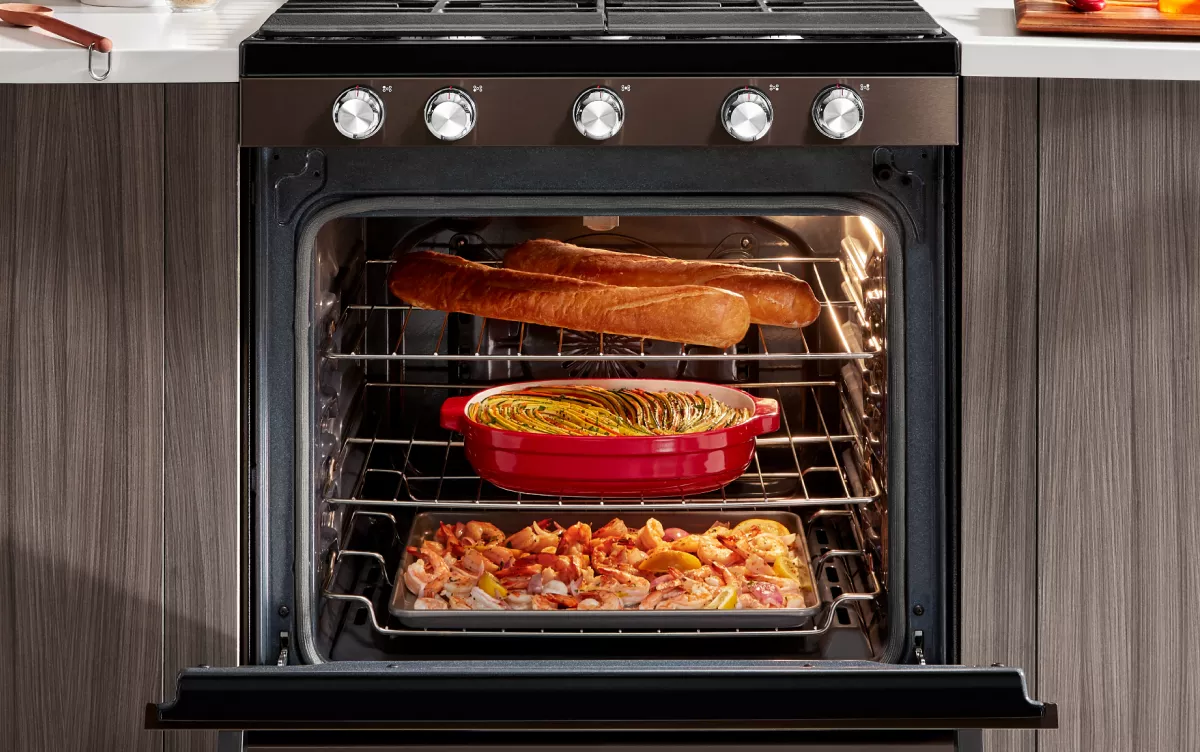
Credit: www.kitchenaid.com
Regular Maintenance Tasks
Smart ovens need regular care to work well. Simple tasks help keep them safe and efficient.
Doing these tasks often can extend your oven’s life and keep cooking easy.
Checking Door Seals
Door seals keep heat inside the oven. Check them for cracks or damage every few weeks.
Clean seals gently with a damp cloth. Replace them if they are worn out to stop heat loss.
Inspecting Heating Elements
Heating elements warm the oven. Look for signs of wear like cracks or dark spots.
Turn off the oven and let it cool before inspecting. Replace broken elements to keep cooking even.
Updating Firmware
Firmware updates improve your oven’s features and fix bugs. Check for updates regularly.
Follow the manufacturer’s instructions to download and install updates safely.
Proper Usage Practices
Smart ovens need good care to work well for a long time. Using them the right way helps keep them safe and effective.
Following simple habits can protect your smart oven and improve your cooking results.
Avoiding Overloading
Do not put too much food inside the smart oven at once. Overloading blocks the heat and stops food from cooking evenly.
Too much weight can also damage the oven racks or the door. Use the oven space wisely for best results.
Using Correct Cookware
Use only cookware that is safe for smart ovens. Glass, ceramic, and oven-safe metal work best.
Avoid plastic or paper containers unless the manufacturer says they are safe. Wrong cookware can melt or catch fire.
- Choose oven-safe glass or ceramic dishes
- Use metal pans if they fit and are safe
- Do not use plastic or paper unless allowed
- Check cookware size to fit inside the oven
Following Manufacturer Guidelines
Read the smart oven’s manual carefully. It has important rules for safe use and cleaning.
Follow the instructions about temperature limits, cleaning methods, and part replacement. This keeps your oven working well.
- Check cooking limits and do not exceed them
- Use recommended cleaning products only
- Replace parts as the manual advises
- Contact support if you find problems
Troubleshooting Common Issues
Smart ovens bring convenience to cooking. Sometimes, they face small problems. Knowing how to fix these can save time and effort.
This guide helps you handle common issues with smart ovens. Follow simple steps to keep your oven working well.
Dealing With Error Messages
Your smart oven may show error messages on the display. These messages tell you if something is wrong.
Check the oven’s manual to understand the error codes. Many errors can be fixed by restarting the oven.
- Turn off the oven and unplug it for a few minutes.
- Plug it back in and turn it on to reset.
- Clean sensors and door seals if errors persist.
- Contact support if the error continues after these steps.
Fixing Uneven Cooking
Uneven cooking happens when some parts of the food are overcooked or undercooked. This can happen with smart ovens too.
Check if the oven racks are placed correctly. Use the recommended rack position for your recipe.
- Rotate food halfway through cooking.
- Avoid overcrowding the oven space.
- Clean the oven’s interior regularly.
- Check if the heating elements work properly.
Handling Connectivity Problems
Smart ovens connect to Wi-Fi or apps. Sometimes they lose connection. This can stop remote control and updates.
Make sure your Wi-Fi signal is strong near the oven. Restart your router and oven if needed.
- Check if the oven’s software is up to date.
- Re-link the oven to your Wi-Fi network.
- Reset network settings on the oven if problems continue.
- Keep your app updated on your phone.
Energy Efficiency Tips
Smart ovens use advanced technology to cook food faster. They can save energy if used correctly.
Following simple steps can help you lower your electricity bill and protect the environment.
Optimizing Cooking Settings
Use the right temperature and cooking time for each dish. Avoid overheating or long cooking.
Choose preset modes that fit your recipe to save energy and get good results.
- Set lower temperatures when possible
- Use timers to avoid overcooking
- Cook multiple items at once if space allows
Using Eco Modes
Many smart ovens have eco modes to reduce power use. Turn on eco mode for simple meals.
Eco mode keeps the oven ready but uses less energy than regular settings.
- Check your oven’s manual for eco mode details
- Use eco mode for slow cooking or warming
- Turn off eco mode for fast cooking needs
Regular Power Cycling
Turn your smart oven off when not in use. This stops power drain from standby mode.
Switching the oven off and on can fix small software issues and keep it working well.
- Power off the oven at the end of the day
- Unplug if you won’t use it for a long time
- Restart the oven if it acts slow or buggy

Credit: www.youtube.com

Credit: www.tasteofhome.com
Frequently Asked Questions
How Often Should I Clean My Smart Oven?
Clean your smart oven after every use to prevent buildup. Wipe spills immediately and deep clean monthly for optimal performance.
What Is The Best Way To Maintain Smart Oven Sensors?
Regularly wipe sensors gently with a soft cloth. Avoid harsh chemicals and keep sensors free from grease and debris.
Can I Use Harsh Chemicals To Clean Smart Ovens?
Avoid harsh chemicals; they can damage sensitive components. Use mild detergents or manufacturer-recommended cleaners for safe maintenance.
How Do I Update Software On My Smart Oven?
Connect your oven to Wi-Fi and check the app for updates. Regular updates improve functionality and fix bugs.
Conclusion
Maintaining your smart oven keeps it working well and lasts longer. Clean it regularly to avoid buildup and bad smells. Check settings often to ensure proper cooking. Use the manual for specific care tips. Small steps prevent big problems later.
Enjoy tasty meals from a well-kept oven every time. Simple care makes smart ovens reliable and safe. Stay consistent, and your oven will serve you well.