
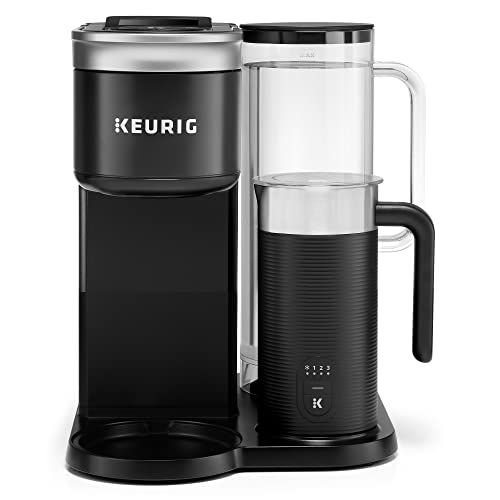
Your smart coffee maker is more than just a machine—it’s your morning lifesaver, your quick pick-me-up, and sometimes your creative boost. But to keep it brewing the perfect cup every time, you need to give it a little care.
If you’ve ever dealt with weak coffee, strange tastes, or a stubborn machine, this guide is for you. Discover simple, effective ways to maintain your smart coffee maker so it stays reliable and fresh. Ready to unlock the secret to better coffee and a longer-lasting machine?
Let’s dive in.
Choosing The Right Smart Coffee Maker
Smart coffee makers bring convenience to your morning routine. They connect to your phone or voice assistants.
Picking the right model helps you enjoy fresh coffee every day. Consider what features fit your needs.
Key Features To Consider
Look for a smart coffee maker that matches your lifestyle. Some features improve ease and coffee quality.
- App control for remote brewing
- Programmable brew times
- Compatibility with smart home devices
- Adjustable brew strength and temperature
- Easy to clean parts
- Capacity suitable for your household
Check if the machine offers alerts for water or coffee levels. This keeps your coffee ready without surprises.
Popular Models And Brands
Several brands make reliable smart coffee makers. Choose from models that fit different budgets and needs.
- Hamilton Beach: Simple, affordable smart options
- Keurig: Known for fast and easy brewing
- Nespresso: Offers smart machines with espresso focus
- Cuisinart: Combines smart features with classic design
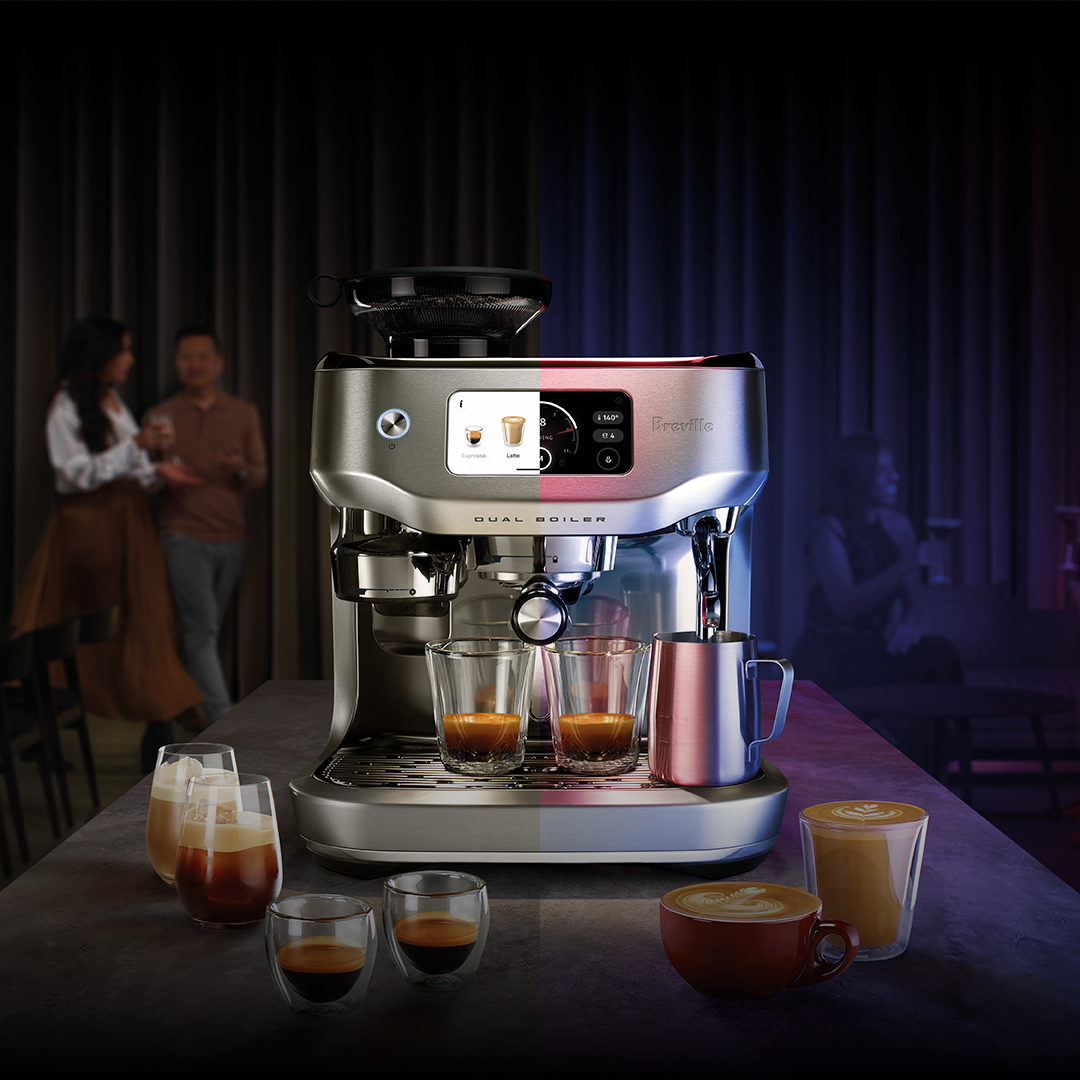
- Breville: High-end machines with advanced controls
Read reviews and compare features to find the best fit. The right choice makes your coffee routine smoother.
Routine Cleaning Techniques
Smart coffee makers need regular cleaning to work well. Dirt and coffee oils can build up inside the machine. This buildup can affect taste and machine life.
Cleaning your coffee maker often keeps it safe and fresh. Use simple steps every day and deeper cleaning weekly.
Daily Cleaning Practices
Clean your coffee maker after each use to stop dirt build-up. Remove used coffee grounds and rinse parts that touch coffee.
Wipe the outside and the control panel with a soft, damp cloth. This keeps your machine looking new and working well.
- Empty the coffee grounds basket
- Rinse the filter and pot with warm water
- Wipe the machine’s surface with a damp cloth
- Check and clean the water reservoir if needed
Weekly Deep Cleaning
Deep clean your smart coffee maker once a week to remove hard water stains and oils. Use a mix of vinegar and water for cleaning.
Run the vinegar solution through the machine, then run fresh water cycles to rinse. Clean all removable parts with soap and water.
- Fill the water tank with half vinegar and half water
- Run a brew cycle without coffee
- Run two or three cycles with clean water to rinse
- Clean removable parts with warm soapy water
- Dry all parts before reassembling
Descaling For Optimal Performance
Smart coffee makers need regular cleaning to work well. Descaling removes minerals that build up inside the machine.
Descaling helps keep your coffee tasting good and your machine lasting longer.
Signs Your Coffee Maker Needs Descaling
You can tell your coffee maker needs descaling by some clear signs. Watch for changes in how your machine works and the coffee tastes.
- Coffee takes longer to brew than usual
- Water does not flow smoothly
- Strange or bitter taste in coffee
- Machine shows an error or warning light
- Visible white or crusty buildup inside the water tank
Homemade Vs. Commercial Descaling Solutions
You can use homemade or commercial solutions to descale your coffee maker. Both types remove mineral deposits but work differently.
Homemade solutions use simple ingredients found at home. Commercial products are made for fast and safe descaling.
- Homemade solutions:Use vinegar or lemon juice mixed with water
- Commercial solutions:Specially made liquids or tablets for coffee machines
- Homemade may take longer and leave a smell
- Commercial products are usually odorless and quick
- Always follow your machine’s instructions for safety

Credit: www.techradar.com
Filter Maintenance Tips
Smart coffee makers need clean filters for fresh coffee. Filters catch dirt and improve taste.
Regular care keeps your coffee maker working well. Follow these tips to maintain your filters.
Types Of Filters And Their Lifespan
There are two main filter types for smart coffee makers: paper and permanent. Each has a different lifespan.
- Paper filters:Disposable and used once. Replace after every brew.
- Permanent filters:Made of metal or cloth. Can be reused but need cleaning.
Some machines use water filters too. These help reduce minerals and should be replaced every 2-3 months.
Proper Filter Replacement
Check your coffee maker’s manual for filter replacement advice. Using old filters can cause bad taste.
- Replace paper filters after each use.
- Clean permanent filters with warm water and mild soap.
- Replace water filters every 2-3 months or as instructed.
- Do not use damaged or torn filters.
Proper filter care helps your coffee taste better and extends your machine’s life.
Preventing Common Issues
Smart coffee makers need regular care to work well. Taking simple steps helps avoid common problems.
Preventing issues saves time and keeps your coffee maker lasting longer. Learn easy tips to maintain it.
Avoiding Overflows And Spills
Overflows and spills can damage your smart coffee maker. Clean the drip tray and carafe often to stop this.
Check the water level before brewing. Do not fill the tank past the maximum mark.
- Clean the drip tray every week
- Use the right size carafe for your model
- Fill the water tank only to the max line
- Place the carafe correctly under the filter
Troubleshooting Connectivity Problems
Smart coffee makers may lose connection to Wi-Fi or apps. Restart your router and coffee maker to fix this.
Keep the coffee maker near the router for a strong signal. Update the coffee maker’s app to the latest version.
- Restart your router and coffee maker
- Move the coffee maker closer to your router
- Check for app updates regularly
- Reset the coffee maker’s network settings if needed
Credit: www.breville.com
Software And Firmware Updates
Smart coffee makers use software and firmware to work properly. These updates fix bugs and add new features.
Keeping your device’s software up to date helps it run smoothly and safely.
Importance Of Keeping Software Updated
Updated software improves your coffee maker’s performance. It can fix errors and make the machine faster.
Updates also protect your device from security risks. This keeps your personal data safe.
- Fixes bugs and errors
- Adds new features
- Improves security
- Enhances device stability
How To Perform Updates
Check your coffee maker’s app or settings for update notifications. Most devices notify you when updates are ready.
Follow the instructions to download and install updates. Make sure the device stays powered during the process.
- Connect the coffee maker to Wi-Fi
- Open the companion app or device menu
- Look for software or firmware update option
- Start the update and wait until it finishes
- Do not turn off the device during update
Storage And Care During Inactivity
Smart coffee makers need special care when not in use. Proper storage helps keep them working well.
Storing your coffee maker right stops damage and keeps it clean. This guide explains how to do it.
Proper Storage Techniques
Store your smart coffee maker in a dry place with stable temperature. Avoid spots with direct sunlight.
Keep the coffee maker unplugged and clean before storing. Remove any water and coffee grounds inside.
- Dry all parts completely to prevent mold
- Use a clean cloth to wipe the outside
- Keep the lid and water tank open slightly to air out
- Store in a cabinet or shelf away from dust
Preparing For Long-term Inactivity
When not using your coffee maker for weeks, drain all water and clean it thoroughly. This prevents build-up.
Run a cleaning cycle with vinegar or a descaling solution before storing. This removes mineral deposits inside.
- Empty water reservoir and drip tray
- Clean or replace water filters
- Run a vinegar cleaning cycle to descale
- Let all parts dry fully before closing
- Unplug and cover the machine with a cloth
Extending The Lifespan Of Your Coffee Maker
Smart coffee makers bring convenience to your daily routine. Keeping them in good shape saves money and time.
Simple care steps help your coffee maker work well for years. Clean and check it often to avoid problems.
Regular Maintenance Schedule
Follow a routine to keep your coffee maker clean and efficient. This stops buildup and keeps the machine safe.
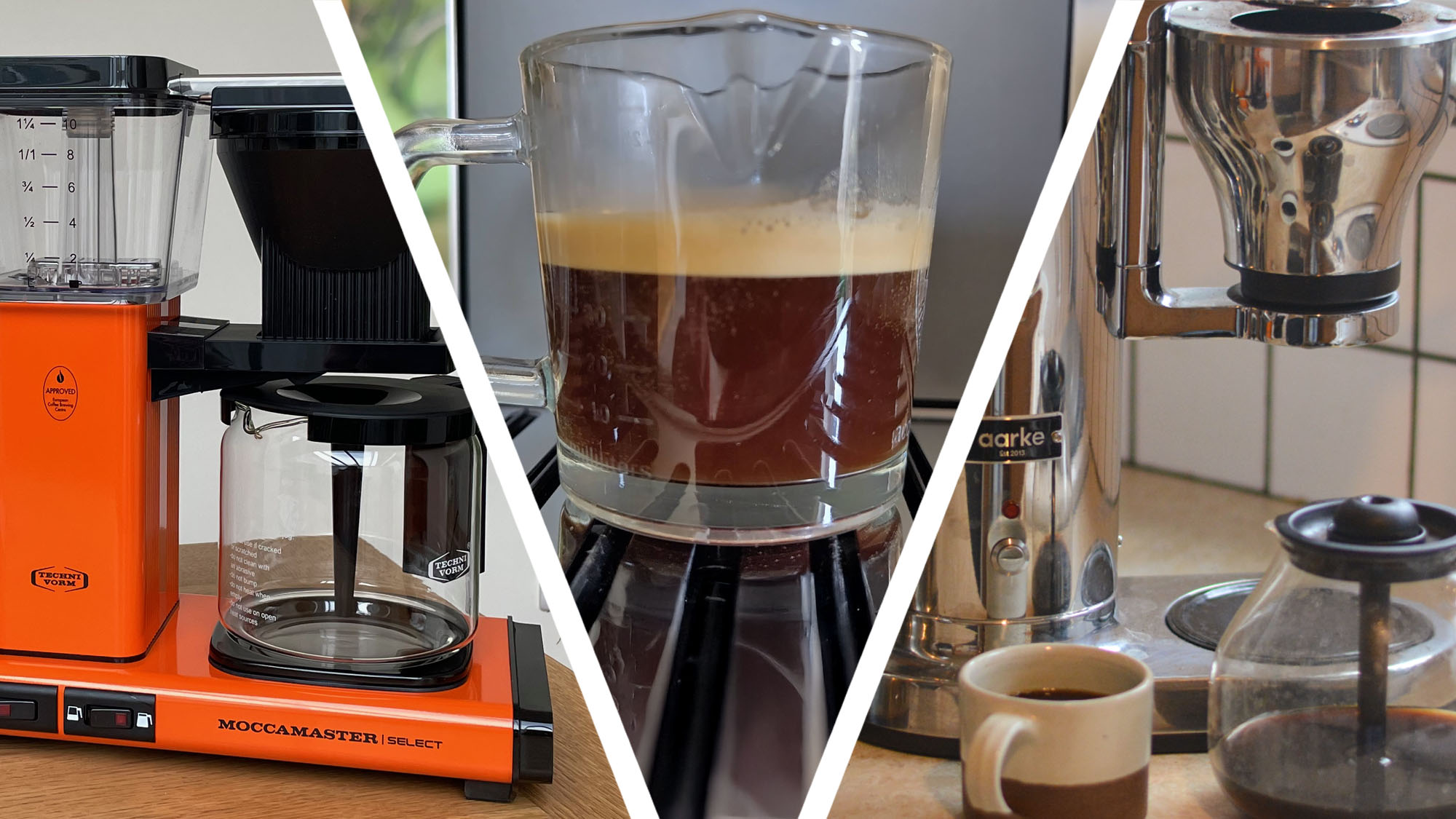
Check parts like water filters, brew baskets, and carafes often. Clean or replace them as needed to keep coffee tasting fresh.
- Clean the water reservoir weekly to prevent mold.
- Descale the machine every 1-3 months to remove mineral buildup.
- Replace water filters every 2 months or as the manual suggests.
- Wipe the exterior and control panel regularly to avoid dust.
- Run a cleaning cycle with vinegar or a descaling solution.
When To Seek Professional Repairs
Some problems need expert help. If your coffee maker stops working or leaks, call a technician.
Avoid fixing electrical parts yourself. It can be unsafe and may damage the machine more.
- Machine won’t turn on after cleaning and checking power.
- Water leaks from inside or outside the machine.
- Strange noises or smells during operation.
- Buttons or touchscreen do not respond.
- Repeated error messages or warning lights.
Credit: www.techradar.com
Frequently Asked Questions
How Often Should I Clean My Smart Coffee Maker?
Clean your smart coffee maker every 1-2 weeks. Regular cleaning prevents buildup and ensures optimal flavor. Follow manufacturer instructions for descaling and cleaning cycles to maintain performance and longevity.
What Is The Best Way To Descale Smart Coffee Makers?
Use a descaling solution or vinegar diluted with water. Run the descaling cycle as per your machine’s guide. This removes mineral deposits and keeps brewing efficient.
Can I Use Regular Water In Smart Coffee Makers?
Filtered or bottled water is recommended to avoid mineral buildup. Regular tap water may contain impurities that affect taste and machine lifespan. Using clean water improves coffee quality and machine durability.
How Do I Maintain The Smart Features Of My Coffee Maker?
Keep your coffee maker’s software updated regularly. Check for firmware updates via the app or manufacturer website. Proper updates ensure smooth connectivity and enhanced features.
Conclusion
Keeping your smart coffee maker clean ensures fresh and tasty coffee. Regular maintenance helps avoid clogs and machine damage. Simple steps like wiping, descaling, and checking parts make a big difference. You save money by extending the machine’s life. Enjoy better coffee every day with little effort.
Start small, keep consistent, and your coffee maker will thank you. Good care brings great coffee, always.