
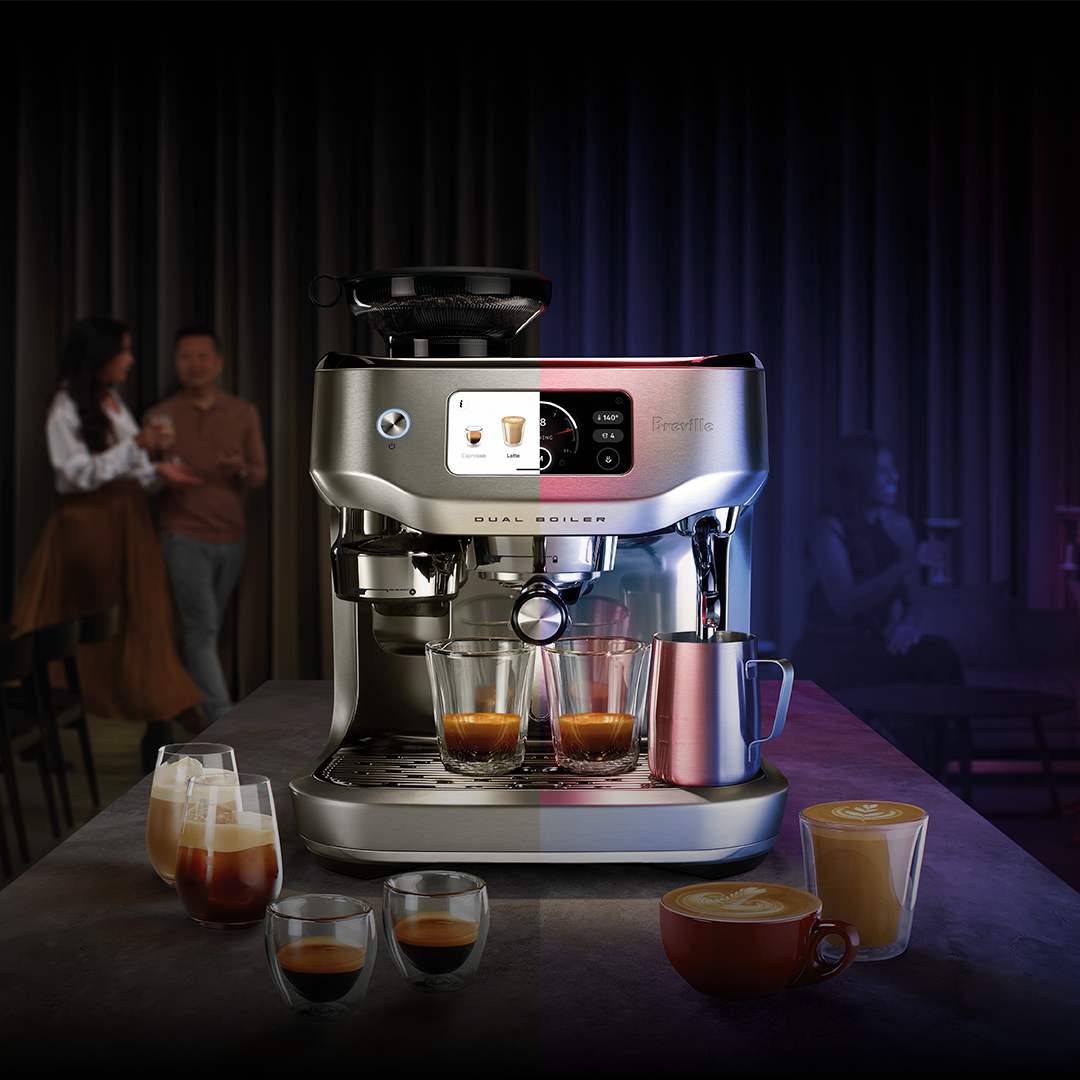
Your smart coffee machine is more than just a gadget—it’s your daily partner in brewing that perfect cup. But to keep it working smoothly and tasting great, you need to give it the right care.
Imagine never dealing with clogging, odd tastes, or breakdowns again. In this guide, you’ll discover simple, effective ways to maintain your smart coffee machine so it stays reliable and delivers delicious coffee every time. Ready to unlock its full potential and save yourself time and money?
Let’s dive in.
Daily Cleaning Steps
Smart coffee machines need daily care. Regular cleaning keeps them working well. It also makes your coffee taste better.
This guide will help you clean your machine every day. Follow these steps to keep your coffee fresh and delicious.
Wiping External Surfaces
Start by wiping the outside of the coffee machine. Use a damp cloth to remove dust and spills. This keeps the machine looking clean and new.
Be gentle when wiping. Avoid using harsh cleaners that might damage the surface. A simple cloth with water is often enough.
Emptying Drip Tray And Grounds Container
The drip tray collects spilled coffee. Empty it daily to prevent overflow. This keeps your kitchen tidy and avoids mess.
The grounds container holds used coffee. Empty it to avoid mold and bad smells. Rinse it with water for a fresh start.
Rinsing Water Reservoir
Rinse the water reservoir every day. This prevents build-up of minerals. Clean water means better coffee flavor.
Fill the reservoir with fresh water. Avoid using old or stagnant water. This keeps your machine in top condition.
Weekly Maintenance Tasks
Smart coffee machines need regular care to work well. Weekly maintenance keeps the machine clean and tasty.
Simple tasks each week can prevent problems and make coffee taste better.
Deep Cleaning Brew Group
Remove the brew group from the machine carefully. Rinse it under warm water to clear old coffee grounds.
Use a soft brush to clean hard-to-reach spots. Let the brew group dry before putting it back.
- Take out the brew group
- Rinse under warm water
- Brush away coffee residue
- Dry completely
- Reinstall in the machine
Descaling Procedures
Descale the machine to remove mineral build-up inside. Use a descaling solution made for coffee machines.
Run the descaling cycle as your machine’s instructions say. Rinse well afterward to clear any leftover solution.
- Fill water tank with descaling solution
- Start descaling cycle
- Rinse tank and machine with clean water
- Run a few brew cycles with water only
Cleaning Milk Frother
Detach the milk frother parts. Wash them with warm, soapy water to remove milk residue.
Use a small brush to clean inside tight spaces. Dry all parts well before reassembling.
- Remove frother parts
- Wash with warm soapy water
- Brush narrow areas
- Dry completely
- Put parts back together
Monthly Checks
Smart coffee machines need regular care to work well. Monthly checks help keep the machine clean and running smoothly.
Doing simple tasks each month can stop bigger problems. This saves time and money in the long run.
Inspecting Seals And Gaskets
Check the seals and gaskets for cracks or wear. These parts keep water and coffee inside the machine where they belong.
Replace any seals or gaskets that look damaged. This stops leaks and keeps the machine working well.
- Look for cracks, tears, or hard spots
- Clean the seals gently with a soft cloth
- Replace worn parts with new ones from the manufacturer
Lubricating Moving Parts
Moving parts need lubrication to avoid wear and noise. Use food-safe lubricants made for coffee machines.
Apply lubricant to hinges, levers, and other moving parts. This keeps the machine running quietly and smoothly.
- Clean parts before applying lubricant
- Use a small amount to avoid buildup
- Do not lubricate electrical components
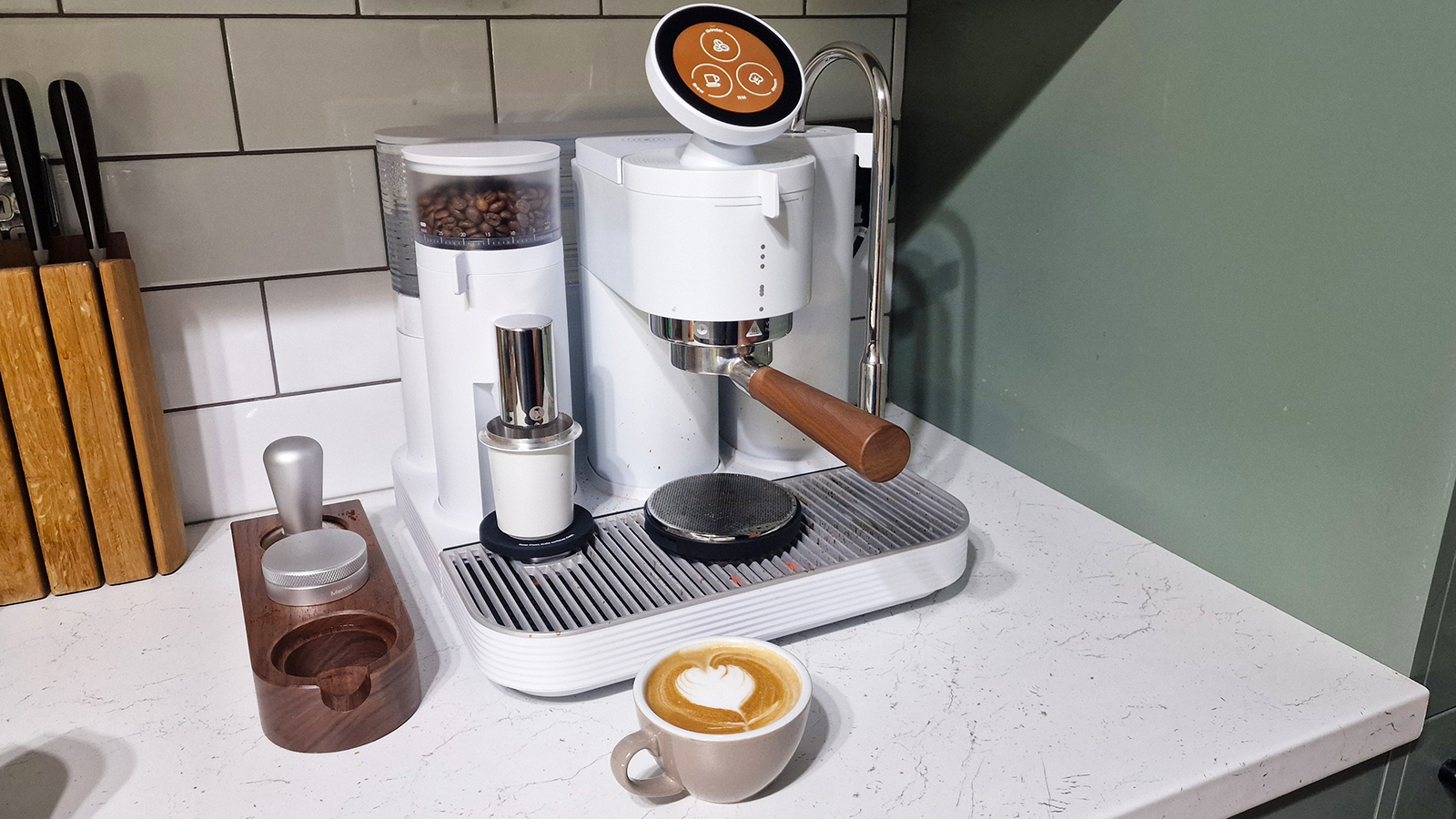
Replacing Water Filters
Water filters remove impurities that can damage the machine. Change filters every month to keep water clean.
Follow the machine guide to replace the filter. Using a fresh filter improves coffee taste and machine health.
- Turn off and unplug the machine before replacing
- Remove the old filter and discard it properly
- Install the new filter securely
- Flush the system with water after replacement
Credit: www.tomsguide.com
Using Quality Ingredients
Maintaining your smart coffee machine starts with the right ingredients. Good ingredients help your machine work well and last longer.
Using poor ingredients can cause damage and affect the taste of your coffee. Choose quality items for better results.
Choosing The Right Coffee Beans
Select fresh, high-quality coffee beans for your machine. Fresh beans give better flavor and protect your machine from clogging.
Avoid stale or oily beans. They can leave residue inside the machine and cause problems over time.
- Buy beans in small amounts to keep them fresh
- Store beans in an airtight container away from light
- Use beans ground just before brewing
Using Filtered Water
Filtered water helps your coffee taste better and protects your machine. Tap water may contain minerals that build up inside the machine.
Using filtered water reduces scale buildup and keeps parts working well. It also prevents unwanted flavors in your coffee.
- Use a water filter pitcher or built-in filter
- Change filters regularly as recommended
- Fill the water tank with fresh filtered water each time
Avoiding Harsh Cleaning Agents
Use gentle cleaning products made for coffee machines. Harsh chemicals can damage seals and parts inside your machine.
Cleaning with mild agents keeps your machine safe and working properly for a long time.
- Use only recommended cleaning tablets or solutions
- Never use bleach or strong detergents
- Rinse all parts well after cleaning
Troubleshooting Common Issues
Smart coffee machines are convenient but can face some common problems. Knowing how to fix them saves time and keeps your coffee fresh.
This guide covers simple ways to fix blockages, error messages, and slow brewing in your smart coffee maker.
Fixing Blockages
Blockages happen when coffee grounds or mineral deposits clog the machine. This stops water flow and ruins coffee taste.
Clean the machine regularly to avoid blockages. Use a soft brush or needle to clear small holes and tubes.
- Unplug the machine before cleaning
- Remove and rinse the filter and brew basket
- Use vinegar or descaling solution monthly
- Clear the water nozzle with a needle if blocked
Resolving Error Messages
Error messages alert you to problems like low water, full drip tray, or sensor issues. Check the user manual for codes.
Reset the machine by unplugging it for a few minutes. Clean sensors and trays to clear errors.
- Refill the water tank if low
- Empty the drip tray and coffee grounds container
- Clean sensors gently with a soft cloth
- Restart the machine after maintenance
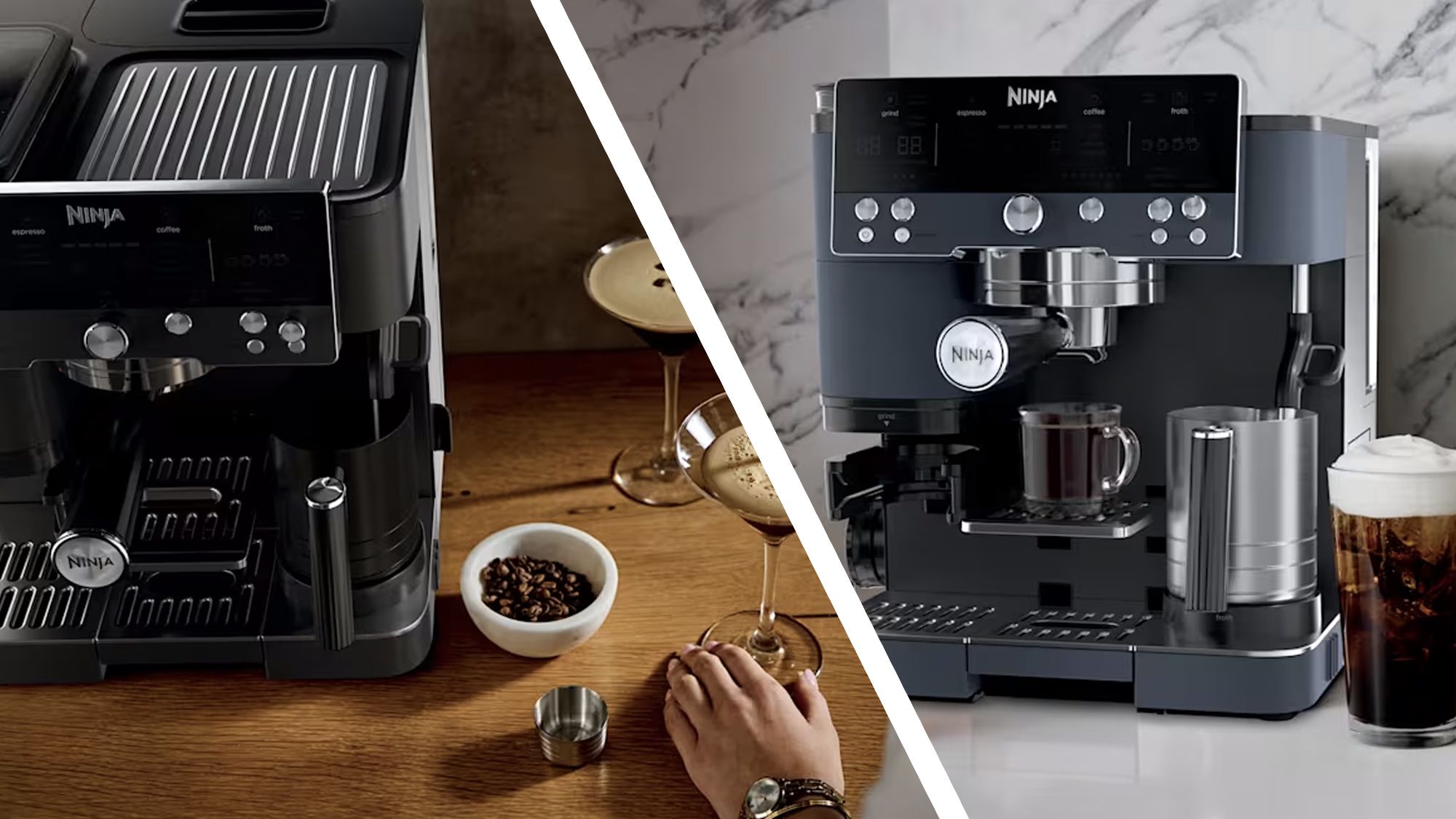
Handling Slow Brewing
Slow brewing often means the machine has a blockage or needs descaling. Water flow may be weak or uneven.
Clean the machine thoroughly and run a descaling cycle with a proper solution. Check water pressure and temperature settings.
- Descale every 1-3 months depending on use
- Use fresh water for each brew
- Check and clean the water inlet valve
- Make sure the machine is fully heated before brewing
Credit: www.techradar.com
Storage And Usage Tips
Smart coffee machines need care to work well for a long time. Proper storage and smart usage help keep them safe.
Following simple tips can stop problems and make your coffee taste better every day.
Proper Machine Storage
Store your smart coffee machine in a dry, cool place. Avoid spots with direct sunlight or heat.
Keep it covered to stop dust from entering. Clean the machine before storing to prevent mold or build-up.
- Use a breathable cover, not plastic wrap
- Empty water tanks before storage
- Remove and clean filters if possible
- Store away from kitchen grease and smoke
Avoiding Overuse
Do not use the machine non-stop for long hours. Give it breaks to cool down and avoid damage.
Follow the daily usage limits recommended by the manufacturer. Overuse can cause parts to wear out faster.
- Limit continuous brewing to recommended time
- Turn off the machine when not in use
- Let the machine rest between uses
- Clean regularly to keep parts working well
Regular Software Updates
Smart coffee machines use software to work properly. Update the software to fix bugs and add features.
Check for updates often and install them as soon as you can. This keeps your machine safe and efficient.
- Connect the machine to Wi-Fi for automatic updates
- Check the app or machine menu for update alerts
- Follow instructions carefully during updates
- Restart the machine after updates finish

Credit: www.techradar.com
Frequently Asked Questions
How Often Should I Clean My Smart Coffee Machine?
Clean your smart coffee machine weekly to prevent buildup. Regular cleaning ensures better taste and extends the machine’s lifespan. Follow manufacturer instructions for cleaning cycles and use recommended descaling solutions to remove mineral deposits effectively.
What Is The Best Way To Descale Smart Coffee Machines?
Use a manufacturer-approved descaling solution every 1-3 months. Descaling removes mineral buildup that affects performance and flavor. Always run a rinse cycle after descaling to clear any residues and maintain optimal machine function.
Can I Use Regular Water In A Smart Coffee Machine?
It’s best to use filtered or bottled water. Regular tap water may contain minerals that cause scaling and damage. Using purified water improves coffee taste and reduces maintenance frequency, ensuring smoother machine operation.
How Do I Update My Smart Coffee Machine’s Software?
Check the manufacturer’s app or website for updates regularly. Software updates improve machine performance and add new features. Connect your machine to Wi-Fi and follow on-screen instructions to install updates safely.
Conclusion
Regular care keeps your smart coffee machine working well. Clean it often to avoid buildup and bad tastes. Use the right cleaning tools and follow the instructions. Check parts like filters and water tanks regularly. Small actions help your machine last longer and make better coffee.
Enjoy fresh coffee every day with simple maintenance steps. Keep your machine ready to brew great drinks anytime. A little effort goes a long way in care.