
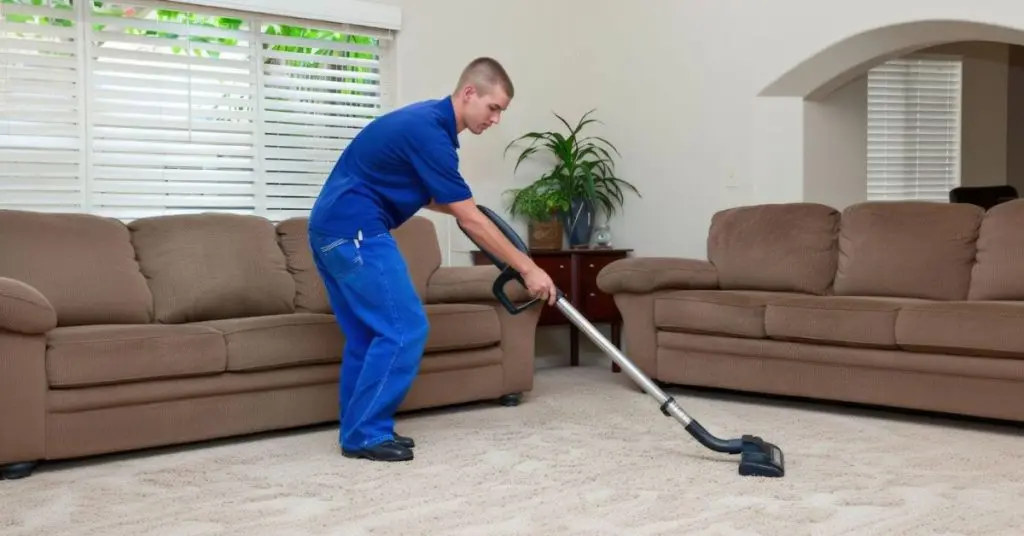
Your carpet vacuum is your best ally in keeping your home clean and fresh. But have you ever noticed it losing power or leaving dirt behind?
That’s often a sign it needs some care. Knowing how to maintain your carpet vacuum not only saves you money but also keeps your floors spotless with less effort. You’ll discover simple, practical steps to keep your vacuum running like new.
Keep reading, and you’ll unlock easy tips that make cleaning faster, more effective, and even enjoyable.
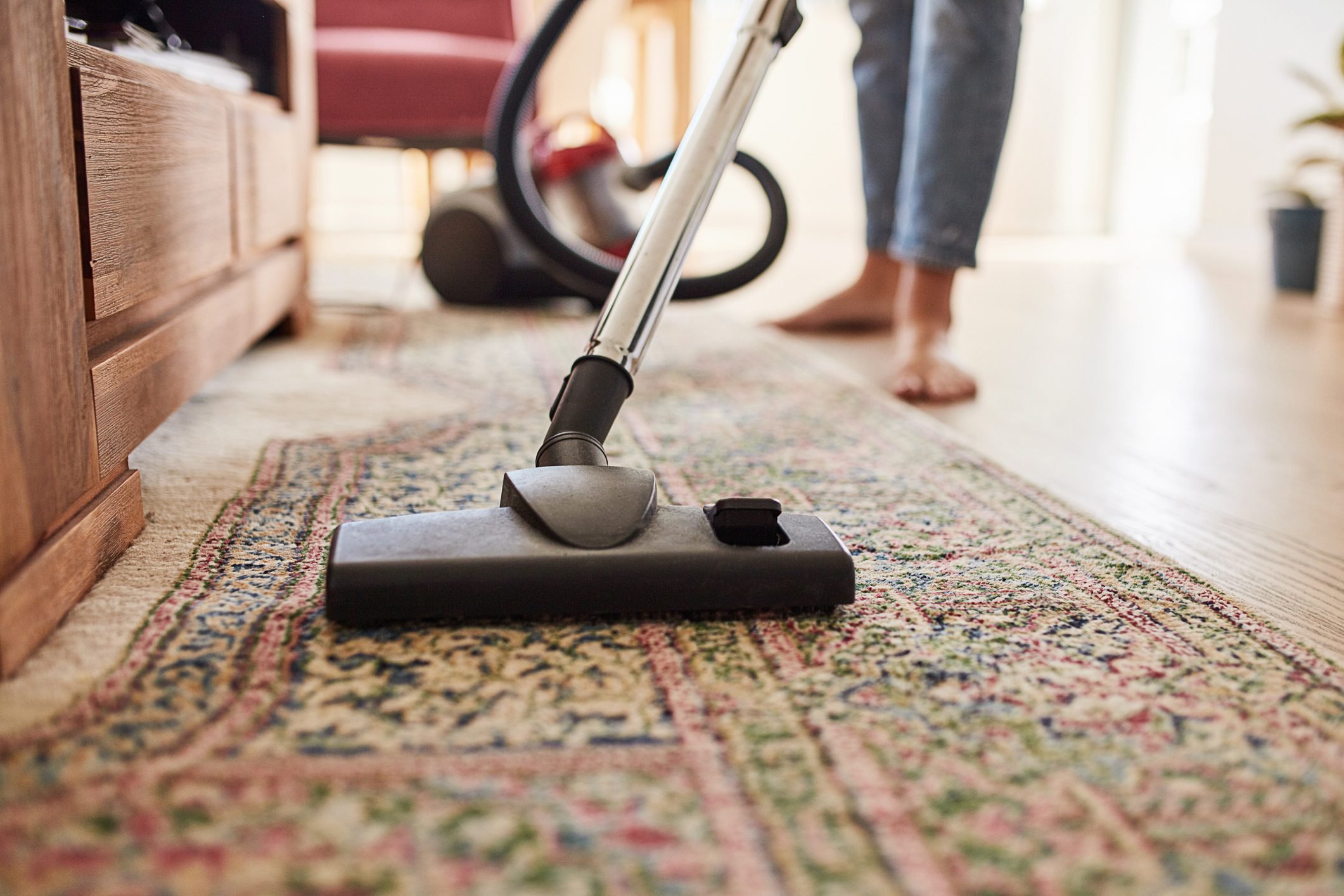
Credit: www.rd.com
Importance Of Regular Maintenance
Regular maintenance keeps your carpet vacuum working well. It helps your vacuum last longer and clean better.
Ignoring small problems can cause big repairs later. Cleaning your vacuum often saves time and money.
Prevents Loss Of Suction Power
Dirt and debris can block air flow. This lowers the vacuum’s suction power. Clean filters and empty dust bags often to keep suction strong.
Extends Vacuum Life
Parts wear out slower with regular care. Check brushes and belts for wear and replace them if needed. This stops bigger damage to the vacuum.
Improves Cleaning Efficiency
A well-maintained vacuum cleans carpets better. Clean rollers and brushes pick up more dirt. This keeps your carpets looking fresh longer.
- Empty the dust container after every use
- Wash or replace filters regularly
- Remove hair and threads from brushes
- Check and replace belts if worn
- Inspect the vacuum hose for clogs
Reduces Repair Costs
Regular checks catch small problems early. Fixing small issues costs less than major repairs. This saves money over time.
| Maintenance Task | Frequency | Benefit |
| Empty Dust Container | After each use | Maintains suction power |
| Clean Filters | Monthly | Prevents blockages |
| Check Brushes | Every 3 months | Improves cleaning |
| Inspect Belts | Every 6 months | Prevents breakdown |
| Clear Hose | As needed | Stops clogs |
Choosing The Right Vacuum
Choosing the right vacuum is important to keep your carpet clean and last longer. Different carpets need different types of vacuums. Picking the right one makes cleaning easier and better.
Consider your carpet type and the features of the vacuum before buying. This helps you avoid damage and get good results every time.
Consider Carpet Type
Carpets vary from thick shag to low pile or wool. Some vacuums work better on certain carpet types. For example, a vacuum with strong suction is good for thick carpets.
Check Vacuum Features
- Adjustable height settings to match carpet thickness
- Strong suction power for deep cleaning
- Good filtration to trap dust and allergens
- Lightweight and easy to move
- Attachments for corners and upholstery
Compare Vacuum Types
| Vacuum Type | Best For | Pros | Cons |
| Upright | Large carpeted areas | Powerful, easy to use | Heavy, bulky |
| Canister | Hard-to-reach spots | Flexible, quieter | Less storage space |
| Stick | Light cleaning, small spaces | Lightweight, cordless options | Less suction power |
| Robot | Maintenance cleaning | Hands-free, scheduled cleaning | High price, limited deep cleaning |
Set A Budget
Vacuum prices vary from low to high. Decide how much you want to spend before choosing. Sometimes, spending more means better quality and longer life.
Read Reviews And Ratings
Look at user reviews online. They show real experiences with the vacuum. Check ratings for reliability and ease of use before buying.
Cleaning The Brush Roll
The brush roll is a key part of your carpet vacuum. It picks up dirt and debris from the carpet fibers. Keeping it clean helps your vacuum work better and last longer.
Dust, hair, and threads can get tangled around the brush roll. This can stop it from spinning properly. Regular cleaning stops clogs and keeps the vacuum strong.
Remove The Brush Roll
Unplug the vacuum before you start. Most brush rolls can be removed by opening a cover or removing screws. Check your vacuum’s manual for exact steps. Take the brush roll out carefully to avoid damage.
Clean Hair And Threads
Use scissors or a seam ripper to cut hair and threads wrapped around the brush roll. Pull them off gently. Avoid pulling too hard to prevent breaking the brush or belt.
- Cut tangled hair with scissors
- Remove threads by hand
- Use tweezers for small pieces
- Check both ends of the brush roll
Clean The Brush Roll Surface
Wipe the brush roll with a damp cloth. Remove dust and dirt stuck on the bristles. Avoid soaking the brush roll in water, which can cause damage. Let it dry fully before putting it back.
Check The Bearings And Belt
| Part | What to Do |
| Bearings | Remove dirt and hair. Apply light oil if noisy. |
| Belt | Check for cracks or looseness. Replace if worn out. |
Reinstall The Brush Roll
Put the brush roll back in its place. Secure the cover or screws. Plug in the vacuum and test the brush roll to make sure it spins freely. Regular cleaning keeps your vacuum working well.
Checking And Replacing Filters
Carpet vacuums need clean filters to work well. Dirty filters reduce suction and let dust escape.
Checking and replacing filters keeps your vacuum running smoothly and your carpet clean.
How To Check Vacuum Filters
Turn off the vacuum and unplug it. Open the filter compartment. Look for dust or damage on the filter. Some filters are washable, others need replacement.
Signs You Need To Replace Filters
- Reduced suction power
- Visible dirt buildup on the filter
- Unpleasant smell during use
- Vacuum overheating
- Filter is torn or broken
Steps To Replace Filters
- Unplug the vacuum cleaner.
- Open the filter compartment.
- Remove the old filter carefully.
- Insert the new filter following the vacuum’s instructions.
- Close the compartment securely.
- Test the vacuum to ensure proper suction.
Common Filter Types
| Filter Type | Description | Maintenance |
| Foam Filter | Soft and washable | Rinse with water, dry completely |
| HEPA Filter | Traps fine dust and allergens | Replace as recommended, not washable |
| Cartridge Filter | Durable, fits in a housing unit | Replace when clogged |
Clearing Blockages And Clogs
Carpet vacuums often get blocked by hair, dust, and debris. These clogs reduce suction and cleaning power. Clearing blockages keeps your vacuum working well and extends its life.
Regular checks and simple cleaning steps prevent major issues. This guide covers how to find and clear blockages safely.
Check The Vacuum Hose
The hose is a common place for clogs. Hair and dirt can build up inside and block airflow. To check, detach the hose and look through it.
- Remove the hose from the vacuum.
- Look through the hose for any visible blockages.
- Use a long object like a broom handle to push out clogs gently.
- Rinse the hose with water if needed and let it dry completely before reattaching.
Clear The Brush Roll
The brush roll picks up hair and fibers that can wrap around it. This reduces rotation and suction. Remove the brush roll and clean it carefully.
- Turn off and unplug the vacuum.
- Open the brush roll cover as per your model’s instructions.
- Cut away hair and threads wrapped around the brush with scissors.
- Remove dirt and debris from the brush and surrounding area.
- Replace the brush roll and secure the cover.
Inspect The Dust Container And Filters
Clogs often occur in the dust container or filters. If these parts get full or blocked, suction drops. Empty the dust container and clean or replace filters regularly.
| Part | Cleaning Tips |
| Dust Container | Empty after each use. Wash with water if washable. |
| HEPA Filter | Tap gently to remove dust. Replace every 6 months. |
| Foam or Felt Filter | Rinse with water. Air dry fully before reinstalling. |
Use The Vacuum’s Tools To Clear Clogs
Many vacuums include tools to help clear blockages. Use these to reach tight spots or stubborn clogs.
Tools to try:
- Crevice tool to clear narrow spaces.
- Brush tool to loosen dirt.
- Flexible wand to push out debris inside the hose.
Always switch off and unplug your vacuum before using tools inside it.
Emptying The Dust Bin
Emptying the dust bin regularly keeps your carpet vacuum working well. A full bin lowers suction power and can cause damage.
Learn how to empty the dust bin safely and cleanly. This helps your vacuum last longer and clean better.
Locate The Dust Bin
Find the dust bin on your vacuum. It is usually clear and easy to remove. Check your vacuum’s manual if you are not sure.
Remove The Dust Bin Carefully
Press the release button or latch to remove the dust bin. Hold it over a trash can to avoid spills. Do not shake the bin to prevent dust clouds.
Empty The Dust Bin Properly
- Take the dust bin outside or to a trash area.
- Open the bin’s bottom lid or lid on top.
- Let the dust and debris fall into the trash can.
- Tap gently to remove stuck dirt.
- Close the bin securely before putting it back.
Clean The Dust Bin Occasionally
| Cleaning Tip | Frequency |
|---|---|
| Wipe dust bin with a damp cloth | Weekly |
| Wash with warm soapy water | Monthly |
| Dry completely before reassembling | Every wash |
Regular cleaning stops bad odors and keeps your vacuum fresh. Always dry the dust bin fully to avoid mold.
Inspecting The Power Cord
Checking the power cord is important for your carpet vacuum’s safety. A damaged cord can cause electric shocks or stop the vacuum.
Regular inspection helps you find problems early. Fixing or replacing the cord keeps your vacuum working well.
Look For Visible Damage
Check the entire length of the power cord. Look for cuts, cracks, or frayed wires on the outer cover.
Damaged areas can expose wires and cause short circuits. Do not use the vacuum if you see damage.
Check The Plug And Connector
Inspect the plug for bent or broken prongs. Make sure the plug fits tightly in the socket.
Loose or damaged plugs can cause sparks or power loss. Replace the plug if it looks worn out.
Ensure The Cord Is Properly Stored
Store the cord without tight bends or knots. Avoid wrapping it too tightly around the vacuum.
Proper storage prevents internal wire breakage and extends cord life.
- Use cord hooks or holders
- Keep the cord away from sharp edges
- Unplug by pulling the plug, not the cord
Test The Cord For Electrical Issues
Plug in the vacuum and check if the power is steady. Watch for sparks or flickering lights.
If you notice any electrical issues, stop using the vacuum and have the cord checked by a professional.

Credit: www.maidforyou.com.au
Regularly Cleaning Attachments
Keeping your carpet vacuum attachments clean helps the vacuum work better. Dirt and hair can block the tools.
Cleaning attachments often stops clogs and keeps your carpet fresh.
Remove Debris From Brushes
Brushes pick up hair and dust. Remove these after each use to stop blockages.
Use scissors or your fingers to pull out stuck hair and threads carefully.
Wash Removable Parts
Some attachments can be washed with water. Clean them regularly to remove dirt.
Make sure parts dry completely before using them again to avoid damage.
Check For Blockages In Tubes
Tubes and hoses may get blocked with dust or small objects. Inspect them often.
Clear any blockages to keep air flowing freely and suction strong.
Clean Filters And Screens
Filters catch tiny dust particles. Clean or replace them based on your vacuum’s guide.
Clean filters improve vacuum performance and air quality.
Store Attachments Properly
Keep attachments in a clean, dry place. This stops dust buildup and damage.
Use a storage bag or box to keep all parts organized and ready to use.
Proper Storage Techniques
Storing your carpet vacuum correctly keeps it safe and ready to use. Proper storage prevents damage and extends the vacuum’s life.
Learn how to store your carpet vacuum to avoid problems like tangled cords or broken parts. A good storage routine helps maintain its performance.
Choose The Right Location
Pick a dry, cool place for your vacuum. Avoid damp areas that can cause rust or mold. Keep it away from direct sunlight to protect plastic parts.
Secure The Cord Properly
Wrapping the cord correctly stops it from tangling or breaking. Use the vacuum’s built-in hooks or clips to hold the cord in place.
- Unplug the vacuum before wrapping the cord.
- Wrap the cord loosely around the hooks.
- Avoid tight bends that can damage wires.
- Check the cord for cuts or wear before storing.
Empty The Dust Bin Or Bag
Always empty the dust bin or replace the bag before storing. A clean vacuum works better and lasts longer. It also stops odors and mold.
Use A Cover Or Bag
Covers protect your vacuum from dust and dirt when not in use. Use a vacuum bag or cloth cover to keep it clean and safe.
| Storage Aspect | Best Practice |
|---|---|
| Location | Dry, cool, and shaded area |
| Cord | Wrapped loosely on hooks |
| Dust Bin/Bag | Emptied or replaced before storage |
| Cover | Use a protective cover or bag |
Signs Your Vacuum Needs Professional Service
Carpet vacuums help keep your home clean. Over time, they may need expert care to work well.
Knowing when to call a professional can save your vacuum and your floors.
Loss Of Suction Power
If your vacuum does not pick up dirt like before, it may have low suction. This can happen from clogged filters or blockages.
A professional can clean inside parts and fix suction issues to restore strong cleaning.
Unusual Noises Or Smells
Strange sounds or burning smells show your vacuum has a problem. It could be a worn motor or stuck debris.
Experts can find the cause and repair your vacuum before it breaks completely.
Brush Roll Not Spinning
The brush roll helps remove dirt from carpets. If it stops spinning, your vacuum cleans less well.
A professional can check the belt and motor to fix the brush roll and improve cleaning.
Vacuum Overheats Quickly
If your vacuum shuts off or feels hot, it might be overheating. This can damage the motor.
A service expert can clean filters and parts to stop overheating and protect your vacuum.
Visible Damage Or Cracks
Cracks or broken parts on your vacuum can cause poor performance or safety risks.
A professional can replace damaged parts and ensure your vacuum works safely.

Credit: dirtbusters.co.uk
Frequently Asked Questions
How Often Should I Clean My Carpet Vacuum?
Clean your carpet vacuum after every 3-5 uses. Regular cleaning prevents dust buildup, maintains suction power, and prolongs vacuum life. Empty the dustbin and clean or replace filters as needed to ensure optimal performance.
What Parts Of A Carpet Vacuum Need Regular Maintenance?
Regularly maintain the brush roll, filters, dustbin, and hose. Remove hair and debris from the brush roll. Clean or replace filters monthly. Check hoses for blockages to keep your vacuum efficient.
How Can I Improve My Vacuum’s Suction Power?
Clear blockages in the hose and brush roll. Empty the dustbin frequently and clean or replace filters. Check for worn belts and replace them to maintain strong suction.
When Should I Replace Vacuum Filters?
Replace vacuum filters every 3 to 6 months. If you notice reduced suction or bad odors, it’s time to change filters. Using clean filters improves air quality and vacuum efficiency.
Conclusion
Regularly cleaning your carpet vacuum keeps it working well. Empty the dustbin often and check for blockages. Replace filters as needed to maintain strong suction. Clean the brushes and remove tangled hair or threads. Store the vacuum in a dry place to avoid damage.
Small efforts can extend your vacuum’s life. A well-maintained vacuum saves time and cleans better. Taking care of your vacuum is simple and worth it. Keep these tips in mind for a cleaner home.