
Imagine being able to turn on your oven, adjust the thermostat, or start your washing machine without leaving your couch—or even when you’re miles away from home. Controlling your smart appliances remotely can save you time, energy, and stress.
But how exactly do you make it happen? You’ll discover simple, practical steps to take full control of your smart devices from anywhere. Ready to unlock the power of your smart home and make life easier? Keep reading to find out how.
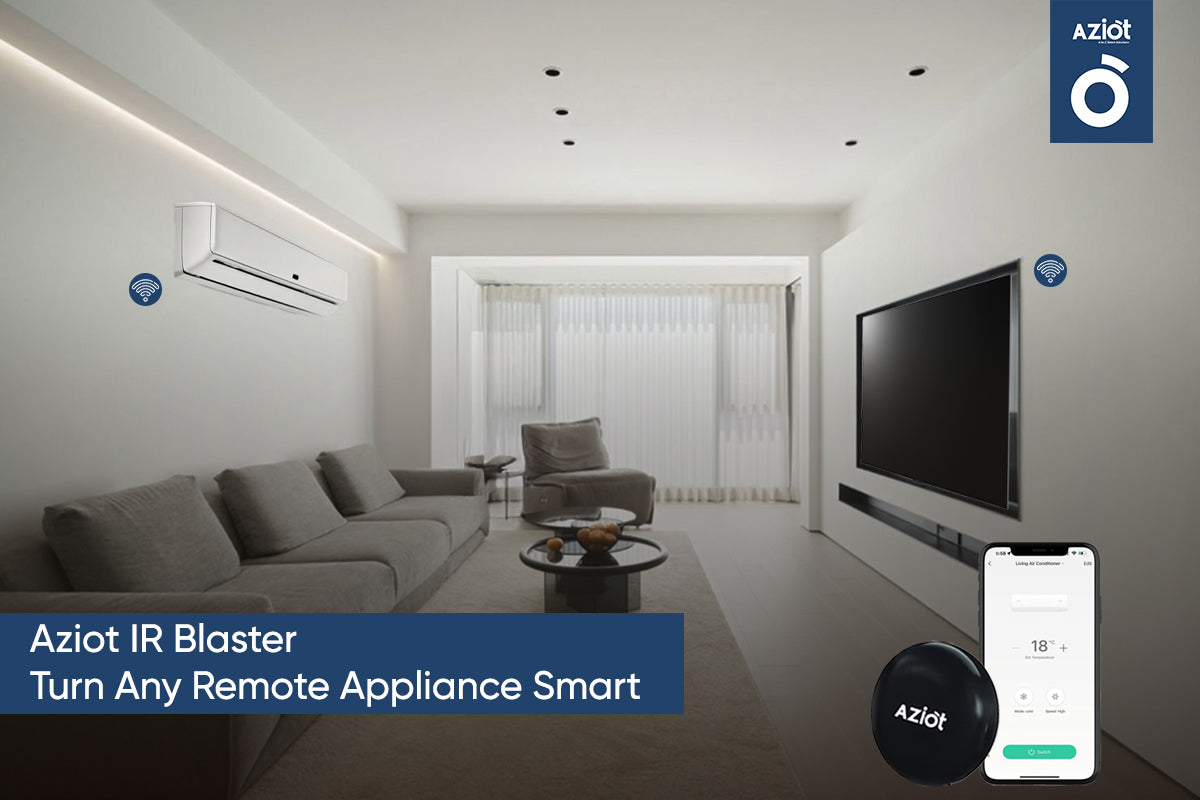
Credit: www.aziot.life
Choosing Compatible Smart Appliances
Smart appliances make life easier by allowing remote control. Choosing the right appliances is key to creating a seamless smart home experience.
Before purchasing, ensure your smart appliances are compatible with your existing devices. Compatibility ensures smooth operation and easy integration.
Popular Smart Appliance Brands
Some brands offer a wide range of smart appliances. Choose brands that are known for quality and reliability.
- Samsung: Offers smart fridges, ovens, and washers.
- LG: Known for smart TVs, refrigerators, and washers.
- Philips: Popular for smart lighting solutions.
- GE: Provides smart ovens and dishwashers.
Connectivity Options
Smart appliances connect using different technologies. Knowing these options helps you select the right devices.
- Wi-Fi: Common and easy to set up.
- Bluetooth: Suitable for short-range control.
- Zigbee: Low power and efficient.
- Z-Wave: Good for larger networks.
Compatibility With Smart Hubs
Smart hubs control multiple devices from one place. Ensure your appliances work with popular smart hubs.
- Amazon Alexa: Compatible with many smart appliances.
- Google Assistant: Supports a variety of devices.
- Apple HomeKit: Works well with Apple products.
- Samsung SmartThings: Integrates with a wide range of devices.

Credit: www.seeedstudio.com
Setting Up Your Smart Appliances
Smart appliances make life easier by letting you control them from anywhere. To use this feature, you must set up your devices correctly first.
This guide will help you connect your appliances to Wi-Fi, install the right apps, and create user accounts.
Connecting To Wi-fi
Your smart appliances need a Wi-Fi connection to work remotely. Connect them to your home network to start controlling them.
Make sure your Wi-Fi is stable and has a strong signal where you place your appliance.
- Turn on the appliance and enter its settings menu.
- Select your Wi-Fi network from the list.
- Enter your Wi-Fi password carefully.
- Wait for the appliance to confirm connection.
Installing Manufacturer Apps
Each smart appliance brand has its own app. Install the correct app on your smartphone or tablet.
The app lets you control the appliance and access all its features remotely.
- Go to your device’s app store (Google Play or Apple App Store).
- Search for the appliance brand’s official app.
- Download and install the app.
- Open the app and follow the setup instructions.
Creating User Accounts
Most smart appliance apps require you to create a user account. This helps keep your settings and devices secure.
Signing up is quick and lets you manage your appliances from anywhere.
- Open the app and find the sign-up or register option.
- Enter your email and create a strong password.
- Verify your email if needed.
- Log in to the app to start using your appliance remotely.
Using Mobile Apps For Remote Control
Smart appliances let you control your home devices from anywhere. Mobile apps connect your phone to these devices.
With apps, you can turn appliances on or off, set timers, and check device status remotely.
Navigating The App Interface
Smart appliance apps usually have simple and clear menus. The main screen often shows all connected devices.
Tap on a device icon to see controls like power, temperature, or settings. Icons and labels help you find features fast.
- Main dashboard with all appliances listed
- Device-specific control panels
- Settings menu for customization
- Help or support sections
Scheduling And Automation
You can set times for your appliances to turn on or off automatically. This saves energy and fits your routine.
Many apps allow you to create rules. For example, turn on the heater when it gets cold or start the coffee maker at 7 AM.
- Create daily or weekly schedules
- Set conditions like temperature or time
- Link multiple devices to work together
- Pause or adjust schedules anytime
Receiving Notifications And Alerts
Apps send alerts to your phone about appliance status. You get notified if a device needs attention or finishes a task.
Notifications help you stay informed and avoid problems like leaving the oven on or low battery in devices.
- Alerts for completed tasks
- Warnings about device errors
- Reminders for maintenance
- Energy usage updates
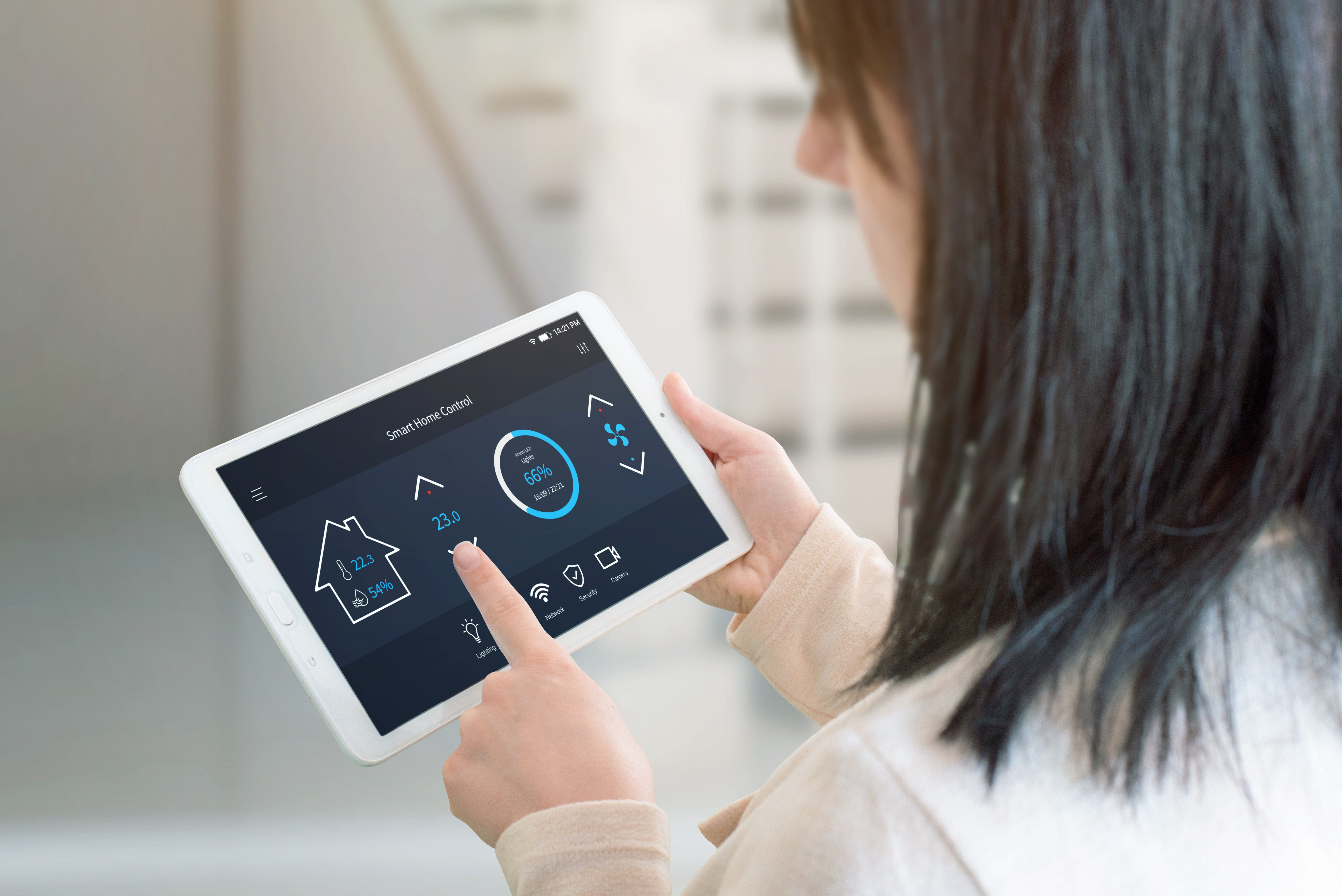
Credit: www.apge.com
Voice Control Integration
Smart appliances can be controlled using voice commands. This makes managing your home easier and hands-free.
Voice control integration connects your devices to voice assistants. You can turn on lights, adjust thermostats, and more.
Supported Voice Assistants
Many smart appliances work with popular voice assistants. These assistants listen to your commands and control your devices.
Common voice assistants include Amazon Alexa, Google Assistant, and Apple Siri. Each supports a wide range of smart devices.
- Amazon Alexa works with many brands and devices.
- Google Assistant integrates well with Google Home devices.
- Apple Siri controls devices via HomeKit on iPhones and iPads.
Linking Devices To Voice Platforms
To use voice control, link your smart appliance to the voice assistant app. This connects the device and assistant.
Most apps guide you through adding devices step by step. You usually need the device’s app and the voice assistant app.
- Open the voice assistant app on your phone.
- Find the option to add or link a device.
- Follow instructions to connect your smart appliance.
- Test the connection with a simple voice command.
Common Voice Commands
After linking, use simple commands to control your appliances. Speak clearly to get the best results.
Commands vary by device but often include turning devices on or off, adjusting settings, and checking status.
- “Turn on the living room lights.”
- “Set the thermostat to 72 degrees.”
- “Start the coffee maker.”
- “Is the front door locked?”
- “Dim the bedroom lights to 50%.”
Troubleshooting Connectivity Issues
Smart appliances need a strong internet connection to work well. Sometimes, connection problems stop them from working properly.
This guide helps you fix common issues to control your smart devices remotely.
Common Problems And Fixes
Smart appliances may not connect due to weak signals or incorrect settings. Resetting or checking your network helps solve many problems.
- Device not found in app
- Slow or no response from appliance
- Wi-Fi connection keeps dropping
- App shows error messages
Try turning the appliance off and on or reconnecting to the Wi-Fi network.
Resetting Devices
Resetting your smart appliance can fix bugs or connection errors. This clears temporary problems and restores factory settings.
Look for a reset button or use the app to reset the device. Hold the button for 5-10 seconds until lights blink or the device restarts.
- Find the reset button on the appliance
- Press and hold it for several seconds
- Wait for the device to restart
- Set up the device again in the app
Improving Wi-fi Signal Strength
Smart appliances need a strong Wi-Fi signal to work well. Weak signals cause delays or disconnections.
Place your router near your smart devices. Remove objects that block the signal, like walls or metal furniture.
- Move router closer to devices
- Avoid placing router near thick walls
- Use Wi-Fi extenders to boost coverage
- Switch to a less crowded Wi-Fi channel
Enhancing Security And Privacy
Controlling smart appliances remotely adds comfort and control to daily life. It also brings security and privacy risks that users must manage carefully.
Strong security helps protect your home and personal information from hackers and misuse.
Setting Strong Passwords
Use complex passwords with letters, numbers, and symbols for smart devices. Avoid easy or common passwords like “123456” or “password”.
Change default passwords when you install new devices. Use different passwords for each device to reduce risk if one password is exposed.
- Create passwords with at least 12 characters
- Mix uppercase and lowercase letters
- Include numbers and special characters
- Use a password manager to keep track
Regular Firmware Updates
Firmware updates fix security flaws and improve device function. Keep your smart appliances updated to avoid vulnerabilities.
Set devices to update automatically if possible. Check for updates regularly if automatic updates are not available.
- Check the device settings for update options
- Install updates as soon as they are available
- Restart devices after updates for best results
Managing Data Permissions
Smart devices collect data to work properly. Control what data your devices share and who can access it.
Review app permissions and disable access to unnecessary data. Limit data sharing with third parties to protect your privacy.
- Check app permission settings regularly
- Turn off location or microphone access if not needed
- Read privacy policies of smart device apps
Advanced Automation Techniques
Controlling smart appliances remotely can save time and energy. Advanced automation makes your home smarter and easier to manage.
Using smart technology, you can set up actions that happen automatically. These techniques help your devices work better together.
Using Ifttt And Other Services
IFTTT connects different smart devices and apps. It lets you create simple commands that trigger actions automatically.
You can link your smart lights, thermostat, and security system with IFTTT. This service helps devices talk to each other easily.
- Turn on lights when you arrive home
- Start the coffee maker in the morning
- Receive alerts if a door opens unexpectedly
Creating Custom Routines
Custom routines let you control many devices with one command. You can set routines for different times or events.
For example, create a “Good Night” routine. It can turn off lights, lock doors, and lower the thermostat all at once.
- Schedule routines for morning, evening, or away times
- Combine actions for lights, security, and appliances
- Use voice commands to start routines easily
Integrating Multiple Devices
Integrating devices means they work together smoothly. This creates a better smart home experience.
Use a smart home hub or app to connect your devices. This helps control everything from one place.
- Control lights, locks, cameras, and appliances in one app
- Set devices to respond to each other’s status
- Improve security and energy efficiency with integration
Maximizing Energy Efficiency
Controlling smart appliances remotely helps save energy easily. You can turn devices on or off from anywhere.
Using smart controls can reduce wasted electricity and lower your bills.
Scheduling Appliance Usage
Set times for your appliances to run automatically. This stops devices from running too long.
Scheduling helps run appliances during off-peak hours when energy is cheaper.
- Turn off lights when not needed
- Run washing machines at night
- Set heating to start before you arrive home
Monitoring Energy Consumption
Use apps to see how much energy each appliance uses. This helps find devices that waste power.
Check energy use often to adjust settings and save more electricity.
- Track daily and weekly energy use
- Compare appliances to find high consumers
- Turn off or replace inefficient devices
Smart Energy-saving Features
Many smart appliances have built-in features that reduce energy use automatically.
These features adjust power based on your habits and room conditions.
- Auto power-off after inactivity
- Adaptive temperature control in refrigerators
- Motion sensors for lights
Frequently Asked Questions
How Do I Connect Smart Appliances Remotely?
To connect smart appliances remotely, ensure they are Wi-Fi enabled. Use the manufacturer’s app to link devices to your home network. Then, control them via smartphone or tablet from anywhere with internet access.
What Apps Work Best For Controlling Smart Appliances?
Popular apps include Google Home, Amazon Alexa, and Apple HomeKit. These apps offer seamless device integration and remote management. Choose one compatible with your smart appliances for optimal control and convenience.
Can I Control Smart Appliances Without Wi-fi?
No, remote control of smart appliances typically requires a stable Wi-Fi connection. Without internet access, you can only operate devices manually or via local Bluetooth connections if supported.
Are Smart Appliances Secure When Controlled Remotely?
Smart appliances use encryption and secure protocols to protect data. However, ensure your home network is secure with strong passwords and regular updates to prevent unauthorized access.
Conclusion
Controlling smart appliances remotely makes daily life easier and saves time. You can adjust settings from anywhere using simple apps. This helps keep your home comfortable and energy efficient. Start with a few devices and add more over time. Stay safe by updating passwords and apps often.
Remote control puts convenience right in your hands. Try it and enjoy a smarter, simpler home.