
Your robotic vacuum is a smart helper that keeps your floors clean with little effort from you. But to make sure it works well and lasts a long time, you need to take care of it properly.
Imagine your vacuum running smoothly every day, saving you time and energy without unexpected breakdowns. You’ll discover simple and effective ways to maintain your robotic vacuum so it stays in top shape. Keep reading, and you’ll learn easy tips that anyone can follow to protect your investment and enjoy a cleaner home effortlessly.
Choosing The Right Robotic Vacuum
Picking a robotic vacuum depends on your cleaning needs and home setup. A good choice saves time and keeps floors clean.
Consider your lifestyle and home features before buying. This helps find a vacuum that works best for you.
Assessing Your Cleaning Needs
Think about the size of your home and how often you need to clean. If you have pets, choose a model with strong suction.
- Large homes may require a vacuum with a long battery life
- Homes with pets need vacuums that handle hair well
- Frequent cleaning calls for models with automatic scheduling
- Consider noise levels if you prefer quiet cleaning
Considering Home Layout And Floor Types
Different floor types and room shapes affect vacuum performance. Check if the vacuum works on your floors and can move easily around furniture.
| Floor Type | Recommended Features |
|---|---|
| Hardwood | Soft brushes to avoid scratches |
| Carpet | Strong suction and adjustable height |
| Tile | Good edge cleaning and wet mop option |
| Mixed floors | Automatic floor detection and mode switching |

Credit: www.yahoo.com
Regular Maintenance Routine
Keeping your robotic vacuum in good shape needs regular care. A simple routine helps it work well and last longer.
Check the dustbin, filters, and possible blockages often. This guide shows how to do each part right.
Emptying The Dustbin
Empty the dustbin after every cleaning cycle. This prevents clogs and keeps suction strong.
- Remove the dustbin carefully from the vacuum.
- Dump the contents into a trash bin.
- Tap the dustbin to remove stuck dirt.
- Wash the dustbin if it is washable, then dry fully.
Cleaning The Filters
Filters catch fine dust and should be cleaned every week. Replace them as the manual says.
| Filter Type | Cleaning Method | Replacement Time |
| Foam Filter | Wash with water, dry completely | Every 3 months |
| HEPA Filter | Tap gently to remove dust | Every 6 months |
Checking For Blockages
Blockages stop the vacuum from cleaning well. Check wheels, brushes, and air pathways often.
Follow this checklist to spot blockages:
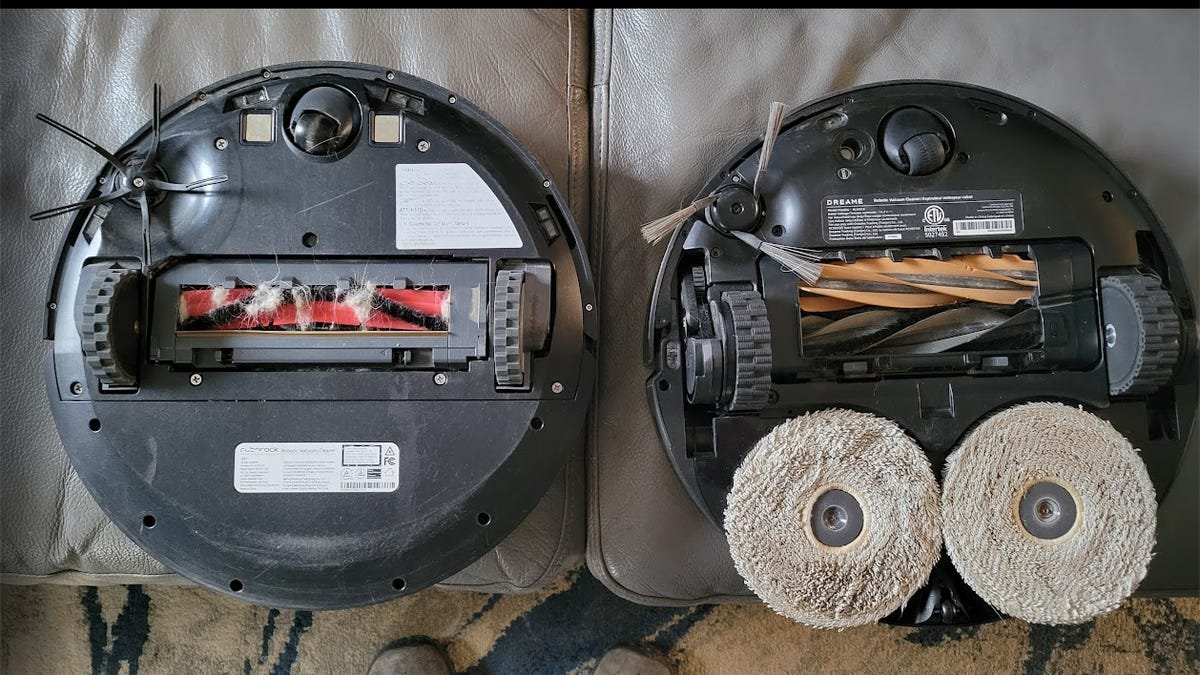
- Look under the vacuum for tangled hair or string.
- Remove any debris from the main brush and side brushes.
- Check air vents for dust buildup.
- Clear any stuck dirt in the wheels.
Battery Care And Optimization
Taking care of your robotic vacuum’s battery helps it last longer. Good battery care also keeps the vacuum running efficiently.
Learn simple tips to charge your vacuum properly and extend its battery life for better performance.
Charging Best Practices
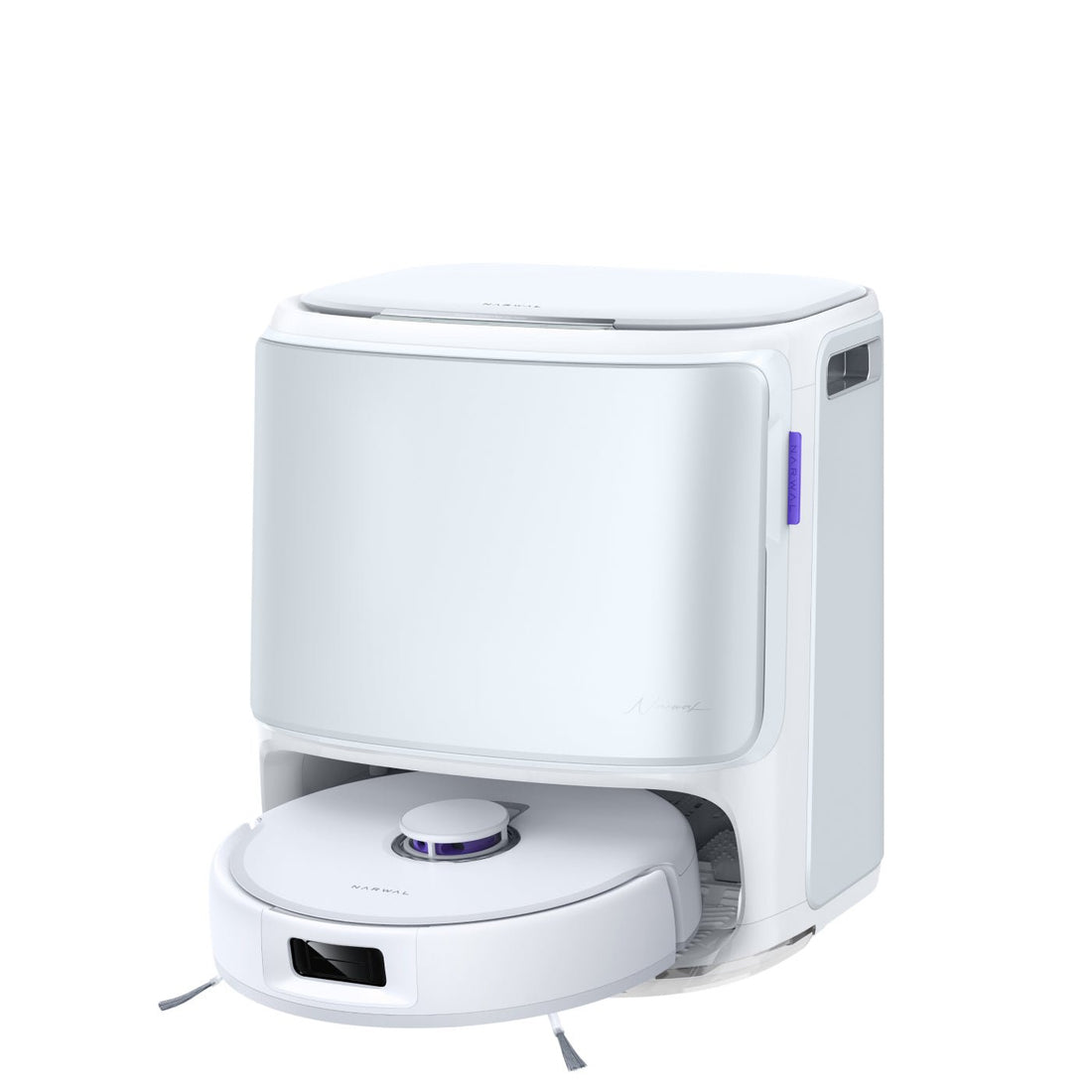
Always charge your robotic vacuum on its charging dock. This helps keep the battery full and ready for use.
Do not leave the battery completely empty for long periods. Charge it soon after use to avoid deep discharge.
- Place the vacuum on the dock after each cleaning
- Avoid unplugging the charger while the vacuum is still charging
- Keep the charging contacts clean for good connection
- Charge in a cool, dry place to avoid overheating
Extending Battery Life
Use your robotic vacuum regularly to keep the battery healthy. Batteries lose capacity when unused for a long time.
Turn off the vacuum if you will not use it for weeks. Store it with a half-full battery to avoid damage.
- Run the vacuum once or twice a week
- Store the vacuum with 40-60% battery charge
- Avoid exposing the battery to extreme temperatures
- Replace the battery if you notice shorter cleaning times
Credit: us.narwal.com
Software Updates And Settings
Keeping your robotic vacuum updated helps it work better. Software updates fix bugs and add new features.
Adjusting the settings lets you customize cleaning to fit your home and schedule.
Installing Firmware Updates
Firmware updates improve your vacuum’s performance and safety. They fix problems and add new tools.
Check for updates regularly using the vacuum app. Follow the instructions to install them.
- Connect your vacuum to Wi-Fi.
- Open the vacuum’s app on your phone.
- Find the update section and check for new firmware.
- Start the update and keep the vacuum on during the process.
- Wait until the update finishes before using the vacuum.
Customizing Cleaning Preferences
You can change cleaning settings to match your needs. Set cleaning times, areas, and suction power.
Use the app to adjust these preferences easily. This makes cleaning more efficient and less disruptive.
- Schedule cleaning for certain days and times.
- Select specific rooms or zones to clean.
- Adjust suction strength for different floor types.
- Set the vacuum to avoid certain areas.
- Enable notifications to know when cleaning is done.
Maintaining Brushes And Rollers
Robotic vacuums clean better when their brushes and rollers work well. Dirt, hair, and dust can slow them down. Regular care keeps these parts spinning smoothly.
This guide focuses on two main tasks: detangling hair and debris, and replacing worn components. Both help your vacuum last longer and clean more efficiently.
Detangling Hair And Debris
Brushes and rollers collect hair and debris during cleaning. Removing these tangles prevents damage and keeps suction strong. Check these parts after each use.
- Turn off and unplug the vacuum before cleaning.
- Remove the brushes and rollers from the vacuum.
- Use scissors or a brush tool to cut and pull out tangled hair.
- Clear away dust and small debris with a dry cloth or compressed air.
- Reinstall the brushes and rollers securely.
Replacing Worn Components
Over time, brushes and rollers wear out and stop working well. Replace them to keep your vacuum in top shape. Check for cracks, missing bristles, or flat spots.
| Sign of Wear | What to Do |
| Missing or bent bristles | Replace the brush |
| Cracks on rollers | Change the roller |
| Roller not spinning smoothly | Clean or replace |
| Unusual noise or vibration | Inspect and replace parts |
Sensor And Navigation Checks
Robotic vacuums use sensors to move and clean efficiently. These sensors detect obstacles and map your space.
Regular checks keep your vacuum working well. They help avoid errors and improve cleaning paths.
Cleaning Sensors
Sensors get dirty from dust and debris. Dirt can block signals and cause navigation problems.
Use a soft cloth or cotton swab to gently clean the sensors. Avoid using water or harsh chemicals.
- Turn off the vacuum before cleaning.
- Locate all sensors on the device.
- Wipe sensors carefully without scratching.
- Check sensors after cleaning for dust.
Ensuring Accurate Navigation
Navigation depends on clear sensors and a stable environment. Objects in the path can confuse the vacuum.
Keep floors clear of cables and small items. Update the vacuum’s software for best mapping and routing.
- Remove obstacles from cleaning areas.
- Close doors to rooms not to be cleaned.
- Keep the vacuum’s software updated.
- Reset navigation if the vacuum gets stuck.
Troubleshooting Common Issues
Robotic vacuums help keep floors clean with little effort. Sometimes, they may face problems that stop them from working well. Knowing how to fix these common issues saves time and keeps the vacuum running smoothly.
This guide covers two main problems: error messages and navigation troubles. Follow the tips to solve these problems easily.
Addressing Error Messages
Error messages warn you when the vacuum has a problem. These messages help find what is wrong. Common errors include stuck brushes, full dustbins, or low battery.
- Brush stuck:Check for hair or debris wrapped around the brush. Remove any blockages.
- Dustbin full:Empty the dustbin and clean the filter to keep suction strong.
- Low battery:Place the vacuum on the charging dock until fully charged.
- Wheel stuck:Clear dirt or objects from wheels to restore movement.
If the error message continues, restart the vacuum. Turn it off, wait a few seconds, then turn it back on. This often resets the system.
Fixing Navigation Problems
Navigation problems cause the vacuum to get stuck or miss areas. Common causes include obstacles, sensor dirt, or software glitches.
| Problem | Cause | Fix |
| Vacuum bumps into furniture | Obstacle in path or sensor blocked | Clear path and clean sensors with a soft cloth |
| Vacuum misses spots | Navigation map error or low battery | Update software and charge fully before use |
| Vacuum gets stuck on rugs | High-pile rug or uneven surface | Move vacuum to flat surface or use virtual barriers |
| Vacuum stops suddenly | Wheel stuck or sensor error | Check wheels and clean sensors |
Keep the vacuum’s software updated for better navigation. Also, remove clutter and cords from the floor before cleaning.

Credit: www.cnet.com
Frequently Asked Questions
How Often Should I Clean My Robotic Vacuum?
Clean your robotic vacuum after every few uses. Empty the dustbin, wipe sensors, and check brushes weekly to maintain efficiency.
What Parts Of A Robotic Vacuum Need Regular Maintenance?
Regularly clean the dustbin, brushes, filters, and sensors. Replace filters monthly and inspect wheels for debris to ensure smooth operation.
How Can I Extend My Robotic Vacuum’s Battery Life?
Charge the vacuum fully before use. Avoid overcharging and store it in a cool, dry place to prolong battery health.
What Surfaces Are Best For Robotic Vacuum Cleaning?
Robotic vacuums work best on hard floors and low-pile carpets. Avoid thick rugs or uneven surfaces for optimal performance.
Conclusion
Maintaining your robotic vacuum keeps it working well for a long time. Clean the brushes and empty the dustbin often. Check the sensors and wheels regularly to avoid problems. Replace filters when needed to keep dust away. Store the vacuum in a dry, safe place.
Small efforts make a big difference in its performance. Your robot will help keep your home clean with little effort. A well-maintained vacuum saves you time and money. Simple care routines make your cleaning easier every day.