
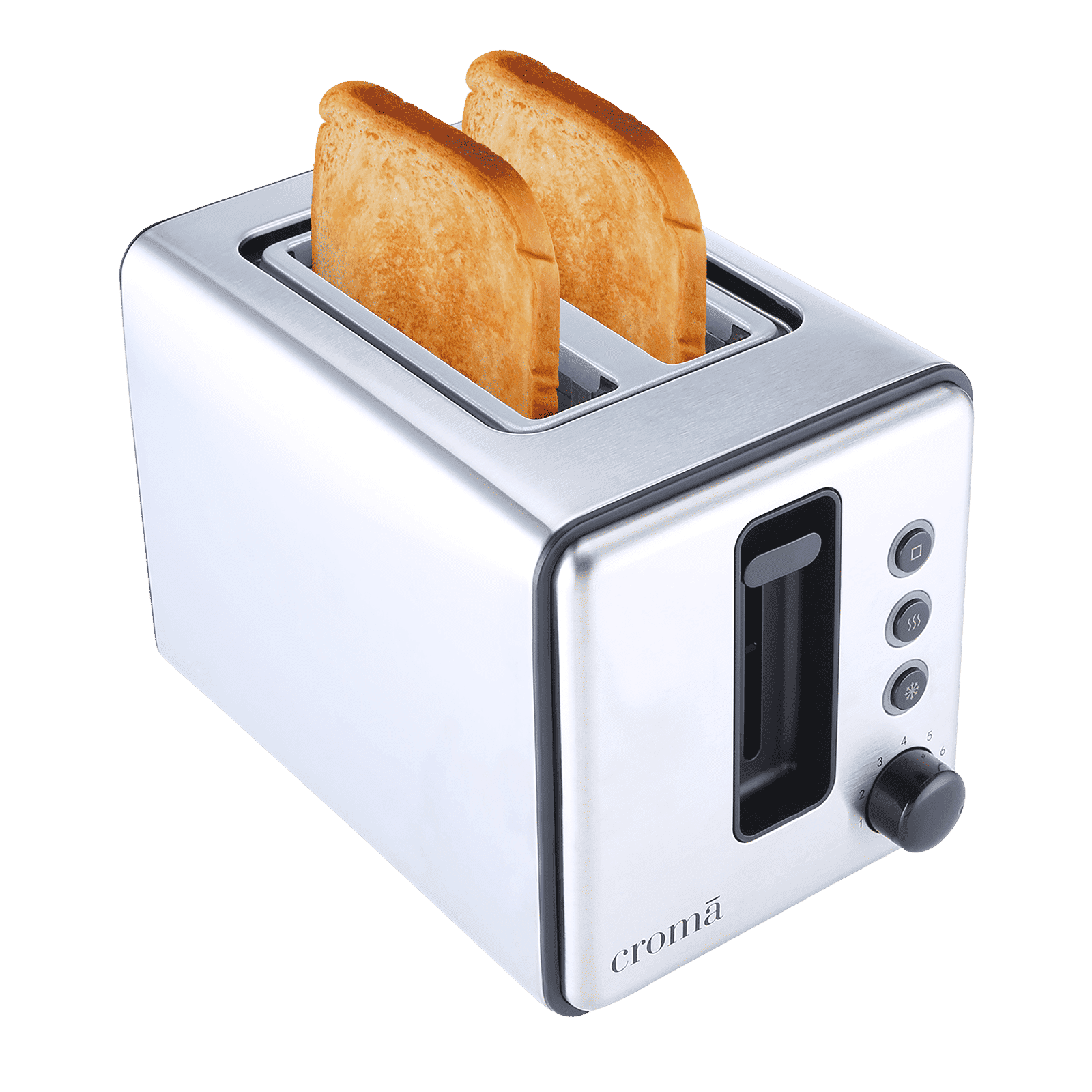
Your smart toaster is more than just a kitchen gadget—it’s a time-saver and a breakfast game-changer. But to keep it working perfectly, you need to give it the right care.
If you want your toaster to toast evenly, last longer, and avoid unexpected breakdowns, these simple tips will help you get the most out of your investment. Keep reading, and you’ll discover easy ways to maintain your smart toaster like a pro.
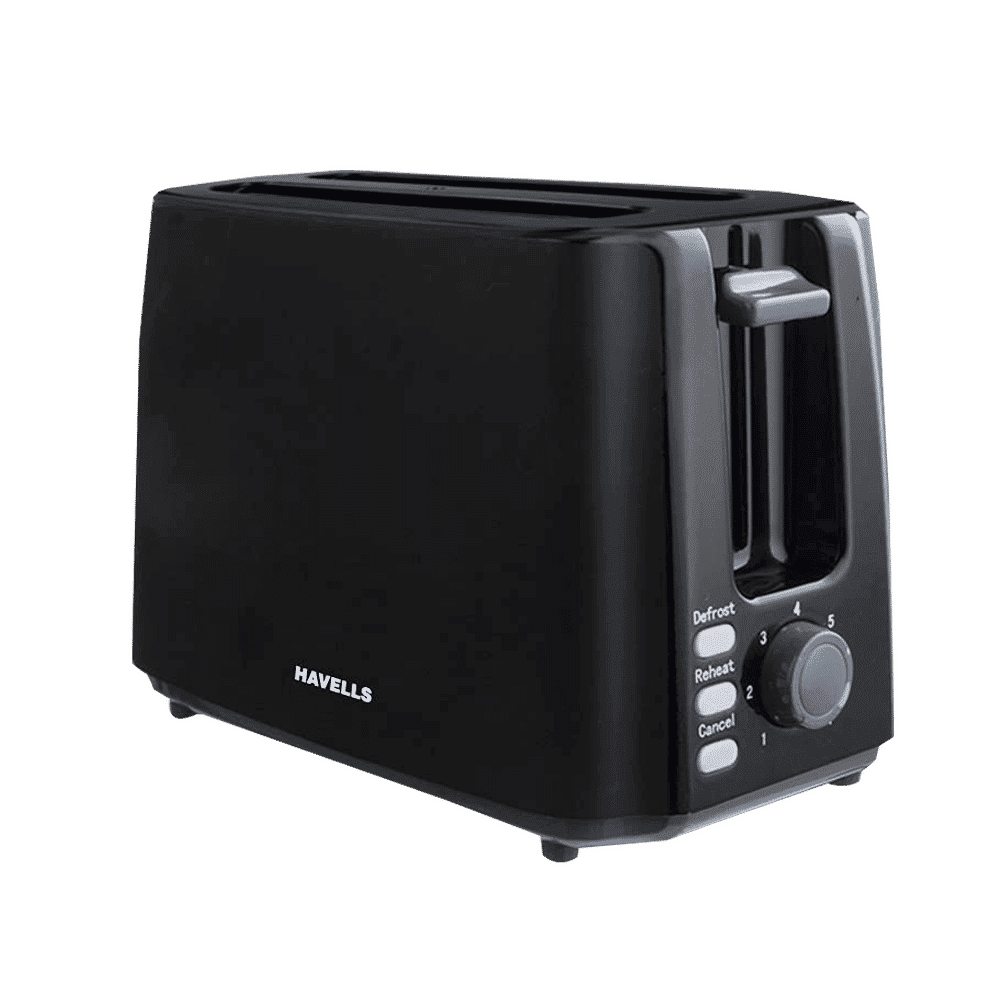
Credit: www.tataneu.com
Choosing The Right Location
Placing your smart toaster in the right spot is important. This affects its performance and lifespan.
Consider safety and convenience when selecting a location for your toaster.
Avoiding Moisture And Heat
Keep your smart toaster away from water sources. This prevents damage and electric hazards.
Do not place the toaster near the stove. Excessive heat can harm its electronic parts.
- Place it far from the sink
- Avoid windows where rain can reach
- Keep away from direct sunlight
Ensuring Proper Ventilation
A smart toaster needs good air flow. This prevents overheating during use.
Make sure there is space around the toaster. This helps with ventilation.
| Ensure | Solution |
| Space on all sides | At least 4 inches |
| Clear above | No cabinets directly above |
| Open environment | Avoid tight corners |

Credit: www.techgearlab.com
Regular Cleaning Techniques
Keeping your smart toaster clean helps it work well for a long time. Dirt and crumbs can cause problems if not removed.
Regular cleaning is easy and keeps your toaster safe to use. Follow simple steps to keep it fresh and working.
Removing Crumbs Safely
Crumbs can build up inside your toaster. They can burn or cause smoke if not cleaned out.
Unplug the toaster before cleaning. Let it cool down completely to avoid burns.
- Remove the crumb tray if your toaster has one.
- Empty the crumbs into a trash bin carefully.
- Use a soft brush to clean hard-to-reach places.
- Do not shake the toaster to avoid damaging internal parts.
Cleaning The Exterior
Keep the outside of your smart toaster clean. Dirt and stains can affect its look and function.
Use a soft cloth dampened with mild soap and water. Wipe gently to remove smudges and spills.
- Avoid using abrasive cleaners or scrubbers.
- Do not let water enter the toaster slots.
- Dry the surface with a soft towel after cleaning.
Maintaining The Interior Components
Smart toasters have sensitive parts inside. Keep these clean to avoid damage and ensure good toasting.
Do not use water inside the toaster slots. Use a dry brush or compressed air to clear dust and crumbs.
- Unplug the toaster before cleaning inside.
- Use gentle tools to avoid bending wires or parts.
- Check the slots regularly for blockages.
- Do not insert metal objects to avoid electric shocks.
Handling Electrical Components
Smart toasters have many electrical parts inside. Taking care of these parts helps the toaster last longer. Proper handling keeps you safe from electric shocks.
Follow simple steps to protect the electrical parts. These steps also stop damage during cleaning or repairs.
Unplugging Before Maintenance
Always unplug your smart toaster before starting any maintenance. This stops electricity from flowing inside. It keeps you safe while working on the toaster.
Even if the toaster looks off, unplug it first. Small electric currents can still be dangerous.
Inspecting Power Cords
Check the power cord often for cuts, cracks, or wear. A damaged cord can cause fires or shocks. Replace cords that look old or broken.
- Look for frayed wires
- Check plug pins for damage
- Make sure cord is not twisted or bent
Avoiding Water Contact
Keep water away from the toaster’s electrical parts. Water can cause short circuits or damage. Do not use wet hands when touching plugs or buttons.
Use a dry cloth to clean the toaster. Make sure the toaster is unplugged before cleaning near electrical parts.
Software And Firmware Updates
Smart toasters need software and firmware updates to work well. Updates fix bugs and add new features.
Keeping your toaster updated helps it stay safe and run smoothly. Check updates regularly.
Checking For Updates
Look for update alerts on your toaster’s app or screen. Some models check updates automatically.
You can also visit the toaster’s settings menu to find update options. Check weekly or monthly.
- Open the toaster’s app or settings
- Find the update or software section
- See if a new version is available
- Read notes about the update
Installing Updates Securely
Install updates only from the official app or website. Avoid unknown sources to keep your toaster safe.
Make sure your toaster stays plugged in and connected to Wi-Fi during update installation. Interruptions may cause errors.
- Start update in official app or device menu
- Keep power and internet on during update
- Do not turn off or unplug the toaster
- Wait until the update finishes completely
- Restart the toaster if needed
Preventing Common Issues
Smart toasters combine technology with everyday use. To keep them working well, you must prevent common problems.
Simple care steps help your smart toaster last longer. Avoid mistakes that cause damage or poor performance.
Avoiding Overloading
Do not put too much bread or thick items inside the toaster. Overloading can block heating elements and cause uneven toasting.
Too many slices at once may also strain the toaster’s motor and sensors. Use the recommended number of slices to keep it safe.
- Toast the number of slices the toaster is made for
- Do not force large or thick items inside
- Check for bread stuck inside before each use
Using Compatible Accessories
Use only accessories made for your smart toaster model. Non-compatible parts can cause malfunctions or damage the device.
Check the manual before adding racks, crumb trays, or cleaning tools. Proper accessories help maintain the toaster’s smart features.
- Use racks designed for your toaster’s slots
- Replace crumb trays with model-specific parts
- Choose cleaning brushes that do not harm sensors

Credit: wiproappliances.com
Extending Lifespan
Smart toasters have many features that make breakfast easy. Taking care of them helps them last longer. Proper care saves money and reduces waste.
Simple habits and regular checks keep your smart toaster working well. Follow these tips to extend its life.
Proper Usage Habits
Use your smart toaster as the manual says. Avoid overloading it with thick bread or other items. Use the right settings for different bread types.
Clean crumbs and dirt often. Turn off the toaster after use to avoid overheating. Do not pull the cord to unplug it.
- Use recommended bread thickness
- Choose correct toasting settings
- Empty crumb tray regularly
- Turn off after each use
- Unplug by the plug, not the cord
Scheduling Professional Servicing
Smart toasters have complex parts. A professional can check the wiring and sensors safely. Regular servicing prevents big problems.
Set a service schedule based on how often you use the toaster. A yearly check is good for most models.
- Find a certified technician
- Schedule service once a year
- Ask for a full inspection
- Replace worn parts early
Frequently Asked Questions
How Often Should I Clean My Smart Toaster?
Clean your smart toaster weekly to remove crumbs and prevent buildup. Use a soft, dry cloth and avoid harsh chemicals for best results.
Can I Use Water To Clean Smart Toaster Interiors?
Avoid water inside the toaster. Instead, use a brush or a dry cloth to clean crumbs and dust safely without damaging electronics.
What Maintenance Extends Smart Toaster Lifespan?
Regular cleaning, avoiding metal utensils, and following manufacturer instructions help extend your smart toaster’s lifespan and maintain optimal performance.
How Do I Reset My Smart Toaster?
Refer to your user manual for reset instructions. Usually, unplugging and plugging back after a few minutes resets the device safely.
Conclusion
Smart toasters need regular care to work well and last long. Clean crumbs often to avoid fire risks. Check settings to keep your toast perfect each time. Handle your toaster gently to prevent damage. Simple steps like these save money and stress.
Enjoy fresh, tasty toast every morning with little effort. Small habits make a big difference in your kitchen. Keep your smart toaster ready for daily use and happy meals.