
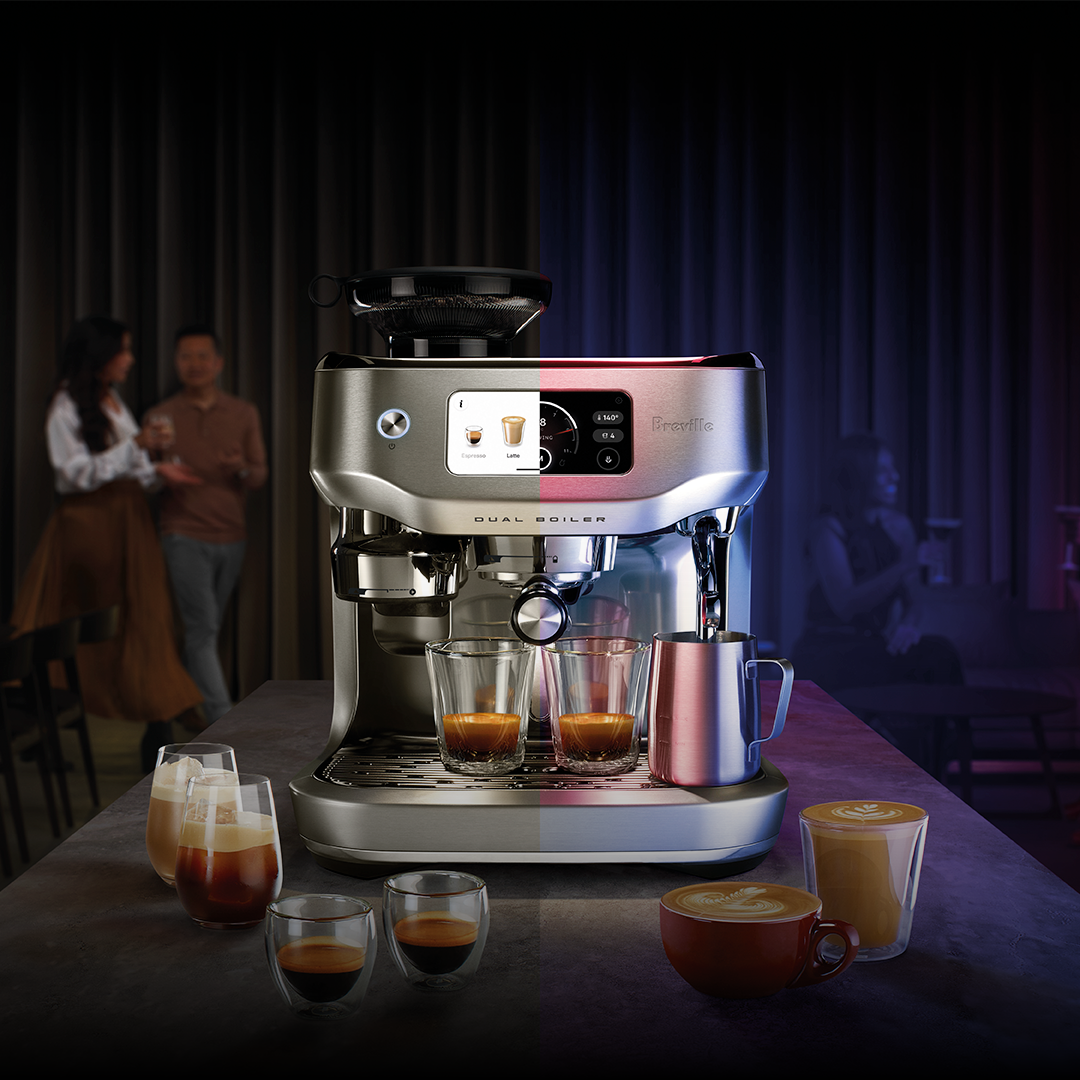
Your smart coffee maker is more than just a machine—it’s your morning companion, your quick pick-me-up, and sometimes, your daily lifesaver. But are you truly getting the best from it?
Without proper care, your smart coffee maker can slow down, lose flavor, or even break down when you least expect it. Imagine starting your day with a perfect cup every time, without any hassle or disappointment. You’ll discover simple yet powerful tips to keep your smart coffee maker running smoothly and brewing coffee that tastes just right.
Ready to unlock the full potential of your device? Let’s dive in.
Daily Cleaning Routine
Smart coffee makers make mornings easier. Keeping them clean is important. A daily cleaning routine helps your coffee maker last longer.
Cleaning also ensures your coffee tastes fresh every day. Here are some tips for maintaining your smart coffee maker.
Wiping Exterior Surfaces
The exterior of your coffee maker gets dirty quickly. Wiping it daily keeps it looking new. Use a damp cloth for best results.
Make sure to clean all sides and corners. Pay attention to buttons and screens. Keeping them clean helps them work better.
- Unplug the coffee maker before cleaning
- Use a soft, damp cloth
- Avoid harsh chemicals or abrasives
Emptying Used Grounds
Emptying the used grounds is crucial. Leaving them in can cause bad smells. It can also affect the taste of your coffee.
Dispose of the grounds after each use. This simple step keeps your coffee fresh and your machine functioning well.
- Remove the filter basket
- Discard the used grounds
- Rinse the basket if needed
Rinsing Water Reservoir
The water reservoir needs attention too. Rinse it daily to prevent build-up. Fresh water leads to better-tasting coffee.
Check for any residue or deposits. A clean reservoir means clean water for brewing.
- Remove the reservoir from the machine
- Rinse with warm water
- Dry with a clean cloth

Credit: somethingsbrewing.in
Deep Cleaning Techniques
Smart coffee makers need regular cleaning to work well. Deep cleaning helps remove dirt and build-up.
Cleaning keeps your coffee fresh and the machine lasts longer. Use safe and easy methods for deep cleaning.
Descaling With Vinegar
Vinegar is a natural cleaner that removes mineral deposits inside your coffee maker. It helps keep the machine running smoothly.
Fill the water tank with equal parts of white vinegar and water. Run a brewing cycle without coffee grounds.
- Start the brew cycle with vinegar solution
- Pause halfway and let it sit for 30 minutes
- Complete the cycle
- Run two cycles with clean water to rinse
Cleaning Brew Basket And Carafe
Remove the brew basket and carafe for cleaning after each use. This prevents old coffee oils from building up.
Wash these parts with warm soapy water. Use a soft brush to clean hard-to-reach spots and rinse well.
- Take out the brew basket and carafe
- Use warm water and mild soap
- Scrub gently with a soft brush
- Rinse and dry completely before reassembling
Removing Mineral Buildup
Mineral buildup can clog your coffee maker and affect taste. Use descaling agents or vinegar regularly to remove it.
Check water hardness in your area. Clean your machine more often if the water has more minerals.
- Use descaling solution or vinegar every 1-3 months
- Run the cleaning cycle as instructed
- Rinse well to avoid vinegar taste
- Keep the water reservoir clean and dry
Maintaining Software And Firmware
Smart coffee makers use software and firmware to work well. Keeping these up to date helps the device run smoothly.
Regular maintenance of software and firmware can prevent problems and improve performance.
Checking For Updates
Check your coffee maker for software or firmware updates often. Updates fix bugs and add new features.
Most smart coffee makers notify you when updates are ready. You can also check using the companion app or device menu.
- Open the coffee maker app or settings.
- Look for an option like “Check for updates.”
- Follow instructions to download and install updates.
Resetting The Device
Resetting your coffee maker can fix software glitches. It clears temporary problems that slow the device down.
You can reset by pressing a button or using the app. Make sure to save settings before you reset.
- Find the reset button on the device or in the app.
- Hold the button for a few seconds until it restarts.
- Reconfigure settings if needed after the reset.
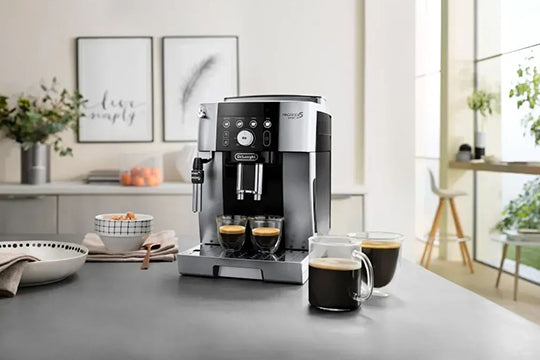
Optimizing Connectivity
Good Wi-Fi connection is key for smart coffee makers. Poor connection causes delays or failed commands.
Keep the device close to the router and reduce interference. Use 2.4 GHz Wi-Fi if your coffee maker supports it.
- Place the coffee maker near the Wi-Fi router.
- Remove objects that block the signal.
- Use the correct Wi-Fi band (2.4 GHz or 5 GHz) as recommended.
- Restart your router if connection issues persist.
Credit: ar.jashanmal.com
Preventing Common Issues
Smart coffee makers make brewing easier and faster. Keeping them clean helps them work well.
Some problems like mold, clogs, and bad water can affect your coffee maker. Preventing these keeps your coffee tasty.
Avoiding Mold Growth
Mold grows in warm, wet places inside the coffee maker. Clean your machine often to stop mold from growing.
Empty the water reservoir after use. Leave the lid open to dry the inside parts.
- Use fresh water each time you brew
- Clean the carafe and filter basket daily
- Run a cleaning cycle with vinegar once a month
- Dry all removable parts before reassembling
Preventing Clogs
Clogs happen when coffee grounds or mineral deposits block water flow. Clean parts regularly to avoid clogs.
Check the filter and water lines for buildup. Replace or clean filters often.
- Use the right grind size for your filter
- Rinse the filter basket after each use
- Run water-only cycles to flush the system
- Descale the machine monthly to remove mineral deposits
Managing Water Quality
Water quality changes the taste and health of your coffee maker. Use clean water to improve coffee flavor and machine life.
Hard water causes mineral buildup and clogs. Use filtered or bottled water if your tap water is hard.
- Use fresh water every day
- Check water hardness with test strips
- Use water softeners or filters if needed
- Clean the coffee maker more often if water quality is poor
Storage And Handling Tips
Smart coffee makers need proper care to work well for years. Storing and handling them correctly helps keep them safe.
Follow simple tips to protect your coffee maker from damage and maintain its performance.
Proper Storage Methods
Store your smart coffee maker in a dry, cool place away from sunlight. Avoid damp areas to prevent mold and rust.
Keep the coffee maker unplugged and clean before storing. Remove all water and coffee grounds to stop bad smells.
- Use original packaging if available
- Cover with a cloth to avoid dust
- Keep away from heat sources
Safe Transportation
When moving your coffee maker, handle it gently to avoid damage. Hold it from the base, not the carafe or lid.
Use padding like bubble wrap or soft towels around the coffee maker during transport. This protects it from shocks.
- Empty water tank before moving
- Secure removable parts separately
- Place on flat, stable surfaces in vehicles
Protecting Delicate Components
Smart coffee makers have delicate parts like sensors and screens. Handle these parts with care to avoid damage.
Clean these components gently with a soft, dry cloth. Do not use harsh chemicals or rough materials.
- Avoid pressing hard on buttons and screens
- Keep away from liquids that can spill inside
- Store removable parts separately to prevent scratches

Credit: www.wholelattelove.com
Frequently Asked Questions
How Often Should I Clean My Smart Coffee Maker?
Clean your smart coffee maker every 1-2 weeks to ensure optimal performance. Regular cleaning prevents buildup of coffee oils and mineral deposits. Follow the manufacturer’s instructions for descaling and cleaning cycles to extend your machine’s lifespan and maintain great coffee taste.
What Is The Best Way To Descale Smart Coffee Makers?
Use a descaling solution recommended by the manufacturer or a mixture of vinegar and water. Run the descaling cycle monthly or as indicated by your machine. This removes mineral buildup, improving water flow and preserving the coffee flavor and machine efficiency.
Can I Use Any Water Type In Smart Coffee Makers?
Filtered or bottled water is best to prevent mineral buildup and improve taste. Avoid hard tap water, which can clog the machine and affect coffee quality. Using clean water extends your coffee maker’s life and enhances your coffee’s flavor.
How Do I Update My Smart Coffee Maker’s Software?
Check the manufacturer’s app or website for software updates regularly. Follow instructions to download and install updates, which improve functionality and fix bugs. Keeping software current ensures your smart coffee maker runs smoothly and securely.
Conclusion
Keeping your smart coffee maker clean improves its taste and lifespan. Regular care stops clogs and keeps sensors working well. Use simple cleaning steps and follow the manual instructions. Check water filters and remove old coffee grounds daily. Small efforts save you time and money later.
Enjoy fresh, hot coffee every morning without any hassle. Smart coffee makers work best when you treat them right. Stay consistent, and your machine will serve you longer. Good habits make a big difference in coffee quality. Take care now, and enjoy great coffee every day.