
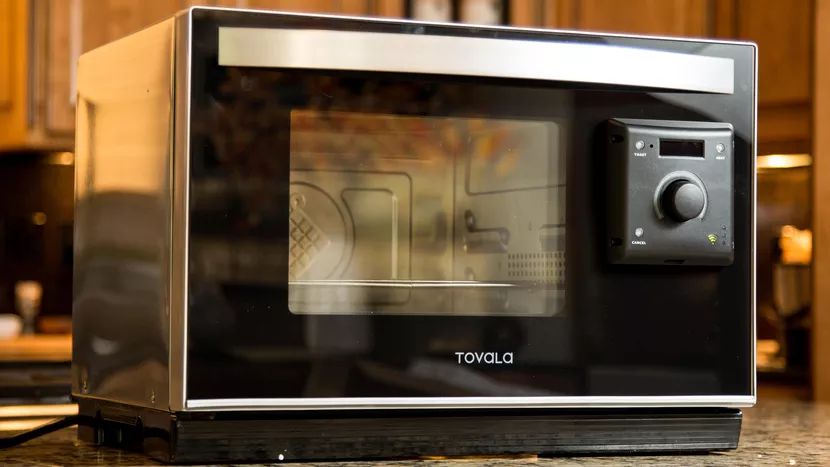
Are you ready to take your baking skills to the next level? Programming a smart oven might seem tricky at first, but with the right tips, you can unlock its full potential and bake like a pro.
Imagine perfectly golden cakes, crispy breads, and delicious cookies every time, all with just a few simple settings. You’ll discover easy, practical tips to help you master your smart oven’s baking functions. Keep reading, and you’ll soon enjoy faster, tastier results that will impress everyone at your table.
Choosing The Right Oven Settings
Programming your smart oven can make baking easier. The right settings can improve your baking results.
Understanding the settings helps you bake better cakes and cookies. Let’s explore some tips.
Temperature Control Tips
Temperature is key in baking. Set it correctly for even cooking.
Always check your recipe for the right temperature. Use the oven’s digital display for accuracy.
- Use an oven thermometer for precise measurements
- Avoid opening the oven door often
- Adjust temperature if baking multiple items
Selecting Baking Modes
Smart ovens offer different baking modes. Choose the right mode for your recipe.
Modes like convection can speed up cooking. They circulate hot air around the food.
- Convection for crispy cookies
- Conventional for cakes and breads
- Grill mode for browning
Using Preheat Functions
Preheating your oven is important. It ensures even baking from the start.
Smart ovens can preheat quickly. Set the temperature and wait for the signal.
- Preheat for at least 10 minutes
- Use the preheat signal as a guide
- Do not skip preheating for better results
Optimizing Baking Time
Smart ovens can help you bake food perfectly by controlling the baking time. Setting the right time saves energy and prevents waste.
Learning to adjust baking time improves the taste and texture of your baked goods. Let’s explore how to use smart oven features for best results.
Adjusting Time For Different Recipes
Different recipes need different baking times. For example, cookies usually bake faster than bread. Adjust the time based on what you bake.
Check recipe instructions and use your smart oven’s settings to enter the right time. Some ovens offer preset modes for common foods.
- Cookies: 8-12 minutes
- Bread: 25-35 minutes
- Cakes: 20-30 minutes
- Pizza: 10-15 minutes
Using Timers Effectively
Timers help you control baking without watching the oven all the time. Set the timer to stop baking exactly when done.
Use the smart oven’s timer to get alerts or automatic shut-off. This helps avoid burning your food.
- Set timer before starting to bake
- Check food a few minutes before timer ends
- Use the pause feature if needed
- Reset timer for multiple baking phases
Avoiding Overbaking
Overbaking dries out food and ruins texture. Stop baking right on time for soft and moist results.
Use your smart oven’s sensors if available. These sensors detect food temperature and adjust baking time automatically.
- Watch for browning to judge doneness
- Use a toothpick test for cakes and bread
- Lower temperature if food cooks too fast
- Remove food soon after timer ends
Smart Features To Enhance Baking
Smart ovens have special features that make baking easier and better. These ovens use new technology to help you bake with more control.
Using these features can save time and improve your baking results. Let’s look at some key smart oven functions.
Utilizing Wi-fi Connectivity
Wi-Fi lets you connect your oven to your phone or tablet. This connection allows you to control the oven from anywhere in your home.
You can start, stop, or adjust baking settings without being in the kitchen. This helps keep your baking on track and saves energy.
- Preheat the oven remotely
- Adjust temperature during baking
- Receive alerts when baking is done
Using Recipe Memory Functions
Smart ovens can remember your favorite baking recipes. This function saves the right temperature and time for each recipe.
You can quickly select saved recipes without setting everything manually. It helps make your baking consistent and less stressful.
- Store multiple recipes in oven memory
- Recall saved settings with one touch
- Customize recipes to fit your taste
Remote Monitoring Benefits
Remote monitoring lets you check your baking progress from a distance. You can see the oven’s status on your device anytime.
This feature helps you avoid overbaking or burning your food. It also allows you to plan other tasks while baking.
- View oven temperature and timer remotely
- Receive notifications if baking needs attention
- Pause or adjust baking without entering the kitchen

Credit: www.forbes.com
Maintenance For Consistent Results
Keeping your smart oven in good shape is key to baking well every time. Regular maintenance helps the oven work right.
Simple care steps can avoid problems and keep your food tasting great. This guide shows how to maintain your smart oven.
Cleaning Smart Ovens
Clean your smart oven often to stop dirt from building up. Dirt can change how heat spreads inside.
Remove crumbs and wipe surfaces with a soft cloth and mild cleaner. Avoid harsh chemicals that can damage the oven.
- Clean spills right after baking
- Use a damp cloth for the inside walls
- Remove and wash racks separately
- Keep the door glass clear for good heat
Calibrating Temperature Sensors
Temperature sensors control how hot the oven gets. If sensors are off, food may burn or stay raw.
Check sensor accuracy every few months. Use an oven thermometer to compare the real heat with the oven’s reading.
- Place thermometer in oven center
- Set oven to 350°F (175°C)
- Wait 15 minutes, then compare readings
- Adjust sensor settings if needed
Firmware Updates
Firmware controls the smart oven’s functions. Updates fix bugs and improve baking programs.
Check for updates often. Connect your oven to Wi-Fi and follow the manual to install the latest version.
- Go to oven settings menu
- Select software update option
- Download and install updates
- Restart oven after update
Troubleshooting Common Issues
Smart ovens make baking easier but can have some problems. Knowing how to fix them saves time.
This guide helps you solve common issues with your smart oven for better baking results.
Dealing With Uneven Baking
Uneven baking happens when heat is not spread well inside the oven. It can cause parts of food to burn or stay raw.
Check if the oven racks are in the right place. Avoid overcrowding the oven with many items.
- Use the recommended rack position for your recipe
- Space food items to allow air to move freely
- Preheat the oven fully before baking
- Rotate trays halfway through baking
Handling Sensor Errors
Sensor errors cause wrong temperature readings or stop the oven. Clean sensors gently with a soft cloth.
Make sure there is no steam, dirt, or food residue on sensors. If errors continue, try restarting the oven.
- Turn off the oven and unplug it
- Clean sensors carefully
- Check for loose wires or damage
- Plug in and turn on the oven again
Resetting The Oven
Resetting clears errors and restores settings to default. This helps if the oven does not respond or acts strangely.
Follow the steps in your oven’s manual for a proper reset. Usually, it involves turning off power and pressing specific buttons.
- Turn off the oven power
- Wait 30 seconds to 1 minute
- Press and hold the reset button or power button
- Release button when the display shows reset
- Set your baking preferences again
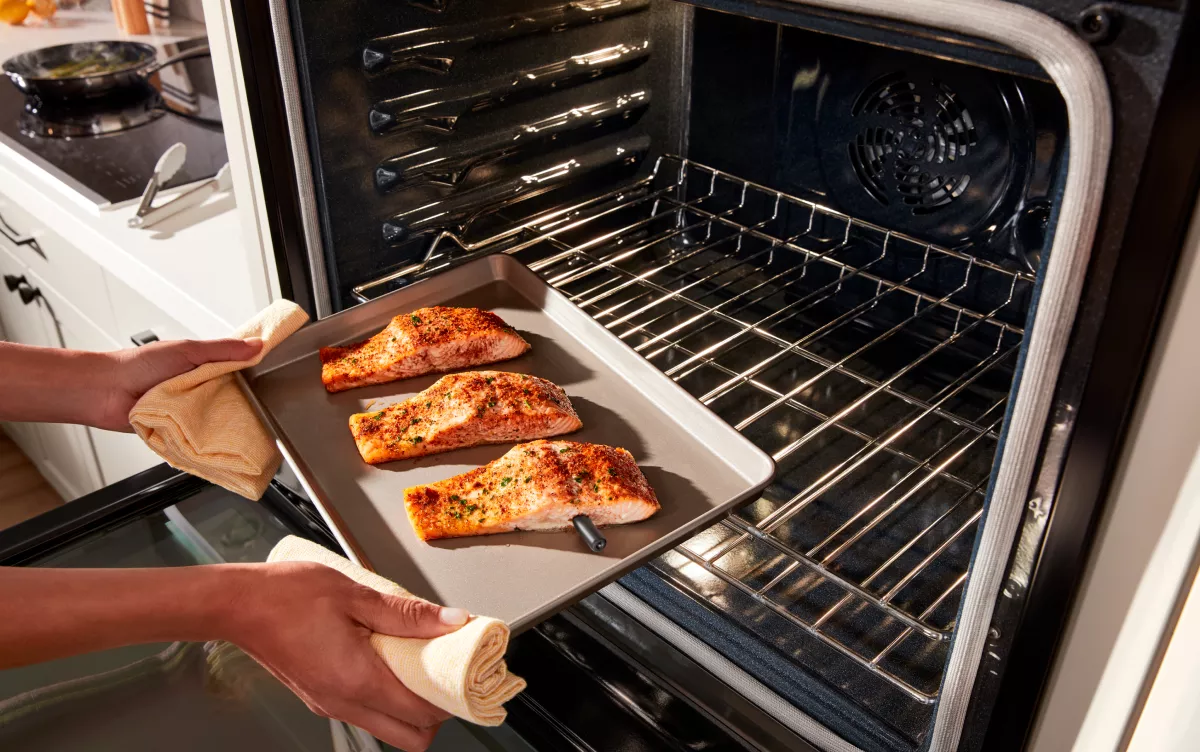
Credit: www.whirlpool.com

Credit: medium.com
Frequently Asked Questions
How Do I Set Temperature In A Smart Oven For Baking?
Set the temperature using the smart oven’s control panel or app. Choose the recommended baking temperature in your recipe. Preheat the oven before placing your food inside for even baking results.
Can I Program Baking Time On A Smart Oven?
Yes, smart ovens allow you to program baking time. Use the timer function to set the exact duration. The oven will alert you or turn off automatically when time ends.
What Smart Features Improve Baking Quality?
Smart ovens often include features like precise temperature control, humidity sensors, and convection modes. These help maintain consistent heat and moisture, ensuring perfectly baked dishes every time.
How To Use Presets For Common Baking Recipes?
Many smart ovens have preset modes for cakes, bread, and cookies. Select a preset to automatically adjust time and temperature. This simplifies baking and improves consistency.
Conclusion
Programming smart ovens correctly helps bake delicious treats every time. Start by reading the manual to know the settings. Use the right temperature and timer for each recipe. Test small batches to avoid mistakes. Keep the oven clean for better results.
Practice makes baking easier and more fun. Follow these simple tips to enjoy fresh, tasty baked goods at home. Smart ovens can save time and effort when used well. Try different recipes and settings to find what works best for you.
Happy baking!