

Your smart toaster is more than just a kitchen gadget—it’s a handy helper that makes your mornings easier. But to keep it working perfectly, you need to take good care of it.
If you’ve ever dealt with uneven toasting or strange smells, this guide is for you. You’ll discover simple steps that save you time, prevent costly repairs, and ensure every slice comes out just right. Ready to unlock your toaster’s full potential?
Let’s dive into how you can maintain your smart toaster like a pro.

Credit: www.amazon.ca
Cleaning Techniques
Smart toasters need regular cleaning to work well and last long. Good cleaning techniques help keep them efficient and safe.
Learn the right way to clean your smart toaster. Follow these simple steps to keep it in top condition.
Daily Cleaning Routine
Daily cleaning keeps your toaster free of crumbs and sticky spots. It also helps prevent bad smells.
- Unplug the toaster before cleaning.
- Wipe the outside with a damp cloth.
- Remove and empty the crumb tray daily.
- Check for crumbs inside and shake them out gently.
Deep Cleaning Methods
Deep cleaning removes tough stains and keeps the toaster working well. It is important for the longevity of your appliance.
Do a deep clean every month or when needed. This helps remove stuck crumbs and oils.
- Unplug the toaster and let it cool.
- Use a soft brush to clean slots and heating elements.
- Clean the crumb tray with warm soapy water.
- Dry all parts completely before reassembling.
Safe Cleaning Materials
Use the right materials to avoid damage. Safe materials ensure your toaster remains in good condition.
- Use a microfiber cloth for wiping surfaces.
- Soft brushes help clean delicate parts.
- Mild soap and water are safe for removable parts.
- Avoid harsh chemicals and abrasive tools.
Proper Usage Tips
Smart toasters need careful use to work well for a long time. Using them properly helps avoid damage.
Follow simple tips to keep your smart toaster safe and efficient. These tips help you get the best results every time.
Avoiding Overloading
Do not put too many slices of bread in the toaster. Overloading can cause uneven toasting and damage the appliance.
Make sure bread fits easily into the slots. Crowding the toaster blocks heat and may cause jamming.
Using Correct Settings
Choose the right toasting level for your bread type. Using wrong settings can burn or under-toast your bread.
Adjust settings based on the thickness and moisture of the bread. Follow the smart toaster’s guide for best results.
- Light setting for thin or fresh bread
- Medium setting for regular bread slices
- Dark setting for thick or dense bread
Handling With Care
Handle the toaster gently when moving or cleaning it. Avoid dropping or shaking to protect internal parts.
Unplug the toaster before cleaning. Use a soft cloth and avoid harsh chemicals to keep it safe and clean.
Regular Maintenance
Smart toasters need regular care to work well. Taking time to maintain them keeps them safe and efficient.
Regular maintenance helps avoid problems and extends the life of your smart toaster.
Inspecting Components
Check your smart toaster’s parts often. Look for dirt, damage, or loose pieces. Pay close attention to the heating elements and crumb tray.
Clean parts gently to avoid harm. Use a soft cloth or brush to remove crumbs and dust.
Replacing Worn Parts
Replace parts that are broken or old. Worn heating elements or buttons can cause poor performance. Use parts made for your toaster model.
- Check wires and plugs for damage
- Replace crumb trays if cracked or bent
- Change heating elements if they do not heat well
Software Updates
Smart toasters often need software updates. These updates fix bugs and add new features. Connect your toaster to Wi-Fi to receive updates.
Follow the instructions in your toaster’s app or manual to install updates safely.

Credit: www.amazon.ca
Storage Recommendations
Smart toasters need proper storage to keep working well. Storing them right helps avoid damage.
Follow some simple tips to keep your smart toaster safe and clean when not in use.
Ideal Storage Conditions
Store your smart toaster in a dry, cool place away from direct sunlight. This stops parts from wearing out.
Make sure the storage area has good air flow to prevent heat build-up inside the toaster.
- Keep temperature between 50°F and 77°F (10°C – 25°C)
- Store in a clean, dust-free space
- Avoid places with strong sunlight or heat sources
Protecting From Dust
Dust can harm the smart toaster’s sensors and electrical parts. Cover it to keep dust out.
Use a clean cloth or a dedicated cover when you store the toaster for a long time.
- Cover the toaster with a soft, breathable cloth
- Use plastic covers only if they allow air flow
- Clean the toaster before storing to remove dust
Avoiding Moisture
Moisture can cause rust and damage electrical parts in your smart toaster. Keep it dry.
Do not store the toaster near sinks or damp areas. Wipe it dry before storing after cleaning.
- Store in a low-humidity area
- Wipe off any water or spills immediately
- Do not store in damp basements or garages
Troubleshooting Common Issues
Smart toasters make breakfast easy but can have problems like any device. Knowing how to fix common issues saves time.
Simple steps can solve many problems with your smart toaster. This guide helps you handle common troubles.
Dealing With Malfunctions
If your toaster does not heat or stops mid-cycle, first check the power supply. Make sure the plug is secure.
Look for error messages or unusual sounds. These can show what is wrong.
- Check if the crumb tray is clean and not blocking sensors.
- Inspect the heating elements for damage or dirt.
- Confirm the settings are correct for your bread type.
- Restart the toaster to clear minor errors.
Resetting The Device
Resetting your smart toaster can fix glitches and frozen screens. It clears the device memory.
Most smart toasters have a reset button or a reset option in the menu. Follow the instructions in the manual.
- Unplug the toaster for 30 seconds to force a hard reset.
- Use the reset button if available on your model.
- Check the app connected to your toaster for a reset option.
When To Seek Professional Help
Call a technician if your toaster shows burning smells or smoke. Stop using it immediately.
Do not try to fix electrical parts if you are unsure. This can be dangerous.
- Heating elements not working after reset
- Display or touch screen not responding
- Power supply issues despite proper connection
- Strange noises inside the toaster
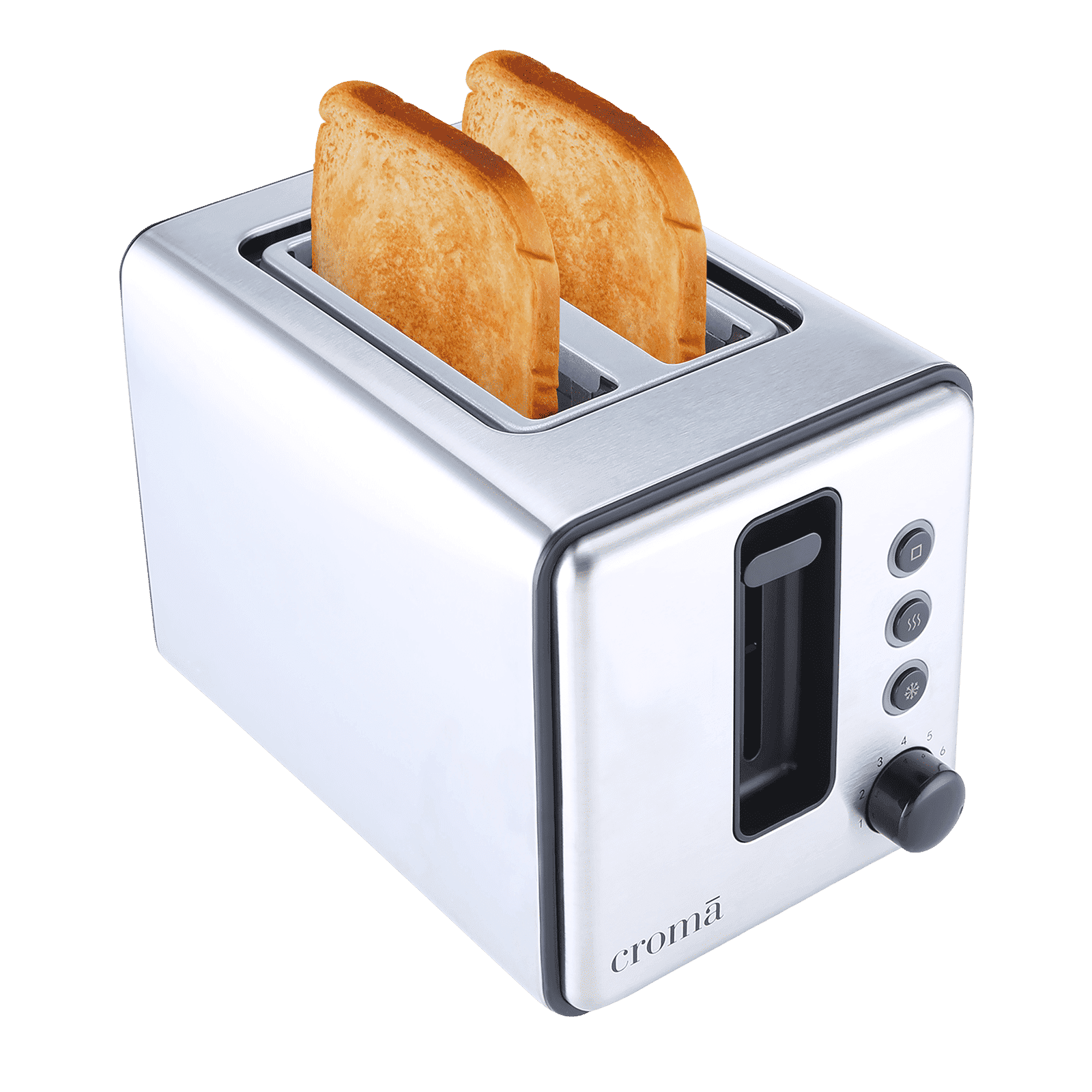
Credit: www.tataneu.com
Frequently Asked Questions
How Often Should I Clean My Smart Toaster?
Clean your smart toaster after every few uses to avoid crumbs buildup. Regular cleaning prevents malfunction and maintains performance. Use a soft cloth and mild detergent for the exterior. Empty the crumb tray frequently to keep it hygienic and efficient.
Can I Use Water To Clean The Smart Toaster?
Avoid using water directly inside the toaster. Use a damp cloth to wipe the exterior only. For crumbs, remove the tray and clean separately. Excess moisture can damage electronic components and affect toaster functionality.
How Do I Update My Smart Toaster’s Software?
Check the manufacturer’s app or website for software updates. Connect your toaster to Wi-Fi if required. Regular updates improve performance and add new features. Follow instructions carefully to avoid interrupting the update process.
What Is The Best Way To Store A Smart Toaster?
Store your smart toaster in a dry, cool place away from moisture. Cover it with a dust cloth if not used frequently. Avoid placing heavy objects on top to prevent damage. Proper storage prolongs the toaster’s lifespan.
Conclusion
Maintaining your smart toaster keeps it working well for years. Clean it regularly to avoid crumbs and buildup. Check settings and updates often for best performance. Handle it gently to prevent damage. Simple care saves money and frustration later. Enjoy fresh, perfectly toasted bread every day.
Small efforts make a big difference. Keep your kitchen smart and efficient with easy steps.