
Setting up your smart sous vide machine might seem tricky at first, but it doesn’t have to be. Imagine cooking your favorite meals perfectly every time, with little effort and no guesswork.
You’re just a few simple steps away from unlocking that kitchen magic. In this guide, you’ll learn exactly how to get your smart sous vide machine ready, so you can enjoy juicy steaks, tender vegetables, and flawless dishes right at home.
Ready to become a sous vide pro? Let’s dive in and make your cooking smarter and easier.
:max_bytes(150000):strip_icc()/sea-breville-joule-turbo-sous-vide-machine-immersion-circulator-nsimpson-1109-8846237ddd77410eaa27efc4a2446561.jpeg)
Credit: www.seriouseats.com
Choosing The Right Smart Sous Vide
Setting up a smart sous vide machine can make cooking easier. Choosing the right one is important for your needs. You need to consider the features and brands before buying.
Smart sous vide machines help you cook food to the perfect temperature. They are user-friendly and connect to your smartphone for easy control. Let’s explore how to choose the best one for you.
Key Features To Consider
When picking a smart sous vide, look for important features. These features help improve your cooking experience and ensure the device meets your needs.
- Wi-Fi or Bluetooth connectivity for remote control
- Temperature accuracy and stability
- App compatibility and user interface
- Water capacity and size
- Durability and build quality
Top Brands And Models
There are many brands and models of smart sous vide machines. Here are some popular ones known for quality and performance.
- Anova Culinary Precision Cooker
- Joule by ChefSteps
- Inkbird Wi-Fi Sous Vide Cooker
- Breville Joule Sous Vide
- Instant Pot Accu Slim
Preparing Your Sous Vide Setup
Setting up a smart sous vide machine is easy and fun. It needs some tools and a good place to cook.
This guide helps you get ready to use your sous vide machine the right way.
Required Accessories
You need a few accessories to cook with sous vide safely and well. These help keep food fresh and cook evenly.
- Vacuum sealer or zip-lock bags to seal food tightly
- Container or pot to hold the water
- Rack to keep bags from floating
- Clip or holder to attach the sous vide machine
- Thermometer to check water temperature (optional)
Setting Up The Water Bath
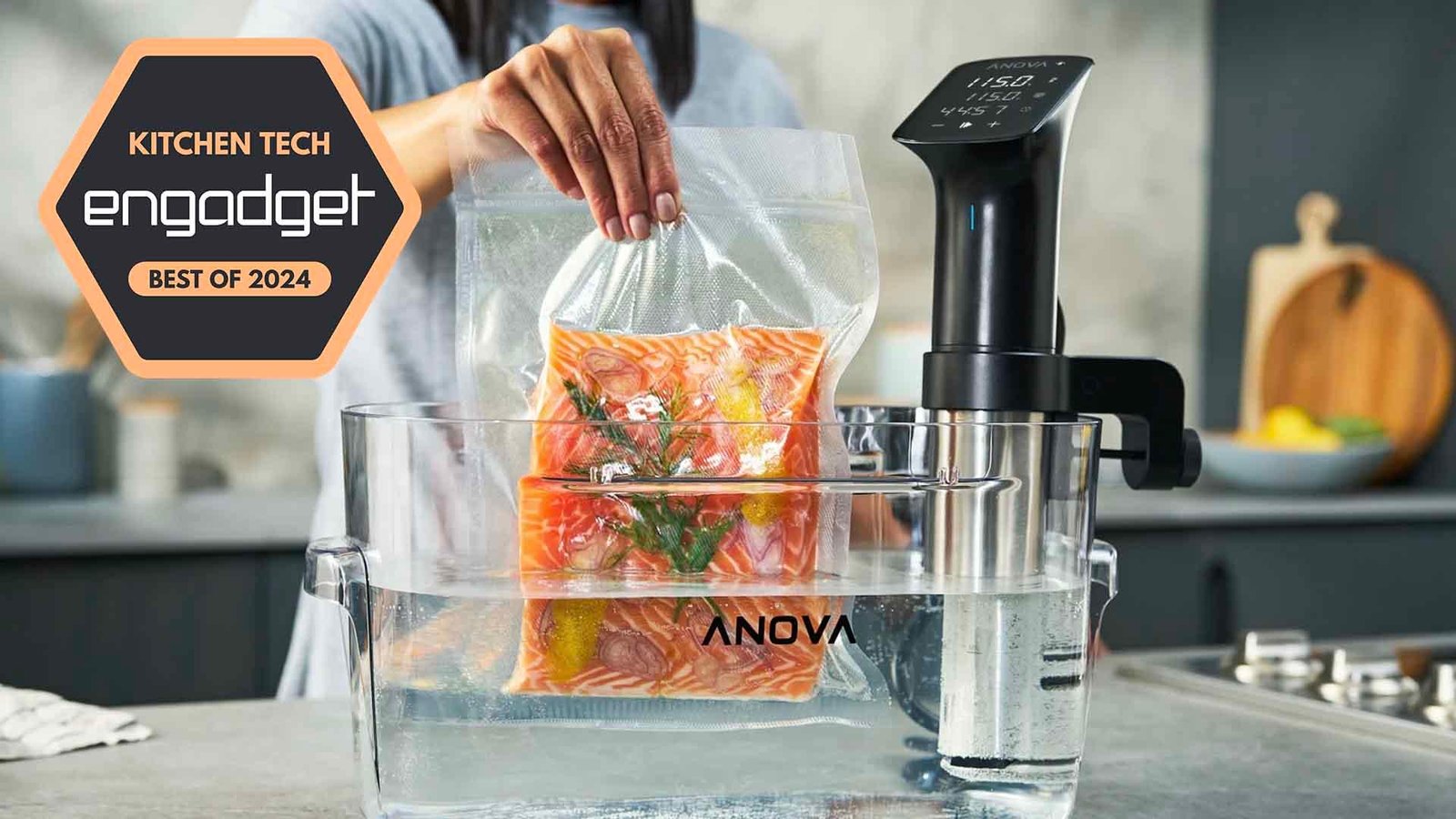
Fill your container with water. Make sure it is deep enough for the sous vide machine to work.
Attach the sous vide machine to the container side. Set the water temperature on the device or app.
- Use cold or room temperature water
- Do not overfill the container
- Keep the water level between minimum and maximum marks
- Preheat water before placing food bags inside
- Use a lid or cover to keep heat and water from evaporating
Connecting To Your Device
Smart sous vide machines connect to your phone or tablet for easy control. You can set cooking times and temperatures remotely.
Connecting your device is quick and simple. Follow the right steps to pair your sous vide machine with your phone.
Wi-fi Vs Bluetooth
Wi-Fi and Bluetooth are common ways to connect your sous vide machine. Each has its own benefits and limits.
Wi-Fi lets you control your device from anywhere with internet. Bluetooth works best nearby and saves battery.
- Wi-Fi: Control from any location with internet
- Bluetooth: Works only within short range
- Wi-Fi: May need home network password
- Bluetooth: Usually simpler to set up
- Wi-Fi: Can connect multiple devices easily
- Bluetooth: Uses less power on your phone
Pairing Steps
Start by turning on your sous vide machine. Make sure it is ready to pair with your device.
Open the app for your sous vide machine on your phone. Follow the instructions to connect using Wi-Fi or Bluetooth.
- Turn on sous vide machine and enable pairing mode
- Open the sous vide app on your phone or tablet
- Choose Wi-Fi or Bluetooth connection in the app
- If Wi-Fi, select your home network and enter password
- If Bluetooth, find the device in the Bluetooth list
- Confirm pairing on both the app and sous vide machine
- Test connection by setting a temperature or timer
:max_bytes(150000):strip_icc()/sea-sous-vide-machines-oct-24-test-instant-accu-slim-immersion-circulator-rkilgore-165-3d9d302a66cd49049e4507a62ce5c23c.jpeg)
Credit: www.seriouseats.com
Configuring Cooking Settings
Setting up your smart sous vide machine correctly is key for great cooking results. You need to adjust temperature and time to match your recipe.
This guide explains how to control these settings on your device for perfect meals every time.
Temperature Control
Temperature control lets you cook food at a steady, precise heat. This keeps food tender and juicy.
Choose the right temperature based on the type of food. Most machines let you set exact degrees.
- Meat: Usually 130°F to 160°F for doneness
- Fish: Lower temps around 120°F to 140°F
- Vegetables: Higher temps near 180°F
Time Settings
Time settings tell the machine how long to cook. Longer times break down tough fibers in food.
Set the timer based on food type and thickness. Most sous vide cooks range from 30 minutes to 48 hours.
- Steaks: 1 to 4 hours
- Poultry: 1 to 6 hours
- Root vegetables: 1 to 3 hours
- Tough cuts: 12 to 48 hours
Using The Mobile App
Smart sous vide machines work with a mobile app. The app lets you control the machine from anywhere.
You can set the temperature and cooking time using the app. It makes cooking easier and more precise.
Remote Monitoring
The mobile app lets you watch your food cook even if you are not at home. You can check the progress anytime.
The app sends alerts if the water level is low or the cooking is done. This helps you avoid overcooking.
- Check current temperature
- See remaining cooking time
- Receive notifications and alerts
- Pause or stop cooking remotely
Recipe Selection
The app offers many recipes designed for sous vide cooking. You can pick recipes based on the food you want to cook.
Each recipe shows exact temperature and cooking time. This helps you cook meals perfectly every time.
- Search recipes by food type
- Save favorite recipes
- Follow step-by-step cooking guides
- Adjust settings based on recipe

Credit: www.engadget.com
Maintaining Your Machine
Keeping your smart sous vide machine clean helps it last longer. Regular care also keeps it working well.
Follow simple steps to maintain your machine and avoid common problems.
Cleaning Tips
Clean your sous vide machine after every use. This stops build-up and keeps it safe to use.
Remove the water and dry the machine well. Wipe the outside with a soft cloth.
- Use mild soap and warm water for cleaning parts.
- Do not soak the machine in water.
- Check the water tank for any mineral deposits.
- Remove scale by using white vinegar if needed.
- Dry all parts completely before storing.
Troubleshooting Common Issues
If your machine does not heat well, check the water level. Low water can cause errors.
Reset the machine if it stops working or shows error codes. Consult the manual for specific codes.
- Ensure the power cord is plugged in securely.
- Clean any mineral build-up to improve heating.
- Use filtered water to reduce scale formation.
- Restart the device if it freezes or runs slow.
- Contact support if problems continue after basic fixes.
Frequently Asked Questions
What Is A Smart Sous Vide Machine?
A smart sous vide machine is a precision cooker with Wi-Fi or Bluetooth. It allows remote temperature control via an app, ensuring perfect cooking. It improves convenience and consistency for sous vide cooking at home or professionally.
How Do I Connect My Smart Sous Vide To Wi-fi?
To connect, power on the device and open its companion app. Follow the in-app instructions to select your Wi-Fi network and enter the password. Ensure your phone is on the same network for seamless pairing and control.
Can I Control Sous Vide Cooking Remotely?
Yes, smart sous vide machines enable remote control via smartphone apps. You can start, stop, and adjust cooking settings from anywhere. This flexibility helps manage cooking times and temperatures without being in the kitchen.
What Settings Should I Use For Beginners?
Start with common recipes and preset temperatures in the app. Use recommended cooking times for meats like chicken or steak. Beginners should follow app guidance to avoid overcooking and ensure food safety.
Conclusion
Setting up smart sous vide machines is simple and fun. Follow the steps carefully for the best results. Use the app to control temperature and time easily. Check the water level to avoid problems. Clean your machine regularly to keep it working well.
Enjoy cooking meals with precise and consistent heat. Great food awaits with patience and practice. Give it a try and see the difference yourself. Cooking smart has never been this easy.