
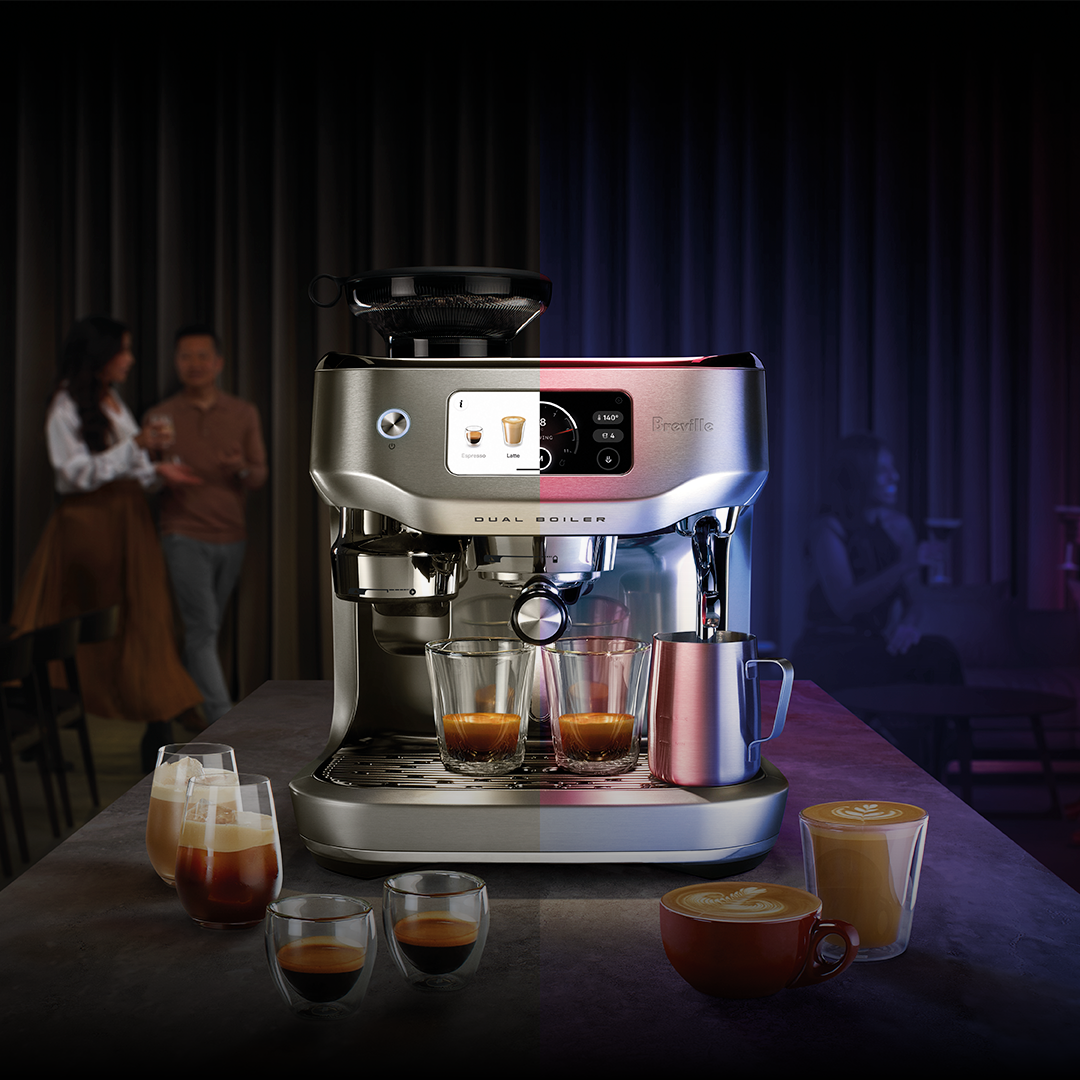
If you own a smart coffee maker, you know how convenient it is to have fresh coffee ready with just a tap. But are you keeping an eye on it the right way?
Monitoring your smart coffee maker can save you from unexpected issues, improve your coffee’s taste, and even extend the life of your machine. You’ll discover simple yet effective tips to track your coffee maker’s performance, avoid common problems, and make every cup better than the last.
Keep reading—you’ll never look at your smart coffee maker the same way again.
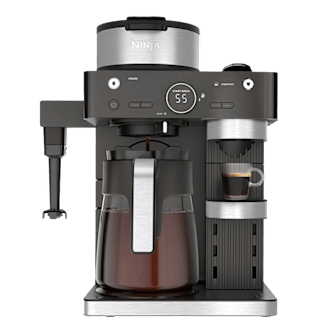
Credit: www.consumerreports.org
Choosing The Right Smart Coffee Maker
Smart coffee makers bring convenience to your morning routine. Picking the right one ensures smooth use at home.
Consider your home setup and what features you need before buying a smart coffee maker.
Compatibility With Home Networks
Check if the coffee maker works with your home Wi-Fi. Most use 2.4 GHz networks, but some also support 5 GHz.
Make sure it connects easily to your smartphone app. This helps control the coffee maker from anywhere.
- Supports your Wi-Fi frequency (2.4 GHz or 5 GHz)
- Works with your smartphone’s operating system (iOS or Android)
- Compatible with smart home devices like Alexa or Google Assistant
- Has a reliable app for easy control
Understanding Key Features
Look for features that fit your coffee habits. Some makers allow scheduling brew times or customizing coffee strength.
Other features include water level sensors, temperature control, and alerts for maintenance or refills.
- Scheduling and auto-brew options
- Customizable coffee strength and size
- Water level and temperature monitoring
- Maintenance alerts and easy cleaning reminders
Setting Up Your Smart Coffee Maker
Setting up a smart coffee maker is simple and quick. You can enjoy fresh coffee with just a few steps.
This guide helps you start using your smart coffee maker the right way. Follow each part to connect and configure it.
Initial Configuration Steps
First, unpack your coffee maker and plug it in. Turn it on to begin setup mode.
Use the coffee maker’s screen or app to select your language and connect to Wi-Fi.
- Power on the device
- Choose your language
- Connect to your Wi-Fi network
- Download the coffee maker’s app
- Register your device in the app
Connecting To Smart Home Systems
Link your coffee maker to smart home systems like Alexa or Google Home. This lets you control it by voice.
Open the smart home app and add the coffee maker as a new device. Follow prompts to complete the connection.
- Open your smart home app
- Search for your coffee maker’s brand
- Allow permissions to control the device
- Test voice commands for brewing coffee
- Set routines or schedules if available
Monitoring Coffee Maker Performance
Smart coffee makers offer more than just brewing coffee. They provide data to help you track performance. Monitoring your device keeps your coffee fresh and the machine working well.
Checking how your coffee maker works helps you catch issues early. It also lets you enjoy better coffee every day.
Using Mobile Apps
Many smart coffee makers connect to mobile apps. These apps show you real-time information about your coffee maker. You can see if the machine is ready or needs cleaning.
Apps allow you to control brewing times and strength from your phone. They send alerts if the water is low or if the machine needs maintenance.
- Start or stop brewing remotely
- Receive cleaning reminders
- Monitor machine temperature
- Adjust coffee strength easily
Tracking Brewing Patterns
Tracking brewing patterns helps you understand your coffee habits. Your smart coffee maker records how often and when you brew coffee.
This data helps you spot problems, like irregular brewing or low water levels. It also helps keep the machine working smoothly by showing usage trends.
- Check daily or weekly brew counts
- Note peak brewing hours
- Identify unusual brewing times
- Plan cleaning based on usage

Credit: www.techradar.com
Ensuring Optimal Functionality
Smart coffee makers need proper care to work well. Monitoring them helps avoid problems and keeps coffee tasty.
Simple checks and updates can make your coffee maker last longer and perform better every day.
Regular Maintenance Practices
Clean your smart coffee maker often to stop buildup. This keeps the machine working smoothly.
Check parts like filters and water tanks. Replace or clean them if needed to avoid faults.
- Descale the machine every few weeks
- Wipe external surfaces regularly
- Clean or replace water filters as directed
- Empty and clean drip trays to prevent mold
Software Updates And Firmware
Keep the coffee maker’s software up to date. Updates fix bugs and add new features.
Check the app or device settings for update alerts. Install updates quickly to avoid errors.
- Connect to Wi-Fi for automatic updates
- Review update notes to know what changes
- Restart the machine after updates finish
- Contact support if updates fail to install
Energy Efficiency Management
Smart coffee makers can save energy if used wisely. Managing energy helps lower electricity bills.
Knowing how your coffee maker uses power helps you control energy waste. Use smart features for better results.
Scheduling Brewing Times
Set your coffee maker to brew only when you need coffee. This avoids running the machine all day.
Use the timer or app to schedule brewing before you wake up or arrive home. This saves energy and time.
- Program brewing for specific hours
- Turn off machine during long breaks
- Use auto-off features after brewing
Power Consumption Insights
Check the power data your coffee maker provides. This shows how much electricity it uses each day.
Look for high power use times and adjust settings to reduce waste. Small changes can save energy.
- Monitor daily and weekly power use
- Compare energy use in different modes
- Adjust settings to lower power demand
Troubleshooting Common Issues
Smart coffee makers can make brewing easier. Sometimes, issues occur that need fixing.
Knowing how to check and fix common problems saves time and keeps coffee flowing.
Connectivity Problems
Smart coffee makers rely on Wi-Fi or Bluetooth to work well. Connection problems can stop remote brewing.
Check if your device is near the router. Restart the coffee maker and your phone or tablet.
- Make sure Wi-Fi is on and signal is strong
- Update the coffee maker’s app and firmware
- Reset network settings on the coffee maker
- Remove and re-add the device in the app
- Avoid using public or guest Wi-Fi networks
Brewing Inconsistencies
Sometimes coffee tastes different or brews too slowly. This means the machine is not working right.
Clean the coffee maker regularly. Use fresh coffee and the right water amount every time.
- Check the water filter and replace if needed
- Clean the brew basket and carafe
- Use the correct grind size for your coffee
- Ensure the machine is on a flat surface
- Run a cleaning cycle with vinegar or machine cleaner
Enhancing User Experience
Smart coffee makers offer convenience and control. Monitoring them helps improve how you use them daily.
Tracking your smart coffee maker’s performance ensures better coffee and fewer issues.
Integrating With Voice Assistants
Connecting your coffee maker to voice assistants makes it easy to control. You can start brewing with simple voice commands.
This integration lets you check the coffee status without touching your phone or machine.
- Use voice commands to start or stop brewing
- Ask about water levels or bean supply
- Set timers or schedules through voice
Customizing Coffee Preferences
Adjust settings to match your taste. Save your favorite coffee strength, temperature, and cup size.
Monitoring these preferences helps the machine make coffee just how you like it every time.
- Set your preferred coffee strength
- Choose exact brewing temperature
- Save custom cup sizes for different drinks
Security And Privacy Considerations
Smart coffee makers connect to the internet and collect data. This raises important security and privacy concerns. Protecting your personal information is key.
Understanding how to secure your smart coffee maker helps keep your data safe. It also prevents unauthorized access to your device.
Protecting Personal Data
Smart coffee makers may store personal details like your preferences and usage times. Keep this data private to avoid misuse.
Always review privacy settings in the coffee maker’s app. Limit what data the device can collect and share.
- Use strong, unique passwords for your device accounts
- Disable unnecessary data sharing options
- Regularly update the device firmware for security patches
- Read the privacy policy to understand data use
Securing Network Connections
Your smart coffee maker connects to your home Wi-Fi. Securing this connection stops hackers from accessing your device.
Use strong encryption and keep your network safe. This helps protect all devices connected to your Wi-Fi.
- Set a strong password for your Wi-Fi network
- Use WPA3 or WPA2 security protocols
- Keep your router’s firmware updated
- Separate smart devices on a guest network if possible

Credit: www.reddit.com
Frequently Asked Questions
How Do I Monitor My Smart Coffee Maker Remotely?
You can monitor your smart coffee maker using its dedicated app. The app lets you start brewing, check water levels, and receive alerts from anywhere.
What Are Key Features To Track In Smart Coffee Makers?
Track water temperature, brewing time, and maintenance alerts. These features ensure consistent coffee quality and timely cleaning reminders.
Can I Set Alerts For My Smart Coffee Maker?
Yes, most smart coffee makers allow alert settings. You can receive notifications for low water, brewing completion, and filter replacement.
How Often Should I Check My Smart Coffee Maker’s Status?
Check your smart coffee maker daily or before use. Regular monitoring helps prevent issues and ensures optimal coffee flavor.
Conclusion
Monitoring your smart coffee maker helps keep your coffee fresh and tasty. Check the device regularly for updates and clean it often. Set alerts to know when water or beans run low. This keeps your machine working well and saves you time.
Enjoy better coffee every day with simple care and attention. Small steps make a big difference in your coffee routine. Stay mindful, and your smart coffee maker will serve you well.