
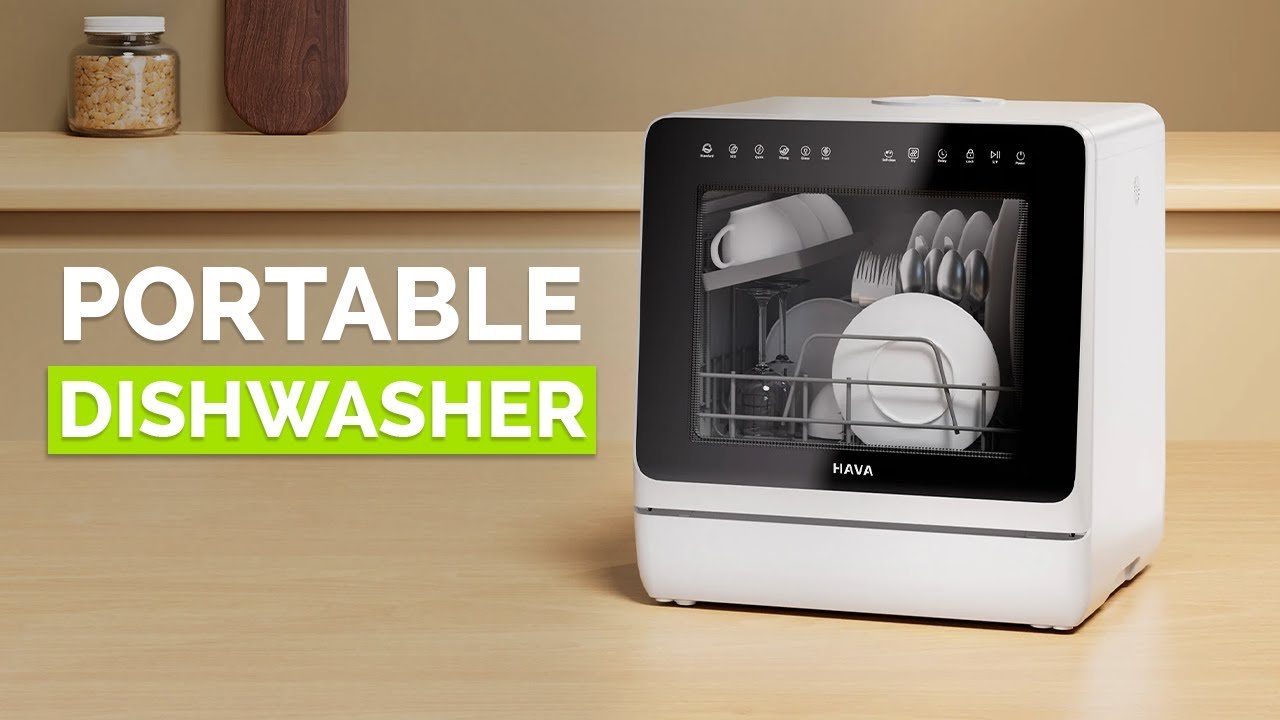
Imagine finishing your meal and simply pressing a button to have your dishes cleaned perfectly without lifting a finger. Setting up a smart dishwasher can make this a reality for you.
It saves you time, effort, and even helps reduce water and energy use. If you want to know exactly how to get your smart dishwasher up and running quickly and easily, keep reading. This guide will walk you through every step, so you can enjoy spotless dishes with less hassle starting today.

Credit: www.jcperreault.com
Choosing The Right Smart Dishwasher
Smart dishwashers make cleaning dishes easier and more efficient. Picking the right one depends on your needs and space.
Look at size, energy use, and smart features before buying. This helps you find a dishwasher that fits your home.
Considerations For Size And Capacity
Measure the space where you will put the dishwasher. Dishwashers come in standard and compact sizes.
Think about how many dishes you wash daily. Larger families need bigger capacity models.
- Standard size fits most kitchens and holds 12-16 place settings
- Compact size saves space but holds fewer dishes
- Adjustable racks help fit different dish sizes
Energy Efficiency Ratings
Check the energy rating to save electricity and water. High ratings mean the dishwasher uses less power.
Look for Energy Star certified dishwashers. They are tested for low energy and water use.
- Energy-efficient models reduce your utility bills
- Use less water, helping the environment
- Often have eco-friendly wash cycles
Smart Features And Connectivity Options
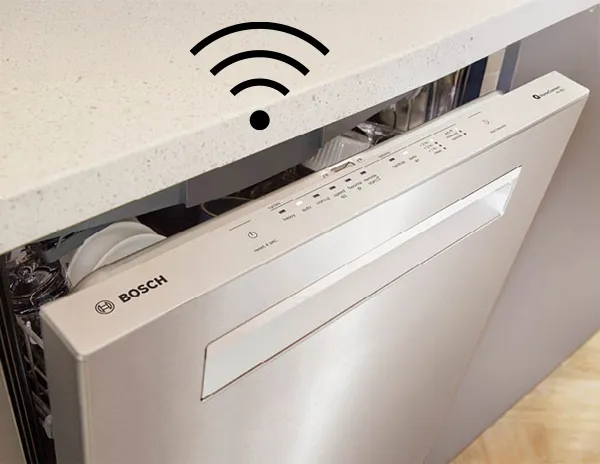
Smart dishwashers connect to Wi-Fi for remote control. You can start or stop cycles from your phone.
Some models send alerts when washing is done. Others suggest the best wash settings for your dishes.
- Remote start and stop via smartphone app
- Status notifications and maintenance alerts
- Voice control with smart home assistants
- Customizable wash cycles based on load type
Preparing For Installation
Setting up a smart dishwasher starts with good preparation. This ensures a smooth and safe installation process.
Knowing what tools to use, checking your plumbing and power, and making sure the space fits will help avoid problems.
Gathering Necessary Tools
Collect all the tools you need before starting. This saves time and keeps the work organized.
- Screwdrivers (flathead and Phillips)
- Adjustable wrench
- Level tool
- Drill with bits
- Measuring tape
- Bucket or towels for water spills
- Wire stripper or cutter
Checking Plumbing And Electrical Requirements
Make sure your home’s plumbing and electrical systems match the dishwasher’s needs. This prevents damage and safety risks.
Look for a water supply line nearby and a grounded electrical outlet. Check if the water pressure fits the dishwasher’s limits.
- Water supply: cold water line with a shutoff valve
- Drain connection near the installation area
- Electrical outlet: 120V, grounded, and within reach
- Check dishwasher manual for exact requirements
Ensuring Proper Space And Clearance
Measure the space where you want to install the dishwasher. It must fit well and allow room for connections.
Check for enough clearance around the dishwasher for ventilation and door opening. This keeps the appliance working well.
- Width, height, and depth match the dishwasher size
- Allow at least 1 inch of clearance on each side
- Enough space in front to open the door fully
- No obstruction to plumbing or electrical access
Installing The Smart Dishwasher
Installing a smart dishwasher needs careful attention. It must connect properly to water, power, and stand level.
This guide helps you set up the dishwasher safely and correctly in your kitchen space.
Securing Water Supply And Drainage
First, connect the dishwasher to the water supply line. Use the correct hose and tighten it well.
Next, attach the drain hose to the sink drain or garbage disposal. Make sure it is secure and not kinked.
- Turn off water before connecting hoses
- Use plumber’s tape on threaded connections
- Check for leaks after turning water on
- Ensure drain hose loops to prevent backflow
Connecting To Power Source
Plug the dishwasher into a grounded outlet. The power source must match the dishwasher’s voltage needs.
If your dishwasher requires hardwiring, hire a licensed electrician. This keeps the installation safe and legal.
- Use a dedicated circuit for the dishwasher
- Check the power cord and plug for damage
- Do not overload the electrical outlet
- Follow local electrical codes and regulations
Leveling And Securing The Unit
Make sure the dishwasher is level. Use a spirit level on the top and sides to check.
Adjust the feet under the dishwasher to make it steady. Secure the dishwasher to the cabinet if needed.
- Level dishwasher front to back and side to side
- Tighten mounting brackets to cabinets
- Check door alignment for smooth opening
- Prevent dishwasher movement during use

Credit: shop.sharpusa.com
Configuring Smart Features
Setting up the smart features on your dishwasher helps you control it easily. You can manage wash cycles and get alerts on your phone.
Follow these steps to connect your dishwasher to Wi-Fi, set up the app, and customize settings.
Connecting To Wi-fi Network
First, connect your dishwasher to your home Wi-Fi. This lets it communicate with your smartphone and other smart devices.
Use the dishwasher’s control panel to find the Wi-Fi settings. Choose your network and enter the password carefully.
- Turn on the dishwasher and open the settings menu
- Select “Wi-Fi” and scan for available networks
- Choose your home network from the list
- Type the Wi-Fi password and confirm
- Wait for the dishwasher to connect successfully
Setting Up Smartphone App
Download the dishwasher’s app from the App Store or Google Play. The app lets you control the dishwasher remotely.
Open the app and create an account if needed. Follow the app’s instructions to link your dishwasher.
- Open the app and sign in or register
- Tap “Add Device” or “Connect Dishwasher”
- Select your dishwasher model from the list
- Follow on-screen steps to complete setup
- Test the connection by sending a command
Customizing Wash Cycles And Alerts
Use the app or dishwasher panel to choose wash cycles that suit your dishes. You can adjust settings for water, temperature, and time.
Set alerts to get notifications when the wash is done or if there is an issue.
- Select a wash cycle like Normal, Heavy, or Quick
- Adjust options such as rinse aid or sanitize mode
- Save your favorite cycle for quick access
- Turn on alerts for cycle completion or errors
- Check notifications on your phone or dishwasher screen
Maintaining Your Smart Dishwasher
Keeping your smart dishwasher clean and updated helps it work well. Regular care stops problems early.
Follow simple steps to maintain and fix common issues. Updating software keeps your machine smart.
Regular Cleaning And Maintenance
Clean the filter and spray arms often. Remove food bits to avoid clogs and bad smells.
Wipe the door edges and seals to stop mold. Use dishwasher-safe cleaning tablets once a month.
- Check and clean the filter weekly
- Clear spray arms from debris
- Wipe door seals and edges
- Run a cleaning cycle monthly
Troubleshooting Common Issues
If your dishwasher does not start, check the power and door latch. Make sure it is properly closed.
For poor cleaning, check spray arms and filter for blockages. Use the correct detergent amount.
- Dishwasher won’t start: check power and door
- Poor cleaning: clean spray arms and filter
- Water won’t drain: clear the drain hose
- Strange noises: inspect for loose parts
Updating Software And Firmware
Keep your smart dishwasher updated to fix bugs and add features. Check for updates regularly.
Use the app or the dishwasher’s control panel to download and install updates safely.
- Check update notifications on the app
- Connect dishwasher to Wi-Fi for updates
- Follow on-screen steps to install updates
- Restart dishwasher after update completes
Maximizing Efficiency And Performance
Setting up a smart dishwasher correctly helps save water and energy. It also cleans dishes better and lasts longer.
Follow simple tips to get the most from your smart dishwasher. This guide covers loading, detergents, and eco modes.
Optimal Loading Techniques
Load dishes so water reaches every surface. Avoid overcrowding to let water flow freely inside the dishwasher.
Place larger items at the sides and back. Put cups and small items on the top rack facing down.
- Do not block spray arms
- Keep items spaced apart
- Face dirty sides toward water jets
- Use the cutlery basket for utensils
Choosing The Right Detergents
Use detergents designed for smart dishwashers. They dissolve well and protect the machine parts.
Powder, gel, and pods work differently. Choose the type that fits your dishwasher and water hardness.
- Powder is cost-effective and flexible
- Gel dissolves quickly for short cycles
- Pods offer convenience and proper dosing
- Avoid too much detergent to prevent residue
Utilizing Eco-friendly Modes
Eco-friendly modes save water and electricity. They use lower temperatures and longer cycles for cleaning.
Choose eco modes for less dirty loads. They help reduce your environmental impact without losing cleaning power.
- Lower water temperature saves energy
- Longer cycle time cleans gently
- Good for everyday dishwashing
- Check dishwasher manual for eco settings
Credit: www.bosch-home.com
Frequently Asked Questions
How Do I Connect A Smart Dishwasher To Wi-fi?
To connect, power on your dishwasher and enable Wi-Fi mode. Use the manufacturer’s app to find your network. Enter your Wi-Fi password. Follow app prompts to complete setup. This allows remote control and monitoring from your smartphone.
What Are The Benefits Of A Smart Dishwasher?
Smart dishwashers offer remote control, energy efficiency, and customized wash cycles. They notify you when cycles finish or need maintenance. These features save time, reduce water and energy use, and improve cleaning performance.
Can I Control A Smart Dishwasher With Voice Commands?
Yes, most smart dishwashers support voice assistants like Alexa or Google Assistant. After linking your dishwasher to the voice app, use commands to start, stop, or check the status. This adds convenience and hands-free operation.
Is Installation Of A Smart Dishwasher Different From Regular Ones?
Installation is similar to regular dishwashers but requires Wi-Fi setup. Connect water, drain, and power lines as usual. Then, use the app to connect the dishwasher to your home network. Follow manufacturer instructions for best results.
Conclusion
Setting up a smart dishwasher makes kitchen chores easier and faster. Follow the steps carefully to connect your device properly. Use the app to control and monitor your dishwasher from anywhere. Regular updates keep your appliance working smoothly and efficiently.
Enjoy clean dishes with less effort each day. Smart dishwashers save time and energy in simple ways. Start your setup today and feel the convenience at home.