
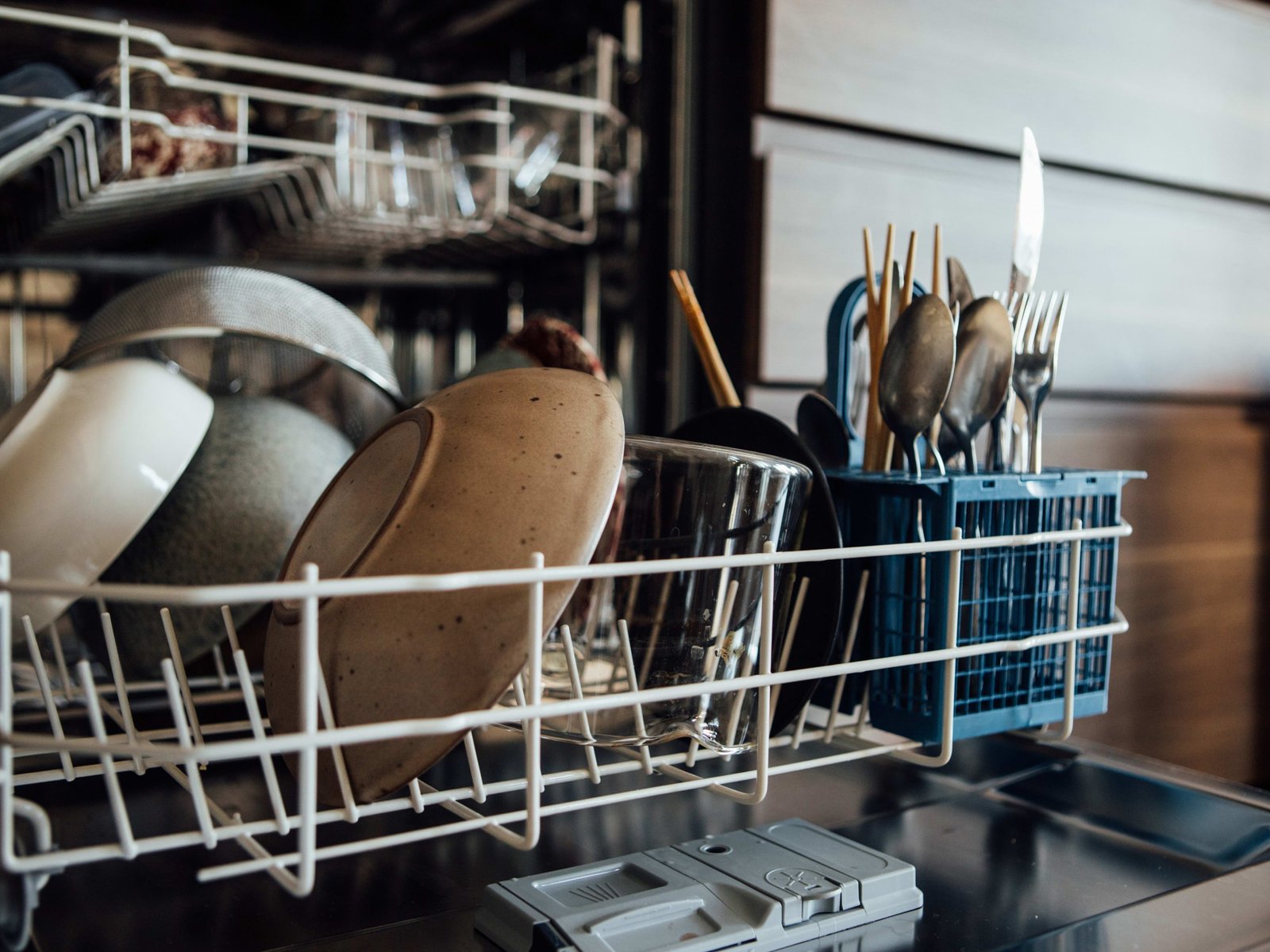
Are you making the most out of your smart dishwasher? These high-tech machines can save you time, water, and energy—but only if you know how to use them right.
Imagine finishing your chores faster and coming back to spotless dishes every single time. You’ll discover simple tips that help your smart dishwasher work smarter, not harder. Keep reading to unlock the full potential of your kitchen’s best helper.

Credit: www.maytag.ca
Choosing The Right Settings
Smart dishwashers have many settings to clean dishes well. Picking the right setting saves time and energy.
Learn how to use program options, adjust temperature, and select energy-saving modes for best results.
Understanding Program Options
Smart dishwashers offer different wash programs for various dish types. Each program uses a specific cycle length and water pressure.
Choose gentle cycles for delicate glassware and heavy cycles for pots and pans. This protects your dishes and cleans them well.
- Normal wash for everyday dishes
- Quick wash for lightly soiled items
- Intensive wash for tough stains and pots
- Eco wash to save water and power
- Rinse only for pre-washing dishes
Adjusting Water Temperature
Water temperature affects how well your dishwasher cleans. Higher temperatures remove grease better but use more energy.
Lower temperatures save energy but may not clean heavy stains. Choose a temperature that fits your dish type and dirt level.
- Hot water (140°F) for heavy grease and stains
- Warm water (120°F) for normal cleaning
- Cold water for delicate dishes and energy saving
Selecting Energy-saving Modes
Energy-saving modes use less water and electricity. These modes may take longer but reduce utility bills.
Use energy-saving modes when dishes are not very dirty. This helps the environment and lowers your costs.
- Eco mode reduces water and power use
- Delay start lets you run dishwasher at off-peak hours
- Half load uses less water for small loads
Credit: www.kitchenaid.com
Loading Techniques
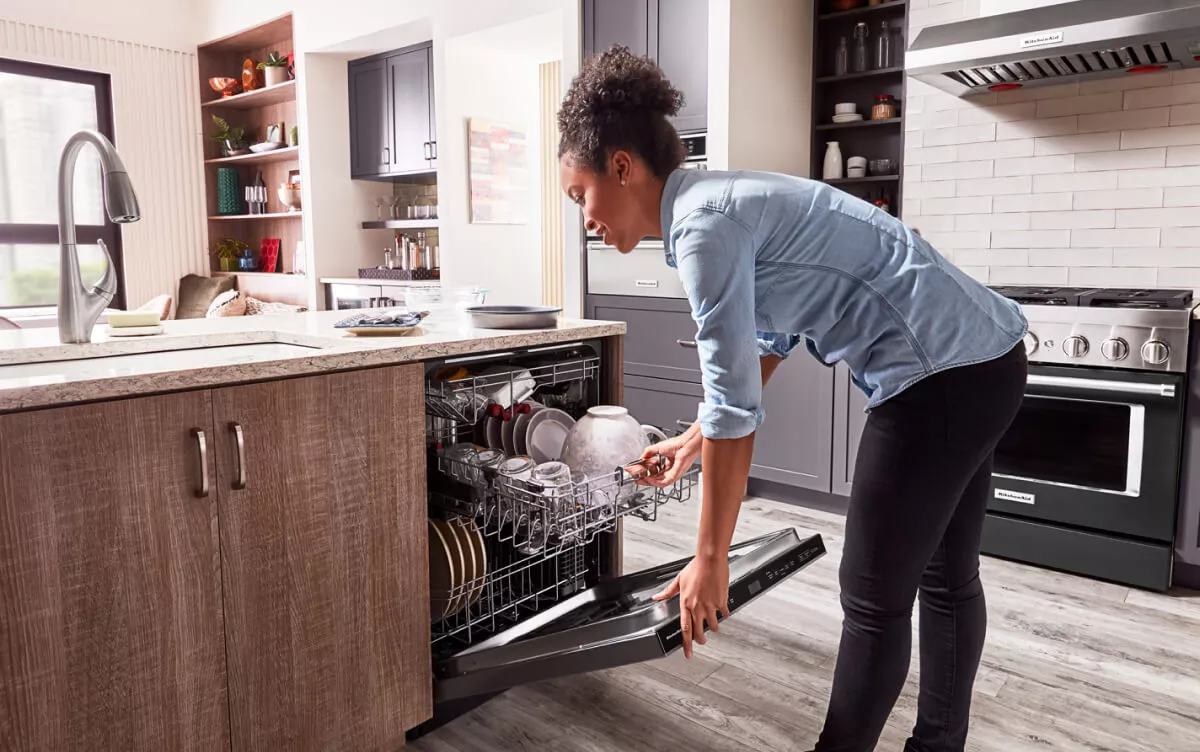
Smart dishwashers make cleaning easier by using sensors and special cycles. To get the best results, loading your dishwasher correctly is important.
Good loading helps dishes get clean and stops damage. Here are some tips to load your smart dishwasher well.
Arranging Dishes For Optimal Cleaning
Place plates and bowls facing the water spray. This helps water reach all dirty spots. Keep large items on the sides or back to avoid blocking spray arms.
Do not nest bowls or cups inside each other. Space them out to allow water and detergent to flow freely.
- Face dishes toward the center spray
- Place large items on sides or back
- Avoid stacking items inside one another
- Leave space between dishes for water flow
Positioning Utensils Correctly
Put forks, spoons, and knives in the utensil basket with handles down. This exposes the dirty parts to water. Sharp knives should go handle up for safety.
Mix up different utensils to stop them from nesting. This keeps water and detergent reaching all surfaces.
- Place utensils with handles down
- Sharp knives go handle up
- Mix different utensils to avoid nesting
- Spread utensils evenly in the basket
Avoiding Overloading The Dishwasher
Do not fill the dishwasher beyond its capacity. Overloading blocks water flow and reduces cleaning power. Dishes may come out dirty or damaged.
Leave enough space between items for water to reach all surfaces. Follow your dishwasher’s guidelines for load size.
- Load only as many dishes as recommended
- Space items to allow water flow
- Avoid stacking dishes tightly
- Check spray arms can move freely
Maintenance And Care
Smart dishwashers make cleaning dishes easier and save time. To keep them working well, regular maintenance is important.
Proper care helps avoid problems and extends the life of your dishwasher. Follow these simple tips to maintain your smart dishwasher.
Regular Cleaning Of Filters
Filters catch food particles and prevent them from clogging the dishwasher. Clean filters often to keep water flowing smoothly.
Remove the filter and rinse it under running water. Use a soft brush to remove stuck debris. Do this every few weeks.
- Turn off the dishwasher before cleaning filters
- Remove the filter from the bottom of the dishwasher
- Rinse with warm water and brush gently
- Replace the filter securely before using the dishwasher again
Inspecting Spray Arms
Spray arms spray water to clean dishes. They can get blocked by food or hard water deposits. Check spray arms regularly.
Remove the spray arms and look for clogs in the holes. Use a toothpick or small brush to clear any blockages. Rinse before putting them back.
- Take off spray arms carefully
- Check all holes for dirt or mineral buildup
- Clear blockages with a toothpick or brush
- Rinse and reinstall the spray arms properly
Utilizing Dishwasher Cleaner Solutions
Dishwasher cleaner solutions remove grease, limescale, and odors. Use these products once a month to keep your dishwasher fresh.
Follow the instructions on the cleaner package. Run an empty cycle with the cleaner inside the dishwasher for best results.
- Choose a dishwasher cleaner made for your model
- Use the cleaner monthly to prevent buildup
- Run an empty wash cycle with the cleaner
- Wipe the door seals and edges after cleaning
Utilizing Smart Features
Smart dishwashers have features that make washing dishes easier. Using these features helps save time and energy.
Learning how to use smart functions can improve your dishwasher’s performance. It also gives you more control over the cleaning process.
Setting Up Wi-fi Connectivity
Connect your dishwasher to your home Wi-Fi to access smart controls. This connection lets you operate the dishwasher from anywhere.
Make sure your Wi-Fi signal is strong near the dishwasher. Follow the manual to enter your network name and password correctly.
- Check your router settings for device limits
- Use the dishwasher’s display to start setup mode
- Confirm connection through the dishwasher’s app
Using Remote Control Functions
You can start, stop, or pause your dishwasher using a phone app. This feature is helpful if you leave the house before the cycle ends.
Remote control lets you choose wash cycles and options from your phone. It saves you from walking to the dishwasher every time.
- Start or stop wash cycles remotely
- Select different cleaning modes
- Receive alerts when the cycle is done
Monitoring Efficiency Via Apps
Smart dishwasher apps show how much water and energy you use. You can track this data to save resources and lower bills.
The app may also suggest the best wash settings for your load. It helps you avoid wasting power and water on small loads.
- Check water and energy use for each cycle
- Get tips to reduce consumption
- Schedule cycles for off-peak energy times
Troubleshooting Common Issues
Smart dishwashers make cleaning easier but can have common issues. Knowing how to fix these problems saves time and stress.
This guide covers how to solve error codes, water drainage problems, and incomplete cycles.
Addressing Error Codes
Smart dishwashers show error codes to signal problems. Each code means a specific issue needs attention.
Check your dishwasher’s manual to understand the code. Common codes include water supply errors or door problems.
- Note the error code displayed
- Look up the code in the manual
- Follow suggested steps to fix the issue
- Reset the dishwasher after repairs
- Contact support if the error persists
Handling Water Drainage Problems
Water may not drain properly due to clogs or pump issues. This stops the dishwasher from working well.
Check the drain hose and filter for blockages. Clean them regularly to avoid drainage problems.
- Remove and clean the filter
- Check the drain hose for kinks or clogs
- Clear any food debris from the drain area
- Run a rinse cycle to test drainage
- Call a technician if water still does not drain
Dealing With Incomplete Cycles
Sometimes a dishwasher stops before finishing the cycle. This can leave dishes dirty or wet.
Power issues or sensor errors often cause this. Ensure the dishwasher door is fully closed and locked.
- Check the power supply to the dishwasher
- Make sure the door is properly closed
- Inspect sensors and clean them if dirty
- Try restarting the cycle
- Consult a professional if cycles stop repeatedly

Credit: www.youtube.com
Eco-friendly Practices
Smart dishwashers help save water and energy. Using them in eco-friendly ways can protect the planet.
These tips show how to use your dishwasher without wasting resources or harming nature.
Using Biodegradable Detergents
Biodegradable detergents break down naturally in the environment. They do not leave harmful chemicals behind.
Choose detergents labeled as biodegradable to reduce pollution and protect water quality.
- Look for phosphate-free products
- Avoid detergents with artificial fragrances
- Check for eco-friendly certifications
Running Full Loads Only
Run your dishwasher only when it is full. This saves water, energy, and detergent.
Small loads waste resources and increase your utility bills. Wait until you have enough dishes.
- Plan meals to collect more dishes
- Use dishwasher racks efficiently
- Scrape food scraps instead of rinsing
Recycling Dishwasher Parts
Old dishwasher parts can be recycled or reused. This reduces waste in landfills.
Check local recycling centers for metal and plastic parts. Some parts can be donated or sold.
- Remove metal racks and trays for scrap recycling
- Recycle plastic components if accepted
- Donate working parts to repair shops
Frequently Asked Questions
How Do I Optimize Detergent Use In Smart Dishwashers?
Use the recommended detergent type and amount for your model. Too much detergent causes residue, too little affects cleaning. Smart dishwashers often detect soil levels and adjust detergent use accordingly.
Can I Use Smart Dishwashers For Delicate Items?
Yes, smart dishwashers have special cycles for delicate glassware and china. Select the gentle or glassware mode to protect fragile items from damage.
How Do Smart Dishwashers Save Water And Energy?
Smart dishwashers use sensors to adjust water and energy based on load size and soil level. This reduces waste and lowers utility bills without compromising cleaning performance.
What Maintenance Is Required For Smart Dishwashers?
Regularly clean filters, spray arms, and door seals. Run a cleaning cycle monthly to prevent buildup. Follow manufacturer instructions for optimal maintenance.
Conclusion
Smart dishwashers save time and water every day. Use the right settings for each load. Clean the filters regularly to keep them working well. Place dishes properly for the best cleaning results. Check the detergent type to avoid damage. Enjoy quieter, more efficient dishwashing with simple care.
Small steps make a big difference in performance. Smart dishwashers make kitchen chores easier and faster. Try these tips to get the most from your appliance.